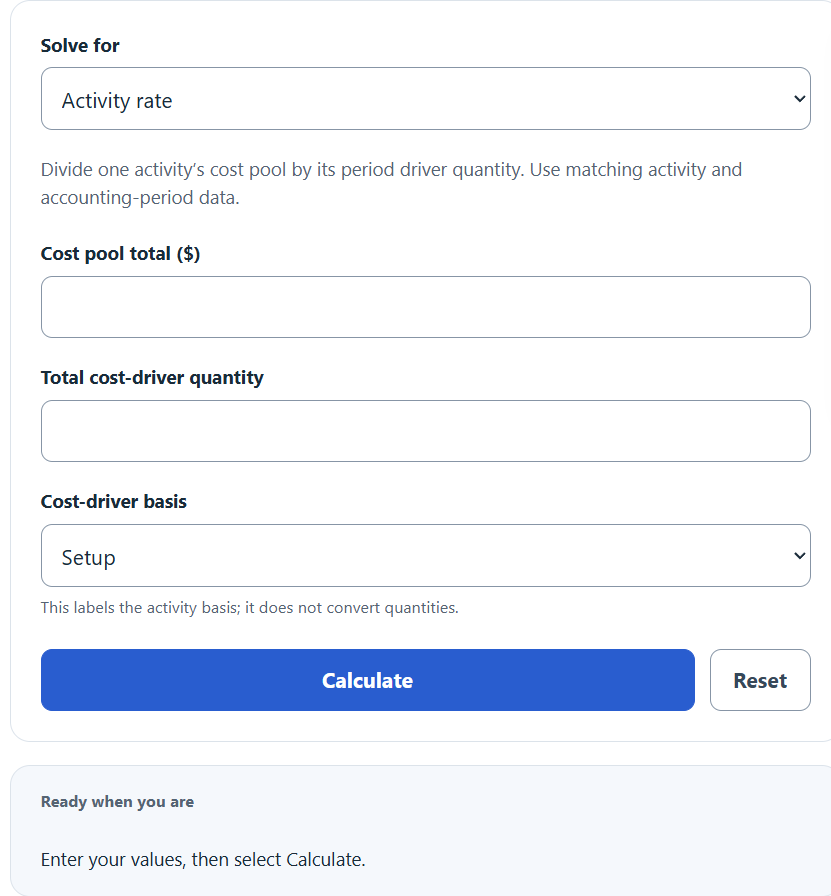
Choose Activity rate, Allocated overhead, or Total cost pool in Solve for, then enter the displayed values using a consistent driver and accounting period.
Related Calculators
- Fully Burdened Labor Rate Calculator
- Absorption Cost Calculator
- Cost Per Session Calculator
- Cost Per Hundred Calculator
- All Business Calculators
Activity Rate Formula
For Allocated overhead:
- Cost Pool Total – the overhead dollars assigned to one activity (setup, inspection, machining, etc.).
- Total Cost Driver Quantity – the total volume of the driver expected for the period (setups, machine hours, orders).
- Activity Rate – overhead cost per single driver unit.
- Driver Units Used – the driver quantity consumed by a specific product, job, or batch.
The formula assumes the cost pool is homogeneous (all costs in it move with the same driver) and that the driver quantity reflects budgeted or actual activity for the same period as the pool. If a pool mixes unrelated costs, split it before computing the rate.
Reference Tables
Common activity pools and the drivers normally paired with them:
| Activity Pool | Typical Cost Driver | Rate Unit |
|---|---|---|
| Machine setup | Number of setups | $/setup |
| Machining | Machine hours | $/MH |
| Order processing | Number of orders | $/order |
| Quality inspection | Number of inspections | $/inspection |
| Assembly | Direct labor hours | $/DLH |
| Shipping | Number of shipments | $/shipment |
Quick worked sample so you can sanity-check the calculator output:
| Cost Pool | Driver Quantity | Activity Rate |
|---|---|---|
| $50,000 | 200 setups | $250.00 / setup |
| $120,000 | 4,000 MH | $30.00 / MH |
| $18,750 | 1,500 orders | $12.50 / order |
| $72,000 | 600 inspections | $120.00 / inspection |
Example and FAQ
Example. A plant budgets $50,000 for the setup activity pool and expects 200 setups. The activity rate is $50,000 / 200 = $250 per setup. If Job A requires 35 setups, allocated overhead is $250 × 35 = $8,750.
Activity rate vs. predetermined overhead rate. The predetermined overhead rate uses one plant-wide driver. Activity rates use a separate driver for each pool, which gives more accurate product costs when products consume overhead unevenly.
Should you use budgeted or actual figures? Use budgeted amounts when you need rates at the start of the period for pricing and bidding. Use actual amounts at period end when reconciling applied overhead to actual cost.
What if the rate looks too high or too low? Check that the pool only contains costs driven by the chosen driver. A sky-high inspection rate often means non-inspection costs leaked into the pool.
Can the cost pool be zero? Yes. The calculator returns $0 per unit. The driver quantity must be greater than zero or the rate is undefined.