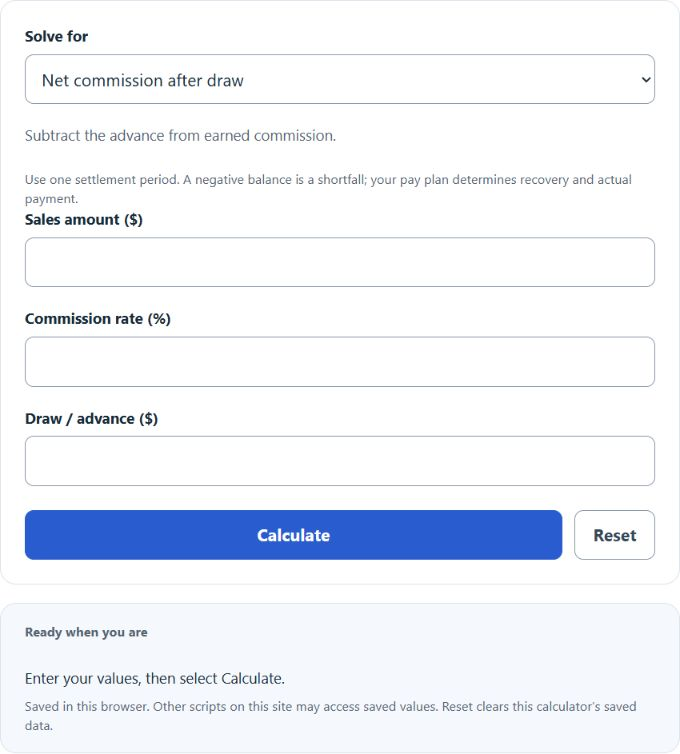
Calculate sales amount, commission rate, draw, or net commission after draw by selecting a solve mode and entering the three known values.
Related Calculators
- Reverse Commission Calculator
- Percentage of Revenue Calculator
- Average Ticket Value Calculator
- Net Distribution Calculator
- All Business Calculators
Draw Commission Formula
The basic draw commission formula calculates the commission left after subtracting a draw or advance applied against those commissions from earned commission.
- DC = net commission after draw
- S = sales amount
- R = commission rate as a percent
- D = draw or advance amount
Select the value to solve for; the calculator rearranges the same formula:
The calculator has four solve modes: net commission after draw, sales amount, commission rate, and draw amount. Select the desired value and enter the other three. A zero rate cannot determine sales, and zero sales cannot determine a rate.
Common Draw Commission Results
These examples show the arithmetic balance after subtracting a draw from earned commission. Actual payment and recovery depend on the compensation plan.
| Sales Amount | Commission Rate | Earned Commission | Draw | Net Commission After Draw |
|---|---|---|---|---|
| $20,000 | 5% | $1,000 | $500 | $500 |
| $50,000 | 8% | $4,000 | $2,000 | $2,000 |
| $75,000 | 6% | $4,500 | $5,000 | -$500 |
How to Interpret a Draw Commission Result
| Result | Meaning |
|---|---|
| Positive net commission | Earned commission is greater than the draw. The positive balance represents additional commission in this simple model; payment depends on the compensation plan. |
| Zero net commission | Earned commission exactly equals the draw. There is no additional commission after the draw. |
| Negative net commission | The draw is greater than earned commission. Depending on the compensation plan, the shortfall may carry forward or may not be recoverable. |
Example Draw Commission Calculations
Example 1: Calculate net commission after draw
You have $40,000 in sales, a 7% commission rate, and a $1,500 draw.
The net commission after draw is $1,300.
Example 2: Calculate the sales amount needed
You want $2,000 in net commission after a $1,000 draw, and the commission rate is 5%.
The required sales amount is $60,000.
Draw Commission Calculator FAQ
What is a draw in commission pay?
A draw is an advance against future commissions. It gives you a set payment before the final commission amount is known. When commissions are calculated, the draw is subtracted from the earned commission to find the remaining commission due.
Can net commission after draw be negative?
Yes. A negative result means the draw is larger than the earned commission. For example, if earned commission is $1,200 and the draw is $1,500, the net commission after draw is -$300. Your pay plan determines whether that amount carries forward or is forgiven.
Is the commission rate entered as a percent or decimal?
Enter the commission rate as a percent. For example, enter 5 for 5%, not 0.05. The formula divides the rate by 100 during the calculation.