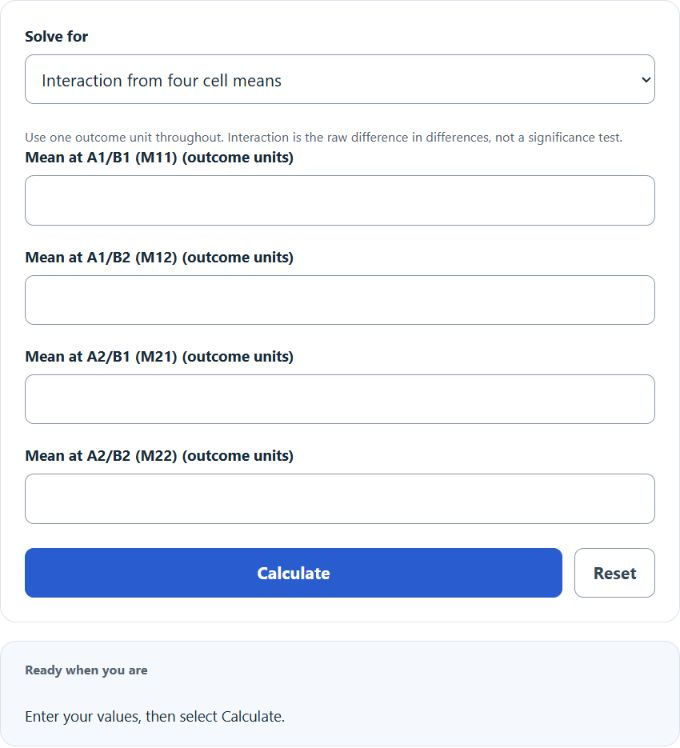
Calculate the interaction effect in a 2×2 design and solve for any missing cell mean or additive predicted mean from the other values.
Interaction Effect Formula
An interaction effect in a 2×2 factorial design measures whether the combined effect of two factors is different from the value you would expect if the factors simply added together. In practical terms, it answers this question: does the effect of factor A change depending on the level of factor B? That is why interaction is often described as a difference in differences.
The first equation finds the A2/B2 value you would predict under pure additivity. The second compares that prediction to the observed A2/B2 mean. The last equation shows the same interaction as the change in the effect of A across the two levels of B.
What Each Value Means
| Term | Description | Interpretation |
|---|---|---|
M11 |
Mean outcome when factor A is at level 1 and factor B is at level 1 | Baseline cell |
M12 |
Mean outcome when factor A is at level 1 and factor B is at level 2 | Shows the effect of changing B while A stays at level 1 |
M21 |
Mean outcome when factor A is at level 2 and factor B is at level 1 | Shows the effect of changing A while B stays at level 1 |
M22 |
Mean outcome when factor A is at level 2 and factor B is at level 2 | Observed combined condition |
Ŷ22 / M̂22 |
Additive prediction for the A2/B2 cell if no interaction exists | Expected combined result under additivity on the outcome scale |
IE |
Interaction effect | The amount by which the observed combined result differs from the additive prediction |
How to Calculate the Interaction Effect
- Record the four cell means from the 2×2 design.
- Use the three known corner cells to calculate the additive prediction for the A2/B2 cell.
- Subtract the predicted A2/B2 value from the observed A2/B2 value.
- Interpret the sign and magnitude of the result in the original units of the outcome.
This calculator summarizes departure from additivity in the entered cell means. It does not establish statistical significance, causality or independence.
How to Interpret the Result
| Interaction Effect | Meaning | Practical Reading |
|---|---|---|
| Positive | The observed A2/B2 mean is higher than the additive prediction | The sign depends on the chosen factor-level order and outcome scale |
| Negative | The observed A2/B2 mean is lower than the additive prediction | The sign depends on the chosen factor-level order and outcome scale |
| Zero | The observed A2/B2 mean matches the additive prediction | The entered means match additivity; this does not prove absence of a population interaction |
The magnitude of the interaction is reported in the same units as the dependent variable. If your outcome is dollars, points, seconds, or percentage points, the interaction effect is expressed in those same units.
Example Calculation
Suppose the cell means are:
M11 = 50M12 = 60M21 = 70M22 = 90
First compute the additive prediction for the A2/B2 cell:
Then compare the observed mean to that prediction:
An interaction effect of 10 means the combined A2/B2 condition is 10 units higher than would be expected from simple additivity alone. The positive sign uses the stated factor-level order; it does not by itself establish a causal amplification.
Quick Visual Intuition
- If the effect of A is the same at both levels of B, the interaction is zero.
- If the effect of A changes when B changes, an interaction exists.
- On an interaction plot, roughly parallel lines suggest little or no interaction.
- Non-parallel lines suggest an interaction, with steeper divergence indicating a larger effect.
Common Mistakes
- Using raw totals instead of cell means.
- Mixing percentages and percentage points as if they were the same unit.
- Confusing a large main effect with a large interaction effect.
- Ignoring the sign of the interaction; direction matters, not just size.
- Entering values from something other than a true 2×2 design.
When This Calculator Is Most Useful
- Factorial experiments with two conditions for each factor.
- A/B testing where results are segmented by a second variable.
- Behavioral, medical, educational, or business data where one effect may depend on another.
- Quick checks before running a more formal ANOVA or regression analysis.
This calculator gives the raw interaction in cell-mean units. If you also need to know whether the interaction is statistically significant, you would normally pair this value with a formal model such as a two-way ANOVA or a regression that includes an interaction term.