Calculate optical zoom ratio, missing focal length, or 35mm-equivalent view from lens focal lengths and camera crop factor in millimeters.
Related Calculators
- Scale Multiplier Calculator
- mm to Degree Calculator
- Resolution To Inches Calculator
- Flag Ratio Calculator
- All Unit Converters
Zoom-Ratio ↔ Focal-Length Formula
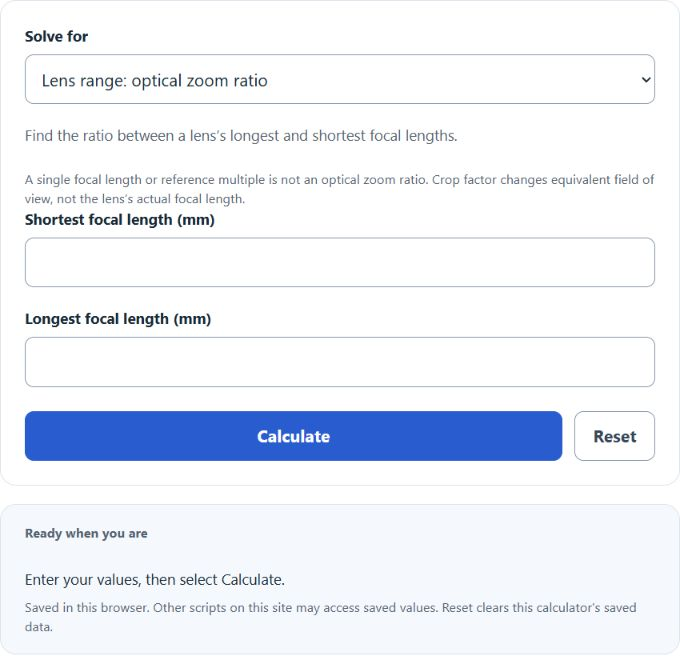
Choose a task from the calculator’s mode selector. Lens range and Advertised zoom use the focal-range formulas below. Single focal length compares equivalent view with an adjustable full-frame reference, defaulting to 50 mm. Focal length from a reference multiple reverses that comparison: F = M × reference ÷ C.
Lens range (zoom ratio from two focal lengths):
Advertised zoom (solve for the missing end):
Single focal length (35mm-equivalent and view magnification):
- Z = optical zoom ratio (unitless, written as a number followed by ×)
- F_wide = shortest focal length of the lens, in mm
- F_tele = longest focal length of the lens, in mm
- F = focal length of a single lens, in mm
- C = sensor crop factor relative to full-frame 35 mm
- F_eq = 35mm-equivalent focal length, in mm
- M = view magnification compared with a 50 mm normal lens on full-frame
The Lens range mode divides the long end by the short end to give the zoom ratio. The Advertised zoom mode does the reverse: you give one end and the ratio, and it returns the other end. The Single focal length mode cannot give a zoom ratio, since one focal length is a single number; instead it converts to a 35mm-equivalent and compares the view to a 50 mm normal lens.
Reference Tables
Use these to sanity-check the numbers the calculator returns.
| Lens range (mm) | Zoom ratio | Typical use |
|---|---|---|
| 16–35 | 2.2× | Wide-angle zoom |
| 24–70 | 2.9× | Standard zoom |
| 18–55 | 3.1× | Kit zoom (APS-C) |
| 70–200 | 2.9× | Telephoto zoom |
| 100–400 | 4.0× | Wildlife/sports |
| 18–200 | 11.1× | Travel superzoom |
| 24–600 (bridge) | 25× | Bridge superzoom |
| Sensor | Crop factor | 50 mm equivalent view |
|---|---|---|
| Full frame / 35 mm | 1.0× | 50 mm |
| APS-C (Nikon, Sony, Fuji) | 1.5× | 75 mm |
| APS-C (Canon) | 1.6× | 80 mm |
| Micro Four Thirds | 2.0× | 100 mm |
| 1-inch type | 2.7× | 135 mm |
| Illustrative sensor (not all phones) | ~5.6× | ~280 mm |
Worked Examples and FAQ
Example 1. A lens reads 24–105 mm. Zoom ratio = 105 ÷ 24 = 4.375×. The calculator rounds this to 4.375× in Lens range mode.
Example 2. A bridge camera advertises 30× zoom and starts at 24 mm. Tele end = 24 × 30 = 720 mm. Use Advertised zoom mode, set the known end to wide, enter 24 mm and 30.
Does a higher zoom ratio mean a more powerful lens? No. The ratio only describes the spread between the short and long end. A 70–210 mm lens (3×) reaches much farther than an 18–55 mm lens (about 3.1×).
Why does Single focal length mode not give a zoom ratio? A zoom ratio needs two focal lengths. A single setting can belong to a prime lens or a zoom lens. This mode instead shows the 35mm-equivalent and how that view compares with a 50 mm normal lens.
Is digital zoom included? No. The lens-range formulas describe optical zoom. Crop-factor and reference comparisons describe equivalent field of view. Digital zoom and camera-specific computational crops are excluded.
How do I compare a phone lens to a camera lens? Use Single focal length mode and enter the camera’s actual crop factor. Use an actual lens focal length, not an already equivalent specification. The 35mm-equivalent value is the fair number for comparison across cameras.