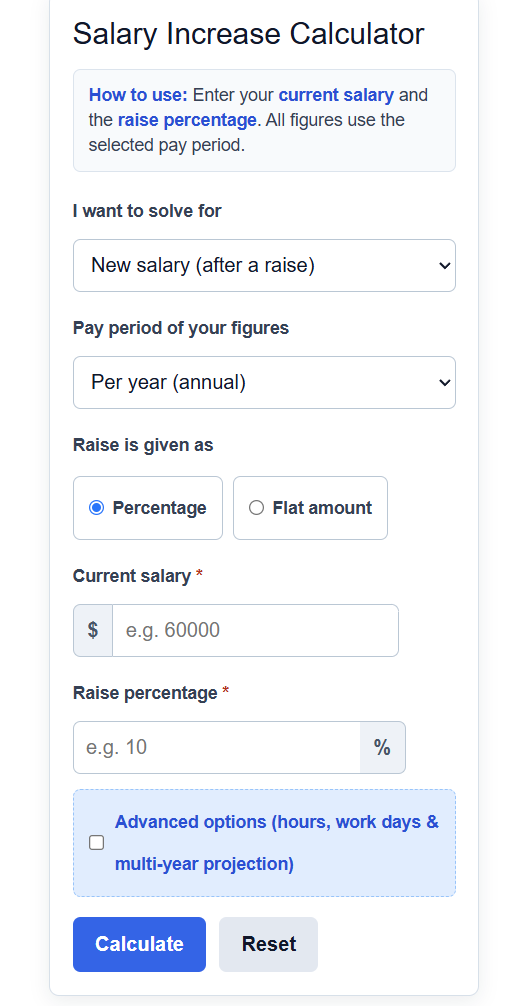
Calculate your salary increase, your new pay after a raise, the raise percentage, and the result across every pay period.
Salary Increase Formula
The calculator uses a different formula depending on what you choose to solve for.
To find your new salary after a percentage raise:
New Salary = Old Salary * (1 + P / 100)
To find your new salary after a flat dollar raise:
New Salary = Old Salary + A
To find the raise percentage from old and new salaries:
P = (New Salary - Old Salary) / Old Salary * 100
To find the original salary before a known percentage raise:
Old Salary = New Salary / (1 + P / 100)
To project a salary forward when the same percentage repeats each year:
Future Salary = Old Salary * (1 + P / 100)^Y
- New Salary is your pay after the raise is applied.
- Old Salary is your pay before the raise.
- P is the raise expressed as a percentage.
- A is the raise expressed as a flat dollar amount.
- Y is the number of years the percentage is repeated.
The "solve for new salary" mode applies your raise to the current figure, either as a percentage or as a flat amount. The "solve for raise percentage" mode compares an old and new figure and returns the percent change between them. The "solve for original salary" mode works backward from a new figure and a known percentage to recover what you started with. Each result is also converted across pay periods, so an annual figure is shown per month, per two weeks, per week, per day, and per hour using your hours and days worked. The multi-year projection compounds the same percentage over the number of years you enter.
Typical Annual Raise Ranges
Use these figures to judge whether a raise offer is below, at, or above what is common. Actual numbers vary by employer, role, and location.
| Type of raise | Common range |
|---|---|
| Standard cost-of-living adjustment | 1% to 3% |
| Average annual merit raise | 3% to 5% |
| Strong performance or promotion | 5% to 10% |
| Job change to a new employer | 10% to 20%+ |
This table shows how the same raise looks at different pay periods, based on a $60,000 starting salary, 40 hours per week, and 52 weeks per year.
| Pay period | Before (3% raise) | After (3% raise) |
|---|---|---|
| Annual | $60,000.00 | $61,800.00 |
| Monthly | $5,000.00 | $5,150.00 |
| Weekly | $1,153.85 | $1,188.46 |
| Hourly | $28.85 | $29.71 |
Example Problems
Example 1: Finding your new salary. You earn $52,000 per year and are offered a 4% raise. Multiply the old salary by 1 plus the percentage as a decimal: 52,000 * (1 + 4 / 100) = 52,000 * 1.04 = $54,080. Your raise is worth $2,080 per year, or about $173.33 per month before taxes.
Example 2: Finding the raise percentage. Your salary went from $48,000 to $50,400. Subtract the old figure from the new figure, divide by the old figure, then multiply by 100: (50,400 - 48,000) / 48,000 * 100 = 2,400 / 48,000 * 100 = 5%. The increase was a 5% raise.
Frequently Asked Questions
How do I calculate a percentage raise on my salary? Divide the dollar increase by your old salary and multiply by 100. If your pay rose by $3,000 on a $60,000 salary, that is 3,000 / 60,000 * 100, which equals a 5% raise. To go the other way and find the dollar value of a known percentage, multiply your old salary by the percentage written as a decimal.
Is the raise figure before or after taxes? The amounts shown are gross figures, meaning before taxes and deductions. Your take-home increase will be smaller because part of the raise is withheld for income tax, payroll taxes, and any benefits you pay into. A larger raise can also move part of your income into a higher tax bracket, though only the portion above the bracket threshold is taxed at the higher rate.
What counts as a good annual raise? A typical merit raise falls between 3% and 5%, which roughly keeps pace with or slightly beats normal inflation. Raises of 5% to 10% usually reflect strong performance or a promotion, while the largest jumps often come from changing employers. Compare any offer against the ranges in the table above and against the current rate of inflation to judge whether your buying power is actually rising.