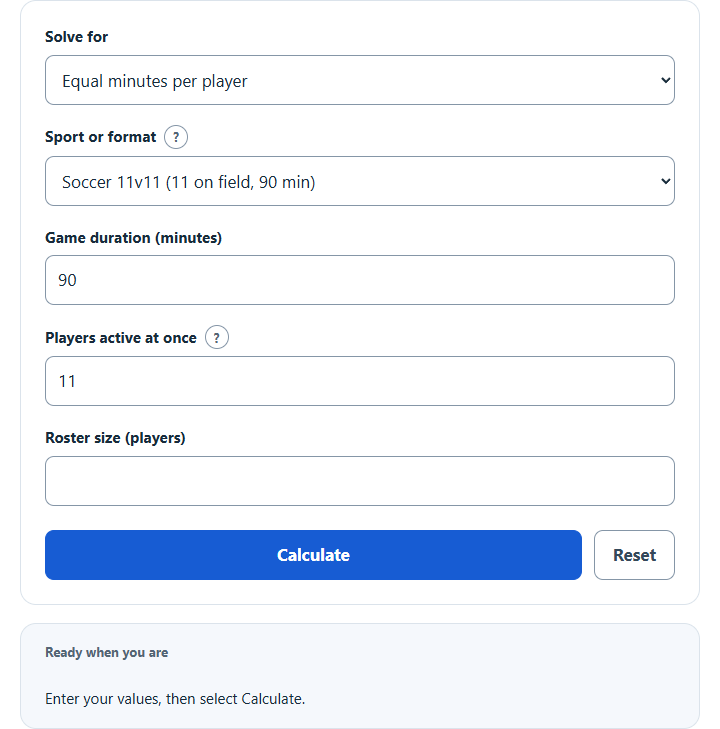
Calculate equal playing time per player from game length, players on the field and roster size, with soccer, basketball and hockey presets.
Playing Time Formula and Method
40 × 5 ÷ 10 = 20 minutes/player
Multiply game duration by the number of simultaneous active players to find the total player-minutes available. Divide those minutes among the roster for an equal allocation. A ten-player roster sharing five positions over forty minutes receives twenty minutes per player.
How to Use This Calculator
Pick a sport or format to fill a typical game length and players on the field (or choose Custom), then enter your roster size. The selected unknown is calculated from the remaining quantities; change Solve for to rearrange the relationship. Review the primary result and its breakdown, then open the calculation steps to see how the inputs were used.
Worked Example
With the example inputs in the table, the result is 20 minutes. The total player-minutes are shared equally among the roster.
Input and Example Guide
| Input or category | Example or weight | Entry guidance |
|---|---|---|
| Game duration (minutes) | 40 | Use the stated unit; retain available precision. |
| Roster size (players) | 10 | Use a whole count in the stated unit. |
| Players active at once (players) | 5 | Use a whole count in the stated unit. |
Interpreting the Result
The roster cannot be smaller than the active group, and equal minutes cannot exceed the game’s length. When solving for roster size, the answer is rounded down to the largest roster that still gives every player the target minutes. This calculation measures total allocation rather than producing substitution times or assigning positions.
Equal totals do not guarantee practical substitutions. Use a rotation schedule to account for locked players, positions and stoppages.
Assumptions and Common Input Errors
The total player-minutes are shared equally among the roster. Use credited records rather than mixing estimates with final totals. A blank field is not treated as zero; enter zero explicitly when it is a valid observation.
Saving and Revising a Scenario
A successful calculation is saved in this browser and can be restored on the next visit. Editing an input marks the old result as a previous result until you calculate again. Reset clears the inputs and the saved result.