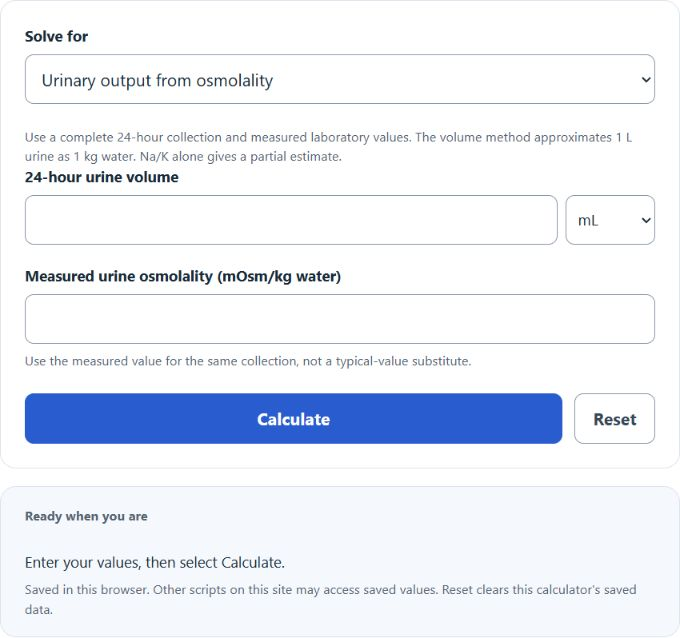
Estimate urinary daily osmole output from complete 24-hour urine volume and measured osmolality, or calculate only the Na/K-associated partial contribution from daily sodium and potassium amounts.
Medical disclaimer: Educational use only; not medical advice. Do not use this calculator to diagnose, treat, or make urgent/critical-care decisions. If you have severe symptoms (e.g., confusion, fainting, severe dehydration, or markedly reduced urination), seek urgent medical care.
Related Calculators
- Insensible Water Loss Calculator
- Total Body Water Calculator
- Water Loss Calculator
- mEq Calculator
- All Health and Medical Calculators
Total Daily Osmolar Output Formula
Total daily osmolar output estimates the total amount of osmotically active solute excreted over a 24-hour period. The volume method estimates urinary excretion only, using measured osmolality and a volume-to-water-mass approximation. The Na/K method gives only a partial electrolyte-associated estimate, excluding urea and other solutes.
- TDO = total daily osmolar output
- UV = 24-hour urine volume
- UO = measured urine osmolality in mOsm/kg water; the calculation approximates 1 L urine as 1 kg water
- Na/K partial estimate = 2 × (24-hour sodium + potassium amounts in mmol/day); this excludes other osmoles
| Variable | Meaning | Typical Unit | Important Note |
|---|---|---|---|
| TDO | Total solute output over the day | mOsm/day | The volume result estimates urinary daily osmole excretion; the Na/K result is only a partial contribution. |
| UV | Total urine volume collected in 24 hours | L/day or mL/day | If you enter mL, the calculator converts it appropriately. |
| UO | Concentration of solutes in the urine | mOsm/kg water | Use measured urine osmolality. Multiplying by L/day uses the approximate 1 kg-water-per-L assumption, not an exact dimensional identity. |
Supported Methods
Choose the urine-volume/osmolality method for an estimated urinary total. Choose the Na/K method only for a partial contribution; 2 × (Na + K) does not include urea, glucose, ammonium or other osmoles. No other-loss or reverse-solve controls are provided.
How to Calculate Total Daily Osmolar Output
- Measure the total urine volume produced over 24 hours.
- Obtain measured urine osmolality in mOsm/kg water for the same collection.
- Confirm the urine volume represents the complete 24-hour collection.
- Convert volume to L/day and multiply by measured osmolality, using the stated water-mass approximation.
- Read the estimated urinary output; non-urinary losses are not included.
The urinary portion alone is:
Non-urinary losses are outside this calculator:
Example
Suppose the 24-hour urine volume is 2 L and measured urine osmolality is 600 mOsm/kg water. With the approximate 1 kg-water-per-L assumption:
The estimated urinary daily osmole output is 1200 mOsm/day. This number alone does not diagnose a disorder.
How to Interpret the Result
- Higher TDO means more solute is being excreted during the day.
- Lower TDO means the total daily solute load is smaller.
- A higher result can come from more urine volume, higher urine osmolality, or a combination of both.
- A lower result can reflect a smaller daily solute load, more dilute urine, or less urine output for the collection.
Because the formula combines both volume and concentration, the same total osmolar output can occur through different patterns. For example, one person may produce a moderate volume of highly concentrated urine, while another produces a larger volume of more dilute urine and still reaches a similar daily osmolar output.
Why This Calculation Matters
Total daily osmolar output is useful when thinking about fluid balance, renal concentrating behavior, and the amount of dissolved solute the body is eliminating in a day. It can help frame questions such as:
- How much of the daily solute load is being cleared through urine?
- Is the urine output low because urine is concentrated, or because total excreted solute is low?
- How much does the partial Na/K contribution omit compared with measured total urinary osmoles?
Common Input Mistakes
- Using a spot urine volume instead of a 24-hour total: the formula is intended for daily output.
- Mixing units: urine volume and urine osmolality must stay consistent so the final answer is reported correctly in mOsm/day.
- Entering Na/K concentrations as daily amounts: the partial method requires mmol/day, not mmol/L.
- Confusing osmolarity with another urine measurement: confirm the lab value being entered matches the calculator input.
Practical Tips for Using the Calculator
- Use the volume method for estimated urinary output; other losses are not entered.
- If volume is recorded in milliliters, double-check that it represents the entire day.
- Use values from the same complete 24-hour collection. A partial Na/K estimate is not interchangeable with total urinary osmole excretion.
- Very large or very small results are often caused by unit-entry errors, so reviewing the inputs is worthwhile before interpreting the output.
Related Concept
Urine volume and urine osmolality describe different parts of the same picture:
- Urine volume tells you how much fluid was excreted.
- Urine osmolality tells you how concentrated that fluid was.
- Total daily osmolar output combines both to estimate the total solute excreted during the day.
This calculator is best used as an educational tool for understanding the relationship between urine output, urine concentration, and overall daily solute excretion.