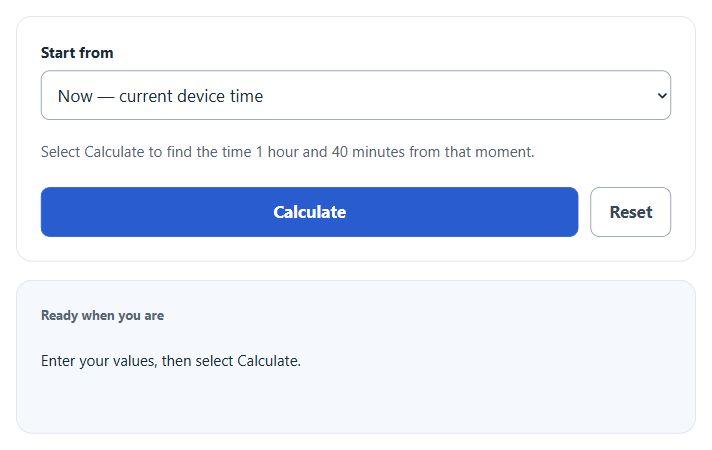
Calculate the time 100 minutes from now or from a selected date and time, and see the resulting date shift when adding or subtracting 100 minutes.
All Everyday Life and Time Calculators
100 Minutes From Now Formula
- Start — the reference time (current device time, or a date and time you enter)
- 100 minutes — the offset, equal to 1 hour 40 minutes or 6,000 seconds
- Result — the time 100 minutes after (or before) the start
The calculator uses your device’s local time zone and adds or subtracts exactly 100 elapsed minutes. Crossing midnight changes the date; a daylight-saving clock change can also affect the displayed clock difference. Choose “A specific date and time” to enter a start and select “100 minutes before” to subtract. In Now mode, the start is captured when you select Calculate, and the saved result is a fixed time rather than a countdown.
Quick Reference
Use this table to add 100 minutes to a starting time when there is no time-zone or daylight-saving clock change during the interval.
| Start time | +100 minutes | Date change |
|---|---|---|
| 6:00 AM | 7:40 AM | Same day |
| 9:00 AM | 10:40 AM | Same day |
| 12:00 PM | 1:40 PM | Same day |
| 3:30 PM | 5:10 PM | Same day |
| 8:15 PM | 9:55 PM | Same day |
| 11:00 PM | 12:40 AM | Next day |
| 11:45 PM | 1:25 AM | Next day |
Unit Conversions for 100 Minutes
| Unit | Equivalent |
|---|---|
| Hours | 1.6667 hours (1 hr 40 min) |
| Seconds | 6,000 seconds |
| Days | 0.0694 days |
| Quarter-hours | 6.667 fifteen-minute blocks |
Worked Example
Start: 4:25 PM
Step 1: Add 1 hour. 4:25 PM becomes 5:25 PM.
Step 2: Add the remaining 40 minutes. 5:25 PM plus 40 minutes is 6:05 PM.
Result: 6:05 PM, same day.
FAQ
How many hours is 100 minutes?
1 hour and 40 minutes, or about 1.67 hours.
Does the calculator account for time zones?
It uses your device’s local time zone. If you change time zones between calculating and reading the result, the displayed time stays tied to the original zone.
What if 100 minutes pushes past midnight?
The result shows the full date and a “Next date” label so you do not miss the rollover.
Can I go backward 100 minutes?
Yes. Choose “A specific date and time,” enter the starting date and time, and select “100 minutes before” under Direction.