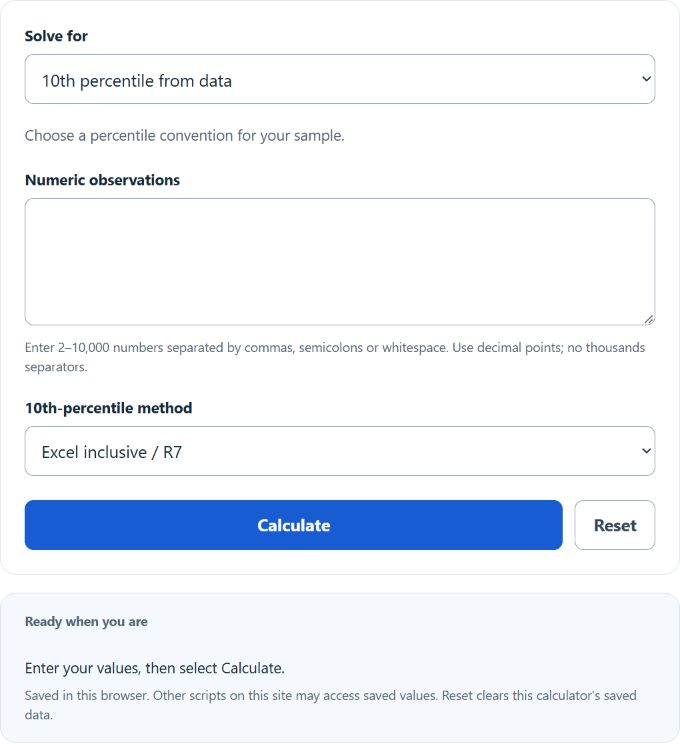
Find the 10th percentile with Excel-inclusive (R7), NIST (R6), or nearest-rank methods, inspect interpolation steps, and calculate a value’s tie-aware percentile rank. Small samples can give different answers under these conventions.
Related Calculators
- Raw Value Calculator
- Cut Points Calculator
- Percentage Distribution Calculator
- Weighted Mean Calculator
- All Statistics Calculators
10th Percentile Position (Rank) Formula
The following formula is commonly used to calculate the position (rank/index) of the 10th percentile in a sorted data set of size n (this corresponds to the common definition used by Excel’s PERCENTILE.INC and similar methods).
Variables:
- r10 is the 10th-percentile position (rank/index) in the sorted data (1-based)
- n is the total number of observations in the data set
To find the 10th percentile value, sort the data in ascending order and compute r10. If r10 is an integer, the 10th percentile is the value at that position. If r10 is not an integer, interpolate between the values at positions ⌊r10⌋ and ⌈r10⌉.
How to Calculate 10th Percentile?
The following steps use R7. R6 instead uses h = (n + 1) × 0.10 and returns the endpoint when h is outside the sample positions. Nearest rank selects position ceil(0.10 × n). The rank mode uses 100 × (count below + 0.5 × count equal) / n; it is a separate midrank convention. See the R quantile documentation and NIST percentile definitions.
- First, determine the total number of observations in the data set (n).
- Sort the data in ascending order.
- Compute the 10th-percentile rank r10 = 1 + 0.10 × (n – 1).
- If r10 is an integer, the 10th percentile is the value at position r10 in the sorted list.
- If r10 is not an integer, interpolate between the values at positions ⌊r10⌋ and ⌈r10⌉ to get the 10th-percentile value.
Example Problem:
Use the following variables as an example problem to test your knowledge:
Total number of observations (n) = 50 (so the 10th-percentile rank is r10 = 1 + (50 – 1) × 0.10 = 5.9; the 10th-percentile value would be found by interpolating between the 5th and 6th values in the sorted data).