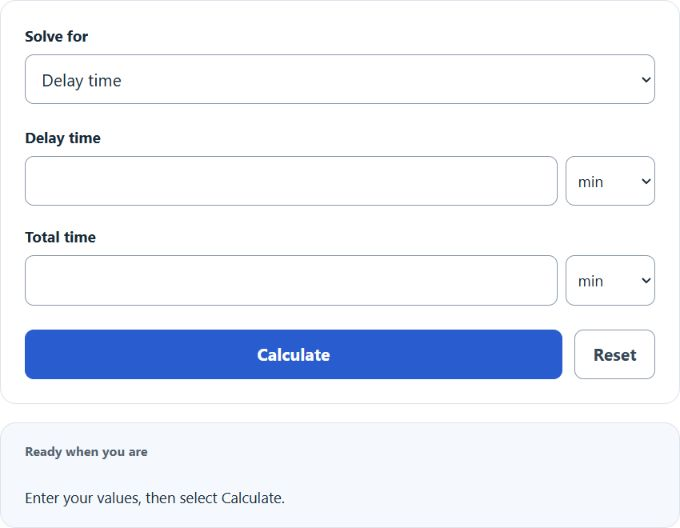
Calculate delay percentage from total delay and total time, planned vs actual duration, or delayed tasks as a share of total tasks overall.
Delay Percentage Formula
The calculator uses one of three formulas depending on the mode you select.
Delay time mode:
Plan vs actual mode:
Tasks mode:
- Delay time — total time lost to delays.
- Total time — full window the delay is measured against.
- Planned duration — scheduled or expected time to complete the work.
- Actual duration — time the work actually took.
- Delayed tasks — tasks that finished late.
- Total tasks — every task in scope, late or on time.
Delay time and total time must use the same unit before dividing. The calculator converts units automatically. In plan vs actual mode, a negative result means the work finished early. Task counts must be whole numbers no larger than 9,007,199,254,740,991; the total must be positive.
Reference Tables
The first table shows illustrative site-defined bands, not universal project or industry benchmarks. The widget reports the percentage without assigning these ratings.
| Delay % | Status | Typical reading |
|---|---|---|
| 0% | On time | No measurable delay. |
| > 0% to 5% | Low | Illustrative low band; significance depends on the project. |
| > 5% to 15% | Moderate | Worth investigating the cause. |
| > 15% | High | Illustrative high band; assess the causes and context. |
| Negative | Ahead | Plan vs actual only — finished before plan. |
| Unit | Equals (seconds) |
|---|---|
| 1 millisecond | 0.001 |
| 1 second | 1 |
| 1 minute | 60 |
| 1 hour | 3,600 |
| 1 day | 86,400 |
Worked Examples
Delay time: A flight loses 12 minutes over a 120-minute trip. 12 ÷ 120 × 100 = 10% delay.
Plan vs actual: A task planned for 8 hours takes 9.5 hours. (9.5 − 8) ÷ 8 × 100 = 18.75% overrun.
Tasks: 6 of 40 tasks finish late. 6 ÷ 40 × 100 = 15% delayed.
Can the result be more than 100%? Only in plan vs actual mode. If actual duration is double the plan, the delay percentage is 100%. Delay time and tasks modes are capped at 100% because the part cannot exceed the whole.
What if there is no delay? The result is 0%. In plan vs actual mode, a negative result means the work finished ahead of schedule.