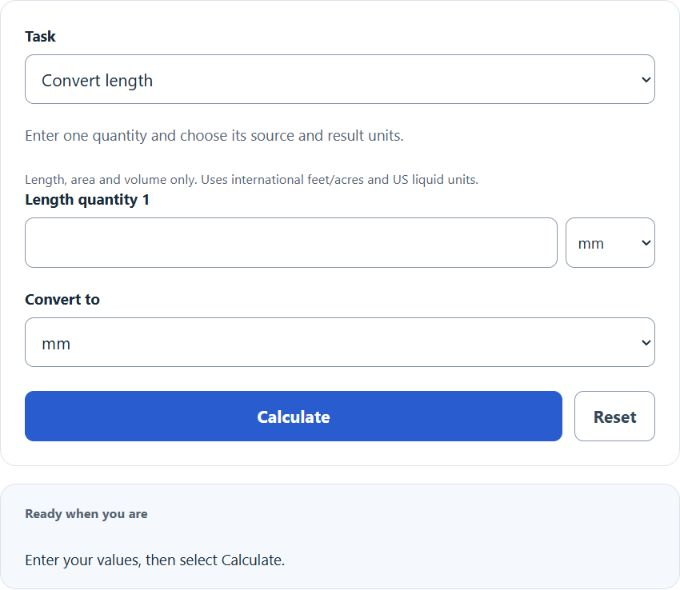
Calculate length, area, and volume conversions or compare two values in metric, imperial, and US units with quantity and unit inputs.
Dimensional Analysis (Unit Conversion) Formula
The following formula is used to convert between two equivalent units (same dimension) using conversion factors.
- Where Q1 is the value of quantity 1
- Q2 is the equivalent value expressed in the units selected for quantity 2
- U1 is the conversion factor for quantity 1’s unit to the calculator’s base unit (m, m², or m³)
- U2 is the conversion factor for quantity 2’s unit to the same base unit
To directly compare two measurements, convert them to the same unit system first (for example, both to meters). Choose a Convert task for one quantity, or a Compare task for two quantities. Comparison shows both base SI values, their difference and their ratio.
Dimensional Analysis Example
How to calculate dimensional analysis?
First, determine the first quantity. For this example, quantity 1 is equal to 20 m.
Next, determine the second quantity. In this case, the second quantity is 100 cm.
Next, convert both measurements to the same unit so they can be compared directly. Since 1 m = 100 cm, convert 100 cm to meters by dividing by 100.
So 100 cm ÷ 100 = 1 m.
Now both quantities are in meters: 20 m and 1 m.
Finally, present the comparison as a ratio (quantity 1 to quantity 2).
R = 20:1