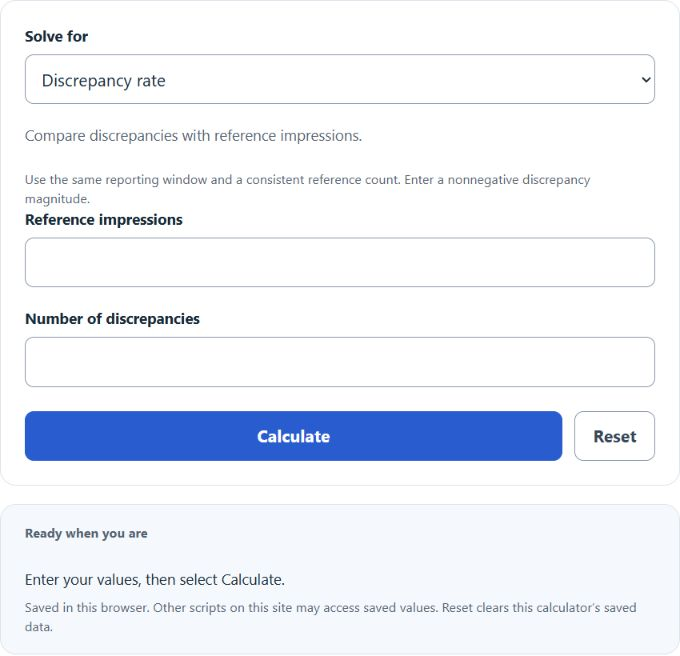
Calculate impression count, discrepancy rate, or number of discrepancies in impressions by entering any two values and finding the missing one.
Discrepancy Rate Formula
This calculator divides a nonnegative discrepancy magnitude by a chosen reference impression count. Use matching reporting windows and definitions. If discrepancies are a subset of impressions, the subset cannot exceed the reference. The main formula is:
- DR = Discrepancy rate, as a percentage
- ND = Number of discrepancies in impressions
- IC = Impression count
If you choose discrepancy rate, the calculator solves for it using the formula above.
If you choose reference impressions, the calculator rearranges the formula:
If you choose discrepancies, the calculator uses:
Choose the unknown and enter the other two values. Reference impressions must be positive. A zero rate cannot determine a unique positive reference count from zero discrepancies, or explain nonzero discrepancies.
Discrepancy Rate Interpretation
The meaning depends on the system, reference denominator, reporting window and measurement method. The original ranges below are illustrative, not verified universal acceptance thresholds.
| Discrepancy Rate | General Interpretation | What to Check |
|---|---|---|
| 0% to 2% | Up to 2 per 100 reference impressions | Compare matching dates, time zones and definitions |
| 2% to 5% | 2–5 per 100 reference impressions | Check timing, filters, and reporting settings |
| 5% to 10% | 5–10 per 100 reference impressions | Review tracking setup and data source differences |
| Above 10% | More than 10 per 100 reference impressions | Investigate measurement errors, missing tags, or mismatched definitions |
Common Input Relationships
| If You Know | Choose Unknown | Calculator Solves |
|---|---|---|
| Impression count and number of discrepancies | Discrepancy rate | The percentage of impressions with discrepancies |
| Discrepancy rate and number of discrepancies | Impression count | The total impressions implied by those discrepancies |
| Impression count and discrepancy rate | Number of discrepancies | The expected count of discrepant impressions |
Example Problems
Example 1: Calculate discrepancy rate
You have 50,000 impressions and 1,250 discrepancies.
The discrepancy rate is 2.50%.
Example 2: Calculate number of discrepancies
You have 80,000 impressions and a discrepancy rate of 3.25%.
The number of discrepancies is 2,600.
FAQ
What is a discrepancy rate?
Here, discrepancy rate is the nonnegative discrepancy magnitude divided by a chosen reference impression count, multiplied by 100. For a difference between two reports, enter the absolute count difference as ND and choose the reference explicitly. This tool does not report a signed direction.
Why can a discrepancy rate happen?
Discrepancies can happen because of reporting delays, different counting methods, blocked tracking, filters, time zone differences, duplicate removal, or missing impression data. Whether a difference is acceptable depends on the platform and agreed measurement definitions.
Can the number of discrepancies be a decimal?
Entered observed counts must be whole numbers. An inverse or projected count can be fractional; the calculator labels that as an algebraic estimate. Do not silently treat the rounded estimate as an observed count.