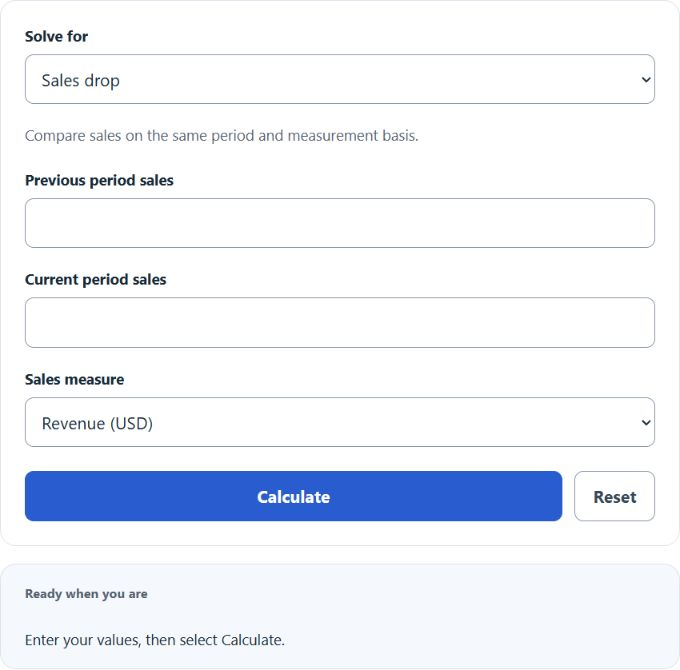
Calculate sales drop, current sales, or previous sales from revenue figures and a drop percentage to track changes in dollar sales.
- All Business Calculators
- All Sales Calculators
- Sales Forecast Calculator
- Projected Sales Calculator
- Sales Growth Calculator
Drop in Sales Formula
The calculator uses three formulas, one for each mode. Each formula compares sales from a current period to a previous period.
Find drop (percentage decrease):
Find current period sales:
Find previous period sales:
- Drop %: percentage decrease in sales from one period to the next
- Previous: sales revenue in the earlier period (the baseline)
- Current: sales revenue in the later period
The "Find drop" mode takes both revenue figures and returns the percentage change. A negative result means sales actually went up. The "Find current" mode applies a known drop percentage to a baseline to project where sales landed. The "Find previous" mode works backward from current sales and a drop percentage to recover the original baseline.
Reference Tables
The first table lists illustrative ranges only; a percentage alone cannot establish business severity or cause. The second converts between drop percentage and the share of revenue retained.
| Drop Range | Interpretation | Context |
|---|---|---|
| 0% to 5% | 5% or less decline | Cause requires separate evidence |
| 5% to 10% | 5% to 10% decline | Cause requires separate evidence |
| 10% to 25% | 10% to 25% decline | Cause requires separate evidence |
| 25% to 50% | 25% to 50% decline | Cause requires separate evidence |
| Over 50% | Over 50% decline | Cause requires separate evidence |
| Drop % | Revenue Retained | Current on $100,000 Previous |
|---|---|---|
| 5% | 95% | $95,000 |
| 10% | 90% | $90,000 |
| 15% | 85% | $85,000 |
| 25% | 75% | $75,000 |
| 40% | 60% | $60,000 |
| 50% | 50% | $50,000 |
Example Problems
Example 1. Last quarter you sold $80,000. This quarter you sold $68,000. Find the drop.
Drop % = (($80,000 - $68,000) / $80,000) * 100 = ($12,000 / $80,000) * 100 = 15%. Sales fell by 15%.
Example 2. Current sales are $42,000 after a reported 16% drop. What were sales before the drop?
Previous = $42,000 / (1 - 16/100) = $42,000 / 0.84 = $50,000.
FAQ
What if the result is negative? A negative drop means sales went up. The calculator flags this as an increase rather than a decline.
Can the drop be 100% or more? A 100% drop is valid when calculating current sales from a positive baseline, or when comparing that baseline with zero sales. Previous sales cannot be recovered uniquely from zero current sales and a 100% drop. Drops above 100% imply negative sales and are outside this nonnegative-sales model.
Does this work for units sold instead of dollars? Yes. Select Unit quantity and use the same quantity basis for both periods. Revenue (USD) compares dollar sales and can reflect price changes as well as quantities.
Should I compare month over month or year over year? Compare equivalent periods and a consistent business scope. Year-over-year comparisons can reduce recurring seasonal effects but do not eliminate holiday timing, trading-day differences or price changes. This calculator applies no seasonal or inflation adjustment.