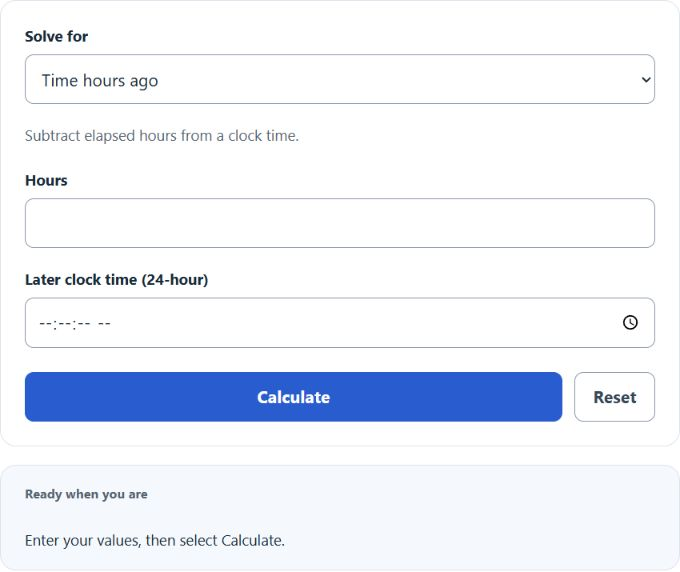
Calculate what time or date it was hours and minutes ago from a chosen start date and time, or find the hours between two entered times.
Hours Ago Formula
Choose a solve mode, then enter its required values. Clock-only modes use a 24-hour clock; the date-and-time mode subtracts elapsed time in your device time zone.
Variables:
- Tago is the time hours ago
- Tcurrent is the current time
- H is the number of hours
To calculate the time hours ago, subtract the number of hours from the current time. Fractional hours are supported. Clock-only results wrap at midnight; select Past date and time when the calendar date or daylight-saving changes matter.
What is an Hours Ago Calculator?
An Hours Ago Calculator is a tool that helps you determine the time a certain number of hours ago from a given current time. This can be useful in various scenarios, such as tracking time for events, calculating deadlines, or simply understanding past events in relation to the current time. The calculator can also work in reverse to find the current time if you know the time hours ago and the number of hours.
How to Calculate Time Hours Ago?
The following steps outline how to calculate the time hours ago.
- First, determine the current time (Tcurrent).
- Next, determine the number of hours (H).
- Subtract the number of hours from the current time using the formula Tago = Tcurrent – H.
- Finally, calculate the time hours ago.
- After inserting the values and calculating the result, check your answer with the calculator above.
Example Problem :
Use the following variables as an example problem to test your knowledge.
Current time (Tcurrent) = 14:30
Number of hours (H) = 3; the result is 11:30.