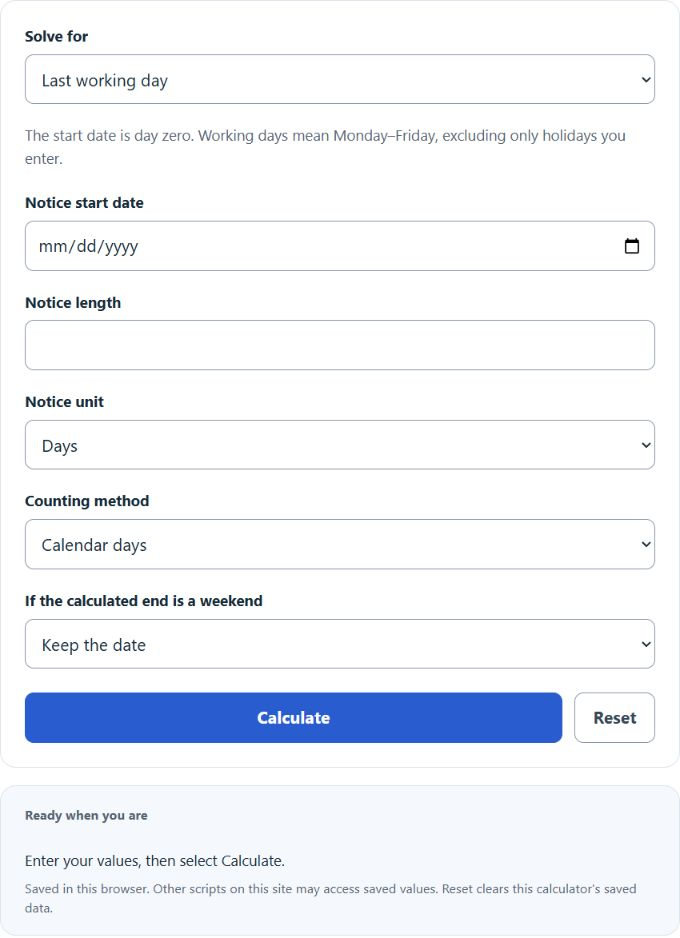
Calculate your last working day, notice start date, or notice period using calendar or working days, weekend rules, and optional holidays.
Related Calculators
- 30 Business Day Calculator
- Notice Period Calculator
- Employment Duration Calculator
- Contract End Date Calculator
- Length of Service Calculator
- All Business Calculators
Last Working Day Formula
Choose calendar days or Monday–Friday working days. Calendar arithmetic includes every date; working arithmetic skips weekends and only the holidays you enter. The start is day zero and the end is included. These are planning conventions, not a determination of contractual or legal notice.
- LWD = last working day
- SD = start date
- NP = notice period in days
- SD = start date
- LWD = last working day
- NP = notice period in days
- NP = notice period in days
- LWD = last working day
- SD = start date
If you enter the start date and notice period, the calculator adds the notice period to find the last working day.
If you enter the last working day and notice period, it subtracts the notice period to find the start date.
If you enter both dates, the calculator reports calendar and working-day counts after the start through the end. The selected method determines the primary answer. One week means seven calendar days or five working days.
Common Notice Period Lengths
| Notice period | Calendar-day meaning | Typical use |
|---|---|---|
| 7 days | One week | Short-term or probation notice |
| 14 days | Two weeks | Common short notice period |
| 30 days | 30 calendar days | Common monthly notice period |
| 60 days | 60 calendar days | Longer handover period |
| 90 days | 90 calendar days | Senior roles or contractual notice |
Calendar Days vs Working Days
| Method | What is counted | Result behavior |
|---|---|---|
| Calendar days | Every day, including weekends and holidays | A 30-day notice is exactly 30 days after the start date |
| Working days | Only scheduled workdays | The final date may be later because weekends or holidays are skipped |
Example
Example 1: Find the last working day
You enter a start date of 2026-03-01 and a notice period of 30 days.
The last working day is 2026-03-31.
Example 2: Find the notice period
You enter a start date of 2026-04-10 and a last working day of 2026-05-10.
The notice period is 30 days.
FAQ
Does the calculator count weekends?
Calendar mode includes weekends and holidays. Working mode counts Monday–Friday and excludes entered holidays; no public-holiday calendar is automatically loaded. In last-day calendar mode, an optional rule moves a weekend end to the previous Friday or next Monday.
Is the start date counted as day 1?
The calculator adds the notice period as a number of full days after the start date. For example, a start date of January 1 plus 30 days gives January 31.
What if my company uses business days instead of calendar days?
Choose working days and enter the applicable holidays if your policy matches a Monday–Friday schedule. Backward working mode requires a working end and returns a working start; it does not invert a calendar weekend adjustment. Check the counting convention, contract and HR policy before using the final date.