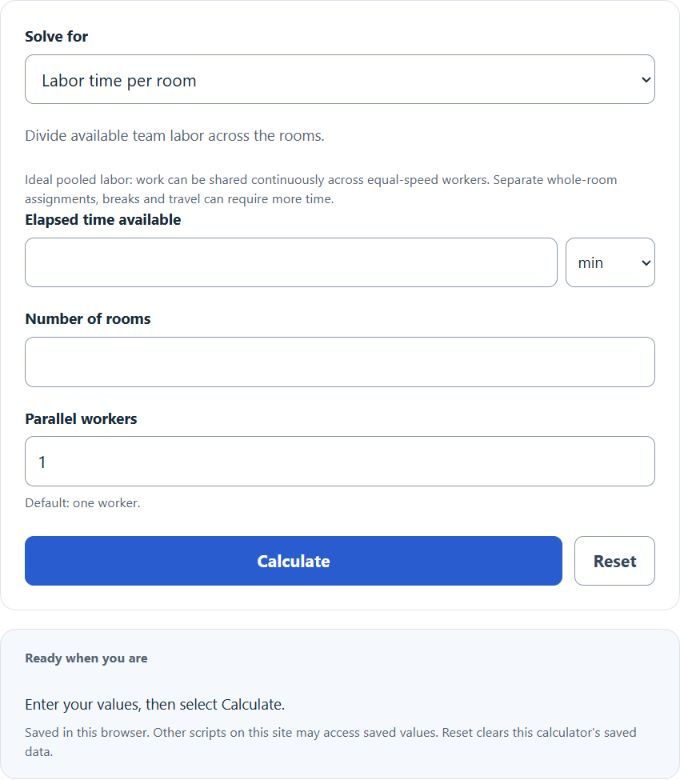
Calculate minutes per room, total time, room capacity, or weighted mixed-room workload with team size, labor-hours, and rooms-per-hour results.
- Every Day Life And Education Calculators
- Minutes To Percentage Calculator
- MPH To Minutes Per Mile Calculator
- Minutes To km Calculator
Minutes Per Room Formula
The minutes per room calculation divides a fixed amount of available time across a set number of rooms. With multiple workers, the calculator uses pooled worker-minutes and assumes work can be shared continuously. Separate whole-room assignments may take longer. It is a simple but useful planning metric for cleaning schedules, inspections, maintenance rounds, room setup, audits, walkthroughs, and similar workflows where each room needs a time allowance.
- M = worker-minutes per room
- T = elapsed minutes available; W = parallel workers
- N = number of rooms
If you know any two values, you can rearrange the same relationship to solve for the third value:
How to Use the Minutes Per Room Calculator
- Enter the total minutes available for the task.
- Enter the number of rooms that must be covered.
- Choose the parallel-worker count and select Calculate. The pace result is worker-minutes per room; elapsed clock time is shown separately.
- If you instead know the target minutes per room, the calculator can also determine the total time required or how many rooms can be handled.
This calculation works best when the rooms are similar in size, condition, and effort required. If some rooms take much longer than others, the result should be treated as an average rather than an exact room-by-room schedule.
How to Interpret the Result
- A higher value means more time can be spent in each room.
- A lower value means the pace must be faster in each room.
- If the result is below your realistic service time, your plan may require more total time, fewer rooms, or multiple workers.
- If the result includes decimals, the decimal portion represents part of a minute. For example, 15.5 minutes means 15 minutes 30 seconds.
Examples
| Elapsed Minutes (one worker) | Rooms | Minutes Per Room | Interpretation |
|---|---|---|---|
| 120 | 4 | 30 | Each room can receive 30 minutes of attention. |
| 95 | 6 | 15.83 | About 15 minutes 50 seconds per room. |
| 240 | 12 | 20 | A four-hour block supports 12 rooms at 20 minutes each. |
| 72 | 8 | 9 | The schedule allows 9 minutes per room, which may suit quick checks or light tasks. |
Solving for Any Missing Value
Because the relationship is reversible, this calculator is useful for more than one question:
- Need minutes per room? Use total minutes and room count.
- Need total time required? Use minutes per room and room count.
- Need room capacity? Use total minutes and target minutes per room.
That makes the calculator useful for both daily operations and planning ahead. For example, a manager can estimate staffing needs, a cleaner can set a room-by-room pace, and a scheduler can check whether the available time block is realistic.
Convert Labor Minutes Per Room to Rooms Per Staff-Hour
If you want to compare productivity or throughput, you can convert the pacing into rooms completed per hour:
- Rh = equivalent rooms per staff-hour
- M = worker-minutes per room
This is helpful when comparing crews, shift targets, inspection capacity, or service benchmarks.
Practical Planning Tips
- Subtract non-room time first. Breaks, travel, supply pickup, reporting, and setup should be removed from the total minutes before dividing.
- Use realistic room counts. Only include rooms that actually need the task completed during the time block.
- Round down when timing matters. If you must finish on schedule, leaving a small buffer is safer than using the full theoretical average.
- Separate unlike room types. Standard rooms, suites, conference rooms, and heavily used spaces often require different time allowances.
- Use averages carefully. An average can hide bottlenecks if a few rooms take much longer than the rest.
Common Mistakes
- Entering hours instead of minutes without converting first.
- Counting rooms that do not actually need service.
- Ignoring walking time, restocking time, or paperwork.
- Assuming every room requires equal effort.
- Using a room count of zero or leaving one field blank incorrectly.
When This Calculation Is Most Useful
- Housekeeping and janitorial scheduling
- Hotel, motel, and short-stay turnover planning
- Inspection and compliance rounds
- Maintenance routing and preventive service
- Event room setup and reset planning
- Campus, healthcare, and property management operations
Frequently Asked Questions
- Should the number of rooms be a whole number?
- Enter whole actual-room counts. The weighted mix may produce fractional equivalent rooms; these represent workload rather than a count of physical rooms.
- What does a decimal result mean?
- A decimal means part of a minute. For example, 12.25 minutes is 12 minutes and 15 seconds.
- What if rooms are not equal in size or difficulty?
- The basic formula gives an average allocation. If some rooms are significantly harder or larger, calculate separate averages by room type or build a weighted schedule.
- Can I use this for staffing decisions?
- Yes. If you know the time needed per room and the number of rooms to cover, you can estimate the total minutes required and compare that need to the time available from one or more workers.
- Is this the same as rooms per hour?
- Not exactly. Minutes per room measures time spent on each room, while rooms per hour measures output. They describe the same pace from opposite directions.
The main value of the minutes per room metric is that it turns a vague schedule into a measurable pace. Once you know the average time available for each room, it becomes much easier to set targets, identify overload, and build a schedule that is actually achievable.