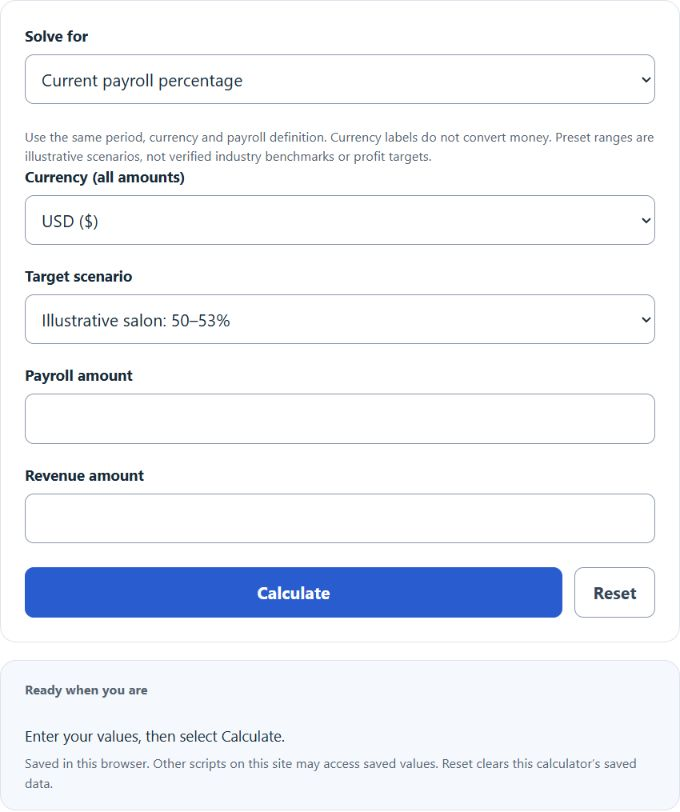
Calculate payroll percentage, revenue needed, or payroll budget from payroll and revenue using illustrative salon, restaurant, and retail scenarios or your own custom targets.
Related Calculators
- Regular Rate of Pay Calculator
- Blended Labor Rate Calculator
- Billable Hours Calculator
- Technician Efficiency Calculator
- All Business Calculators
Payroll Percentage Formula
The calculator uses three formulas, one per solve mode. Use the same period, currency and payroll definition; currency choices label amounts without exchange-rate conversion.
Current payroll percentage:
Revenue needed to hit a target percentage:
Payroll budget at a target percentage:
- Payroll: total wages, salaries, and labor cost for the period. Include payroll taxes and benefits if you want a fully loaded number.
- Revenue: gross sales for the same period as payroll.
- Target %: the maximum or goal payroll share of revenue.
- Revenue Needed: sales required so that current payroll equals the target percentage.
- Payroll Budget: the dollar amount of payroll that fits inside a target percentage at a given revenue.
The Current payroll percentage mode compares your share with the selected illustrative range or custom maximum. Revenue needed and Payroll budget use preset midpoints or your custom percentage; optional comparisons show the gap to your chosen scenario.
Illustrative Payroll Scenarios and What They Mean
These inherited ranges are illustrative planning scenarios, not verified industry benchmarks or recommendations. Choose a target based on your own business, location, cost definitions and period.
| Industry | Illustrative Range | Notes |
|---|---|---|
| Salons and spas | 50-53% | Illustrative scenario; assess your own staffing and cost model. |
| Restaurants | 25-35% | Illustrative scenario; assess your own service model. |
| Retail | 10-20% | Illustrative scenario; assess your own store model. |
| Hotels | 25-35% | Illustrative scenario; assess your own operating model. |
| Construction | 25-40% | Illustrative scenario; use a consistent payroll definition. |
| Professional services | 40-60% | Illustrative scenario; assess your own service model. |
| Manufacturing | 20-35% | Illustrative scenario; assess your own production model. |
| Result vs Benchmark | What to Check |
|---|---|
| Below range | Confirm payroll covers all labor and matches the revenue period. Understaffing is also possible. |
| Within range | Payroll is within the selected illustrative range. This does not establish peer performance or profitability. |
| Above range | Look at scheduling, overtime, productivity per labor hour, and pricing. |
Examples and FAQ
Example 1. A salon paid $26,000 in payroll on $50,000 in revenue. Payroll % = 26,000 / 50,000 × 100 = 52%. That sits inside the selected illustrative 50-53% salon scenario.
Example 2. A restaurant wants payroll at 30% of revenue and currently pays $18,000. Revenue needed = 18,000 / 0.30 = $60,000. If current sales are $55,000, the gap to close is $5,000.
Should payroll include taxes and benefits? Pick one definition and stick with it. Fully loaded payroll includes employer taxes and benefits as well as wages. Those costs vary; no fixed percentage-point uplift is assumed by this calculator.
What period should I use? Match payroll and revenue to the same window, weekly, monthly, or quarterly. Mismatched periods produce useless ratios.
Why is my percentage above the benchmark? Common causes are overtime, overstaffing in slow hours, low pricing, or seasonal revenue dips. Check labor hours per shift against sales by day.
Is a lower payroll percentage always better? No. Cutting too deep hurts service quality, retention, and revenue. The goal is the lowest percentage that still supports the sales you want.