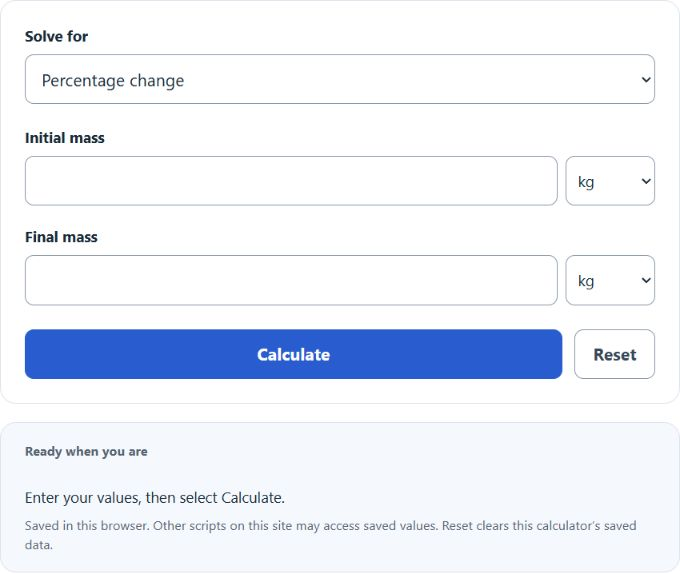
Calculate percentage change in mass from initial and final mass, or find the missing mass value with kg, g, mg, or lb unit conversions.
- All Math and Numbers Calculators
- All Mass Calculators
- Mass Percent Calculator
- Cylinder Mass calculator
- Energy to Mass Calculator
Percent Change in Mass Formula
The percent change in mass shows how much a material, object, or sample has increased or decreased compared to its starting mass. It is commonly used in lab measurements, manufacturing, drying and curing processes, moisture loss studies, packaging checks, and any situation where the starting mass is the reference point.
- PM = percent change in mass
- Mf = final mass
- Mi = initial mass
A positive result means the mass increased. A negative result means the mass decreased. A result of zero means there was no change in mass.
How to Calculate Percent Change in Mass
- Record the initial mass.
- Record the final mass.
- Make sure both values use the same unit before calculating.
- Subtract the initial mass from the final mass to find the change.
- Divide that change by the initial mass.
- Multiply by 100 to convert the decimal to a percentage.
Select Percentage change to enter both masses, or select a mass solve to enter the other mass and the percentage. The calculator converts the selected units before calculating.
How to Interpret the Result
| Result Type | Meaning |
|---|---|
| Positive percent | The final mass is greater than the initial mass, so the object gained mass. |
| Negative percent | The final mass is less than the initial mass, so the object lost mass. |
| Zero percent | The mass stayed the same. |
Example 1
If an object changes from 30 kg to 50 kg, the percent change in mass is:
This means the mass increased by 66.67% relative to the starting mass.
Example 2
If a sample changes from 80 g to 60 g, the percent change in mass is:
The negative sign shows the sample experienced a 25% decrease in mass.
Important Notes
- Use the initial mass as the reference value. Dividing by the final mass gives a different result.
- Keep units consistent. Convert kg, g, mg, or lb so both masses match before calculating manually.
- The initial mass cannot be zero. If the starting mass is zero, the calculation is undefined.
- Direction matters. A positive percentage indicates gain, while a negative percentage indicates loss.
Common Uses
- Measuring moisture loss after drying
- Tracking weight gain in material absorption
- Comparing pre-process and post-process mass in manufacturing
- Analyzing sample changes during heating, cooling, or reaction testing
- Checking packaging, inventory, or shipping weight variation
Common Mistakes
- Mixing units without converting them first
- Using the final mass as the denominator instead of the initial mass
- Dropping the negative sign when the mass decreases
- Confusing percent change with percent difference
Percent Change vs. Percent Difference
Percent change in mass uses the initial mass as the baseline and is best when you want to compare a new value to a starting value. Percent difference is used when comparing two values more symmetrically and neither value is treated as the starting reference.
When This Calculator Is Most Helpful
Use this calculator when you already know the starting mass and ending mass and want a fast, standardized way to express the change as a percentage. It is especially useful when comparing results across different trials, batches, or sample sizes because percentages are easier to compare than raw mass changes alone.