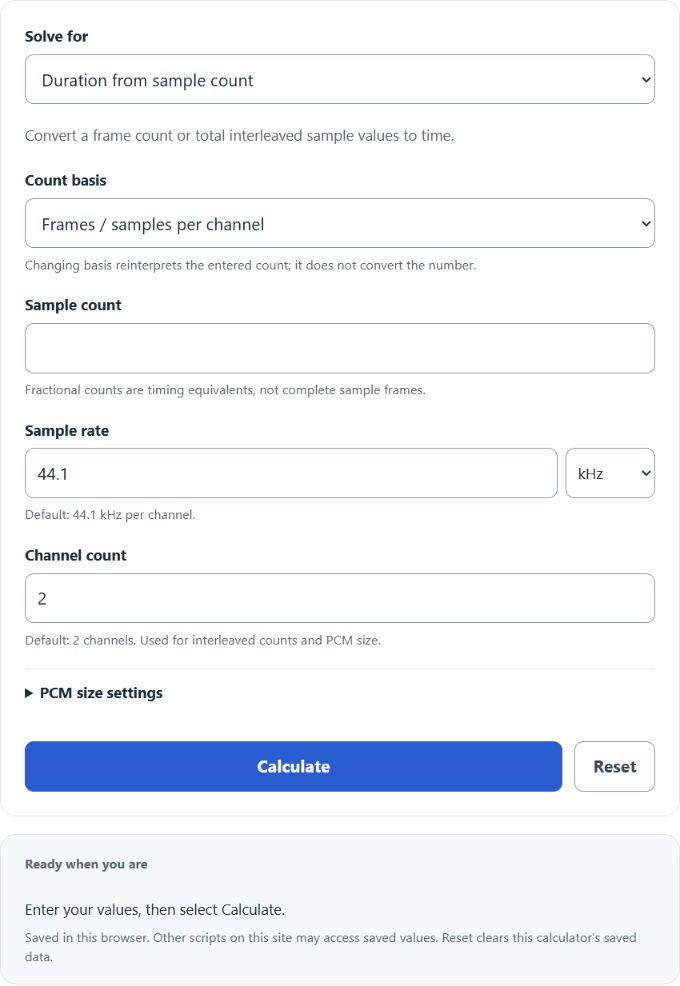
Convert audio samples to seconds or milliseconds at any sample rate, or turn a duration back into a sample count, with clock time and PCM data size.
- All Unit Converters
- Samples To ms Calculator
- Hz To ms Calculator
- Seconds To Frames Converter
- Frame Rate Calculator
- Audio File Size Calculator
Samples To Seconds Formula
The following formula calculates block duration in seconds from the number of frames, or samples per channel.
Variables:
- S is the duration of the audio clip in seconds (s)
- N is the number of frames, or samples per channel; divide a total interleaved sample-value count by the channel count first.
- R is the per-channel frame rate in Hz (frames per second); multiply a rate in kHz by 1,000.
Divide the frame count per channel by the rate in Hz to obtain seconds. In the reverse direction, frames = seconds × rate; total interleaved sample values = frames × channels. Stored PCM sample-data bytes = frames × channels × stored bits per sample ÷ 8. This excludes headers, metadata, padding and compression; 24 valid bits stored in a 32-bit container use 32 stored bits.
| Samples | Seconds (s) |
|---|---|
| 64 | 0.001 |
| 128 | 0.003 |
| 256 | 0.006 |
| 441 | 0.010 |
| 512 | 0.012 |
| 1000 | 0.023 |
| 1024 | 0.023 |
| 2048 | 0.046 |
| 4096 | 0.093 |
| 5000 | 0.113 |
| 8192 | 0.186 |
| 10000 | 0.227 |
| 16384 | 0.372 |
| 22050 | 0.500 |
| 32768 | 0.743 |
| 44100 | 1.000 |
| 65536 | 1.486 |
| 88200 | 2.000 |
| 132300 | 3.000 |
| 176400 | 4.000 |
| * Rounded to 3 decimals. Assumes sample rate Fs = 44,100 Hz (1 sample ≈ 22.676 μs). Formula: seconds = samples ÷ 44,100. | |
What is Samples To Seconds?
Samples to Seconds is a conversion method used in digital audio processing. It refers to the process of converting the number of samples in a digital audio file to the equivalent duration in seconds. This conversion is crucial in audio editing and processing as it helps in determining the exact length of an audio clip. The conversion rate depends on the sample rate of the audio file, which is typically measured in samples per second (Hz). For example, at 44.1 kHz (44,100 frames per second), 44,100 frames per channel span 1 second. A stereo interleaved block for that second contains 88,200 sample values.
How to Calculate Samples To Seconds?
The following steps outline how to calculate the Samples To Seconds.
- First, determine the frame count per channel (N). For a total interleaved count, divide by the channel count.
- Next, determine the per-channel sample rate (R) in Hz; 44.1 kHz means 44,100 Hz.
- Next, gather the formula from above: S = N / R.
- Finally, calculate the duration of the audio clip in seconds (S).
- After inserting the variables and calculating the result, check your answer with the calculator above.
Example Problem :
Use the following variables as an example problem to test your knowledge.
frames / samples per channel (N) = 5000
per-channel sample rate (R) = 44,100 Hz; S = 5000 ÷ 44,100 ≈ 0.113379 seconds.