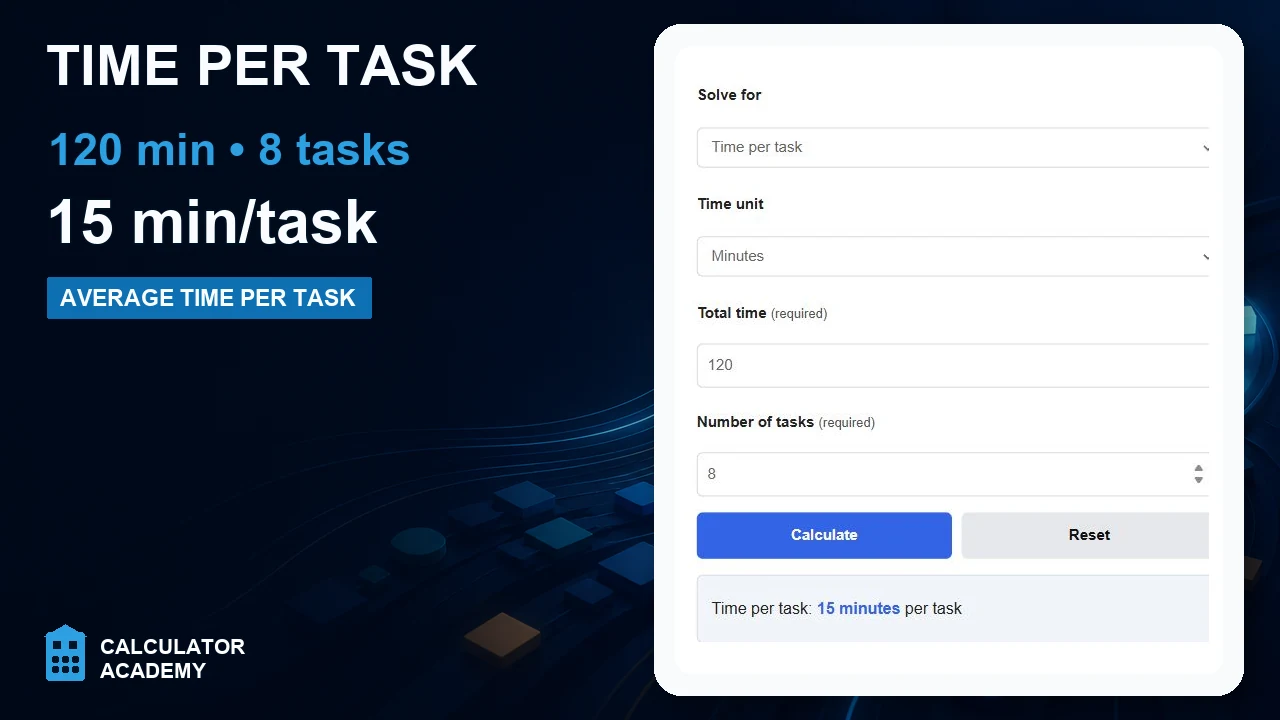
Calculate time per task, total time, or number of tasks by entering any two values, with time units in hours, minutes, or seconds.
Related Calculators
- Time Efficiency Calculator
- Minutes Per Room Calculator
- Break Time Calculator
- Days In Advance Calculator
- All Everyday Life and Education Calculators
Time Per Task Formula
Time per task is the average amount of time required to complete one task. It is useful for estimating workload, planning schedules, comparing productivity across time periods, and setting realistic completion targets.
Where:
| Variable | Meaning | Typical Unit |
|---|---|---|
| TPT | Time Per Task | hours per task, minutes per task, or seconds per task |
| TT | Total Time spent on tasks | hours, minutes, or seconds |
| NT | Number of Tasks completed | tasks |
This formula returns an average. If some tasks are very short and others are much longer, the result still represents the mean time for one completed task across the full group.
Rearranged Formula Forms
If you know any two variables, you can solve for the third:
These forms are helpful when you need to estimate:
- how long a batch of tasks will take,
- how many tasks can be completed in a fixed time window, or
- whether a current pace is fast enough to hit a deadline.
How to Calculate Time Per Task
- Measure the total active time spent completing tasks.
- Count the number of completed tasks during that same period.
- Make sure both values describe the same scope of work.
- Divide the total time by the number of tasks.
- Express the result in the unit that is most useful for planning, such as hours per task or minutes per task.
If you enter time in hours, minutes, and seconds, the calculator effectively converts everything to one consistent time unit before performing the division.
Time Conversion Formulas
When your total time is split into hours, minutes, and seconds, these conversions are often useful:
After conversion, divide by the task count in the same way. For example, if you want the answer in minutes per task:
Example
If 20 total hours were spent completing 5 tasks, then:
The average time per task is 4 hours per task. In smaller units, that is 240 minutes per task or 14,400 seconds per task.
Interpreting the Result
- Lower time per task generally indicates faster completion.
- Higher time per task may indicate more complexity, interruptions, waiting time, rework, or reduced efficiency.
- Stable time per task is often a sign of a repeatable process.
- Rapidly changing time per task may signal inconsistent task difficulty or workflow bottlenecks.
Context matters. A higher result is not always bad if the tasks are more detailed, higher quality, or more complex than before.
Common Use Cases
- estimating how long a homework set or study session will take,
- measuring employee or team productivity,
- tracking support tickets, service calls, or client requests,
- timing production, assembly, packing, or inspection work,
- comparing process improvements before and after a workflow change,
- forecasting labor hours required for a known number of future tasks.
Related Productivity Metric
Sometimes it is helpful to convert time per task into throughput, or tasks completed per hour:
If total time is measured in hours, then TPH represents tasks per hour. This is the inverse view of time per task and is often easier to use for staffing or output planning.
Best Practices for Accurate Results
- Use the same definition of a “task” every time you measure.
- Separate simple tasks from complex tasks if they require very different amounts of time.
- Decide whether breaks, meetings, waiting time, and setup time should be included, then stay consistent.
- Use actual completed tasks, not started tasks, when calculating averages.
- Track several periods and compare trends instead of relying on a single calculation.
Common Mistakes
- Dividing by zero or leaving the number of tasks blank.
- Mixing time units without converting them first.
- Using total calendar time instead of active working time when the goal is process efficiency.
- Comparing averages from task groups that are not similar in difficulty.
- Assuming the average predicts every single task exactly.
Frequently Asked Questions
Is time per task the same as total time?
No. Total time is the full amount of time spent on all tasks combined, while time per task is the average for one task.
Can this be used for team performance?
Yes. For team calculations, use the total labor time spent by the team and divide by the number of completed tasks.
What if tasks are not identical?
The result still gives an average, but it is often better to calculate separate averages for different task types if the difficulty varies significantly.
What does a very low time per task mean?
It can indicate strong efficiency, but it may also mean the tasks are simpler, more automated, or being completed with less depth. Pair the metric with quality checks when accuracy matters.