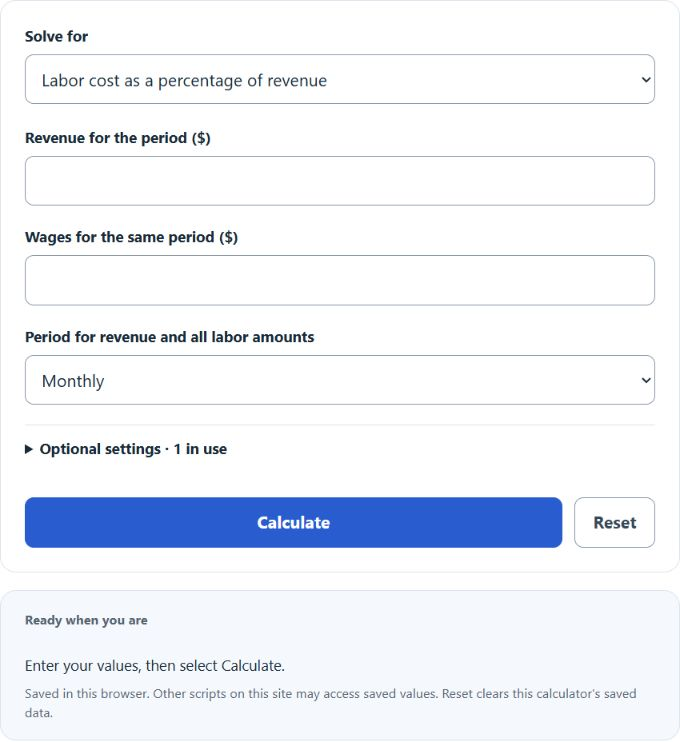
Calculate wage percentage, wage budget, and raise amounts from revenue, current pay, and target pay rates for monthly or annual periods.
Related Calculators
- Night Shift Salary Calculator
- Retention Bonus Calculator
- 1.5 X Pay Calculator
- Expense Percentage Calculator
- All Personal Finance Calculators
Wage Percentage Formula
The calculator provides labor-share and budget calculations plus three raise input methods.
- Wages: gross pay to employees for the period.
- Payroll add-ons: payroll taxes, benefits, and contractor labor for the same period.
- Revenue: gross sales for the same period as the wages.
- Target Wage %: the labor cost share you want to hit.
- Current Pay and New Pay: pay rates for the same period (hourly, weekly, monthly, annual).
Match the period selected for revenue, wages and any add-ons; no period conversion is applied to labor-share inputs. Blank add-ons contribute zero. Raise conversions use your entered paid hours/week and paid weeks/year (defaults: 40 and 52); monthly and semimonthly use 12 and 24 payments/year. These conventions do not determine an actual payroll calendar or overtime pay.
The Wage % tab tells you what share of revenue is going to labor. The Wage budget tab inverts that: pick a target percentage and it returns the dollar ceiling for payroll. The Raise % tab handles three input types (a percentage raise, a flat dollar raise, or a new pay rate) and reports the raise size, new pay, and annual impact.
Benchmark and Reference Tables
The following unsourced historical ranges are illustrative examples only, not verified industry benchmarks. The widget defaults to no comparison and gives no staffing or pay recommendation.
| Industry | Illustrative Wage % | Notes |
|---|---|---|
| Retail | 10%–20% | Unverified historical example. |
| Restaurant / food service | 25%–35% | Unverified historical example. |
| Construction | 20%–40% | Unverified historical example. |
| Professional services | 20%–35% | Unverified historical example. |
| Software / SaaS | 15%–30% | Unverified historical example. |
| Manufacturing | 15%–30% | Unverified historical example. |
The following unsourced historical raise examples are not current compensation benchmarks or cost-of-living measures.
| Raise Type | Range |
|---|---|
| Cost-of-living adjustment | 2%–3% |
| Standard merit raise | 3%–5% |
| Strong performance | 5%–7% |
| Promotion | 8%–15% |
| Job change | 10%–20%+ |
Examples and FAQ
Example 1: Wage percentage. A cafe pulls $50,000 in monthly revenue. Wages are $12,500 and payroll taxes plus benefits add $1,800. Total labor is $14,300. Wage % = 14,300 / 50,000 × 100 = 28.6%. It falls within the illustrative 25%–35% range; that comparison does not establish a suitable cost level.
Example 2: Wage budget. Same $50,000 in monthly revenue with a 30% target. Maximum wage expense = 50,000 × 0.30 = $15,000. If current wages are $17,000, you are $2,000 over the target.
Example 3: Raise %. Current pay is $20/hour. The offer is $21/hour. Raise % = (21 − 20) / 20 × 100 = 5%. At 40 hours per week, the annual increase is $2,080.
Should I include payroll taxes and benefits? Include them if you want a true labor cost ratio. Leave them out if you only want a wage-only figure. Be consistent across periods you compare.
What counts as revenue? Use gross sales before taxes for the same period as your wages. Do not subtract cost of goods.
Why can a labor cost percentage change? It changes when included labor costs or revenue change. Compare consistent periods and cost definitions; the ratio alone does not identify a cause or justify a staffing decision.
Is a 3% raise good? The arithmetic alone cannot answer that. Purchasing-power effects depend on price changes over the same period, while compensation comparisons depend on role, market and circumstances.
How do I convert hourly to annual? Multiply the hourly rate by paid hours/week and paid weeks/year. The raise modes show equivalent pay on six bases under the stated assumptions.