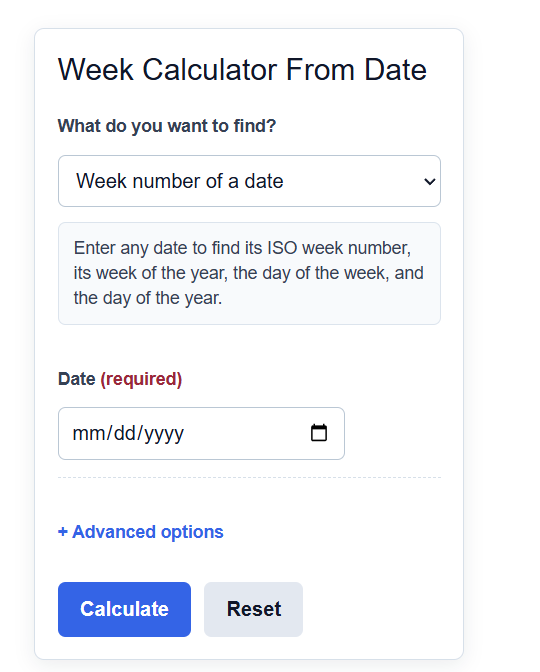
Calculate the week number of any date, add or subtract weeks from a date, or count the weeks between two dates.
Week Calculator From Date Formula
This calculator works in three modes, and each mode uses its own formula.
To add or subtract weeks from a date:
New Date = Start Date +/- (Weeks * 7) +/- Extra Days
To count the weeks between two dates:
Weeks = (End Date - Start Date) / 7
To find the week number of a date (ISO 8601 standard):
Week Number = ISO week that contains the date
The variables are:
- Start Date is the date you begin counting from.
- End Date is the date you count to when measuring a span.
- Weeks is the whole number of weeks you add or subtract.
- Extra Days is any additional days you add or subtract on top of the weeks.
- New Date is the resulting calendar date after the shift.
- Week Number is the position of the week in the year (1 through 52 or 53).
In add or subtract mode, the calculator multiplies the number of weeks by 7 to get a day count, applies any extra days, and shifts the start date forward or backward to land on the new date. If you turn on business days only, weekends are skipped so the shift counts working days instead of calendar days.
In the weeks between mode, the calculator finds the total days between the two dates and divides by 7. The whole part is the number of full weeks, and the remainder is the leftover days.
In the week number mode, the calculator returns the week of the year for the date you enter. The week starts on setting controls whether weeks begin on Monday (the ISO 8601 default) or Sunday, which changes the number near year boundaries.
Weeks and Days Reference
Use this table to convert common week counts into days, which is the unit the calculator works in internally.
| Weeks | Days | Common Use |
|---|---|---|
| 1 | 7 | One pay period or sprint |
| 2 | 14 | Biweekly cycle |
| 4 | 28 | About one month |
| 6 | 42 | A short project phase |
| 12 | 84 | One quarter |
| 52 | 364 | One year (1 day short) |
Week numbers run from 1 to either 52 or 53 depending on how the days fall in a given year.
| Setting | Week Starts On | Notes |
|---|---|---|
| ISO 8601 | Monday | Week 1 holds the year's first Thursday; used in most of Europe |
| US convention | Sunday | Common on US calendars and in many spreadsheets |
Example Problems
Example 1: Add weeks to a date. You start on March 3, 2025 and want the date 6 weeks later. Multiply 6 by 7 to get 42 days. Adding 42 days to March 3, 2025 gives April 14, 2025.
Example 2: Weeks between two dates. You want the number of weeks from January 1, 2025 to March 1, 2025. There are 59 days between those dates. Divide 59 by 7 to get 8 full weeks with 3 days left over.
FAQ
How do I count weeks from a specific date? Choose the mode you need. To project forward or backward, use add or subtract weeks and enter your start date and the number of weeks. To measure a gap, use weeks between two dates and enter both dates. The calculator returns full weeks and any extra days.
Why does my week number differ from another calendar? The result depends on whether weeks start on Monday or Sunday. The ISO 8601 standard starts weeks on Monday and places week 1 as the week containing the year's first Thursday. Switching the week starts on setting to Sunday can change the number by one near the start and end of a year.
What does business days only do? When you turn it on in add or subtract mode, the calculator skips Saturdays and Sundays as it shifts the date. This is useful for deadlines that only advance on working days rather than every calendar day.