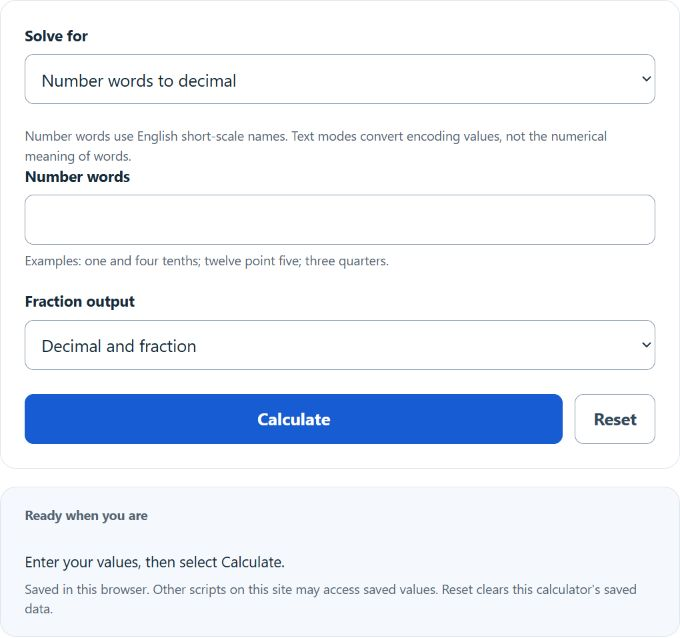
Convert number words to decimals, fractions, and mixed numbers, or turn text into Unicode, UTF-8, or ASCII decimal codes and back.
- All Everyday Life and Education Calculators
- Words To Pages Calculator
- GWAM (Gross Words Per Minute) Calculator
Words To Decimal Formula
The calculator uses a different formula depending on which mode you pick.
Mode 1: Number words to decimal. Words are parsed into a whole part, an optional fractional part, and a sign. The decimal value is:
- D = decimal result
- s = sign (+1 or -1, from “negative” or “minus”)
- W = whole number value parsed from integer words (e.g., “two hundred five” = 205)
- N = numerator value from the fraction or post-“point” digits
- B = base of the fractional part. For “point” phrases, B = 10^k where k is the number of digit words after “point”. For fraction words, B is the denominator implied by the suffix (tenths = 10, hundredths = 100, thirds = 3, and so on).
For “point” decimals (like “three point zero five”), the digits after “point” must be single-digit words (zero through nine). For fraction words (like “nine thousandths” or “two and three quarters”), the last word sets B and everything before “and” is W.
Mode 2: Text codes to decimal. In Unicode mode, each scalar value is converted to its code point in base 10. UTF-8 emits bytes; ASCII uses 0–127 and Latin-1 uses 0–255. The inverse mode decodes the same selected encoding:
- c_i = the i-th character of the input string
- D_i = the decimal Unicode code point for that character
- Output = D_1 D_2 … D_n separated by spaces
Surrogate pairs are combined into a single code point, so emoji and supplementary characters return one number, not two.
What each calculator function does:
- Number words tab applies the first formula. It detects “point”, “and”, and fraction suffixes to decide whether to treat the input as an integer, a point-style decimal, or a mixed fraction, then computes D.
- Text codes tab applies the second formula character by character and also shows the hex form (U+XXXX) and HTML entity for each one.
- Fraction output in the words mode reduces the complete signed value (s * (W * B + N))/B by the greatest common divisor. Mixed-number output is optional.
Reference Tables
Use these to predict what the calculator will return before you type.
| Words | Decimal | Fraction |
|---|---|---|
| one tenth | 0.1 | 1/10 |
| three quarters | 0.75 | 3/4 |
| nine thousandths | 0.009 | 9/1000 |
| two and three fifths | 2.6 | 13/5 |
| three point zero five | 3.05 | 61/20 |
| negative twelve hundredths | -0.12 | -3/25 |
| one third | 0.333333333333 | 1/3 |
| Character | Decimal code point | Hex |
|---|---|---|
| A | 65 | U+41 |
| a | 97 | U+61 |
| 0 | 48 | U+30 |
| space | 32 | U+20 |
| ! | 33 | U+21 |
| é | 233 | U+E9 |
Worked Examples and FAQ
Example 1: “two and three fifths”
- Last word “fifths” sets B = 5
- “and” splits the input. W = 2, numerator words = “three” so N = 3
- D = 1 * (2 + 3/5) = 2.6, fraction = 13/5
Example 2: “negative three point zero five”
- Sign s = -1 from “negative”
- Whole part W = 3
- Digits after “point” = “0 5” so N = 5, k = 2, B = 100
- D = -1 * (3 + 5/100) = -3.05
Example 3: text “Hi”
- “H” -> 72
- “i” -> 105
- Result: 72 105
What about “one third” giving 0.333333333333? The denominator 3 is not a power of 10, so the decimal repeats. The calculator truncates repeating decimals after 12 decimal places. The fraction output (1/3) is exact.
Can you mix “point” and fraction words? No. Pick one form. “Two point five” works. “Two and one half” works. “Two point one half” does not.
Does “a” count as a number? Yes. “a half” is treated as “one half” = 0.5.
Why does the text mode show one number for an emoji? Emoji often live above code point 65535 and are stored as a UTF-16 surrogate pair in JavaScript. The calculator combines the pair into the true code point so you get the value you would use in an HTML entity like 😀.
What inputs cause an error? Misspellings (“fourty” is accepted, but “twentyfive” without a space is not), unknown words after “point”, multiple “point” words in one phrase, or an empty input.