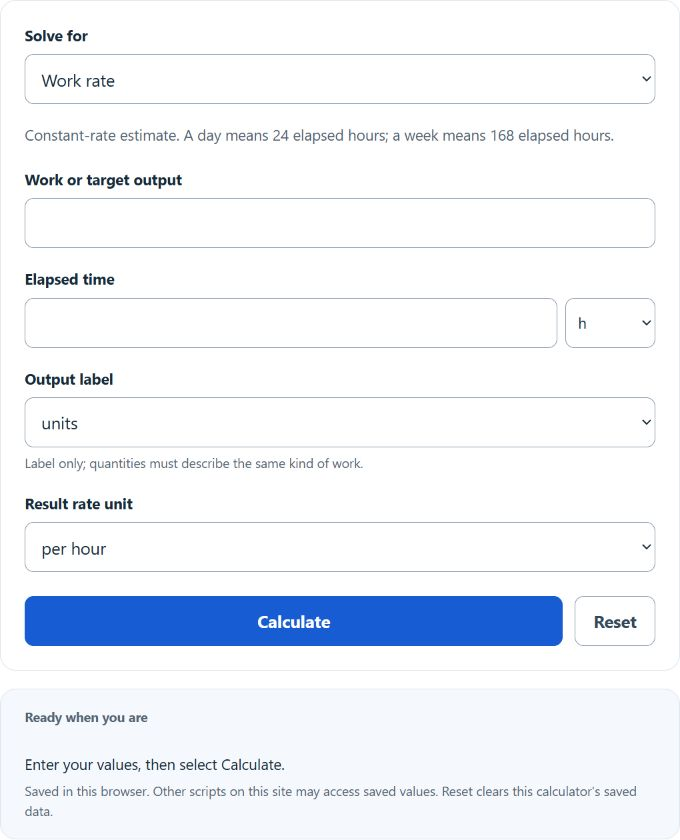
Calculate work rates, team completion time, production targets, and equivalent hourly, weekly, monthly, or annual pay rates from inputs.
- All Math and Numbers Calculators
- All Rate Calculators
- Piece Rate Calculator
- Labor Productivity Calculator
- Production Rate Calculator
- Tasks Per Hour Calculator
- Units Per Hour Calculator
Work Rate Formula
Choose the requested result: Work rate, Production output, Production time, Two-worker completion time or Pay equivalents.
Work ÷ Time (rate from output and time):
Together Time (two workers on one job):
Production output / time (select the value to solve):
Pay Rate (convert any pay period to hourly):
- R = work rate (units per unit of time)
- W = total work or output (units, items, tasks, jobs, orders)
- T = total time spent
- A = time for Worker A to finish one job alone
- B = time for Worker B to finish one job alone
- T_together = time for both workers to finish one job together
- Annual = pay amount converted to a yearly figure
- HoursPerWeek = scheduled work hours in a week
Assumptions: rates are constant over the period entered, workers do not interfere with each other in the two-worker mode, pay conversion uses a 52-week convention, and unpaid days reduce only the adjusted annual equivalent proportionally to scheduled workdays; enter pay before those deductions. Time inputs are converted to hours internally, then to the chosen output unit. Production days are 24 elapsed hours and weeks are 168 elapsed hours, not scheduled workdays.
The solve modes apply these relationships:
- Work rate divides output by elapsed time and converts to the selected rate unit, with per-minute and per-24-hour-day equivalents.
- Together Time adds individual rates (1/A and 1/B), then inverts the sum to get the joint completion time.
- Production modes explicitly select output, time or rate and use the other two known values.
- Pay Rate normalizes any pay period to an annual figure, then divides by 52 weeks and your weekly hours to produce hourly, daily, weekly, and monthly equivalents.
Reference Tables
These reference tables use constant rates; days in the first table mean 24 elapsed hours.
| Time worked | Output | Rate (per hour) |
|---|---|---|
| 8 hours | 120 units | 15.0 |
| 8 hours | 240 units | 30.0 |
| 5 days | 1,000 items | 8.33 |
| 40 hours | 50 jobs | 1.25 |
| 30 minutes | 15 tasks | 30.0 |
| Worker A alone | Worker B alone | Together |
|---|---|---|
| 2 h | 2 h | 1.00 h |
| 3 h | 6 h | 2.00 h |
| 4 h | 6 h | 2.40 h |
| 6 h | 8 h | 3.43 h |
| 5 h | 10 h | 3.33 h |
Example Problems
Example 1: Work ÷ Time. A line packs 480 orders in 6 hours. Rate = 480 ÷ 6 = 80 orders per hour, or about 1.33 orders per minute. Each order takes 0.75 minutes.
Example 2: Together Time. Worker A finishes a job in 6 hours. Worker B finishes the same job in 8 hours. Combined rate = 1/6 + 1/8 = 7/24 jobs per hour. Together time = 24/7 ≈ 3.43 hours.
Example 3: Production Target. You need 5,000 items and your rate is 125 per hour. Time = 5000 ÷ 125 = 40 hours.
Example 4: Pay Rate. A scheduled $75,000 annual gross amount at 40 hours per week using 52 weeks works out to 75000 ÷ (40 × 52) = $36.06 per hour. With 10 unpaid days off across a 5-day week (260 work days), the effective annual pay drops to about $72,115.
FAQ
What if my workers do not start at the same time? The two-worker formula assumes simultaneous work. If they overlap only partially, split the job into segments and use Work ÷ Time for each.
Can I mix units? Yes. Each input has its own unit selector. The calculator converts everything to hours internally, then back to your chosen output unit.
How do I choose the production value to calculate? Choose Work rate, Production output or Production time, then enter the two known quantities. No blank-field guessing is needed.
How are unpaid days handled in pay calculations? The hourly, daily, weekly, half-month and monthly equivalents describe scheduled gross pay before unpaid-time deductions. The adjusted annual figure multiplies the annual pay by (work days − unpaid days) ÷ work days, which models lost income from unpaid time off.
Does this account for overtime or shift differentials? No. Enter the base rate. Overtime depends on applicable rules and the legal regular rate, which may include other compensation; this schedule conversion does not determine it.