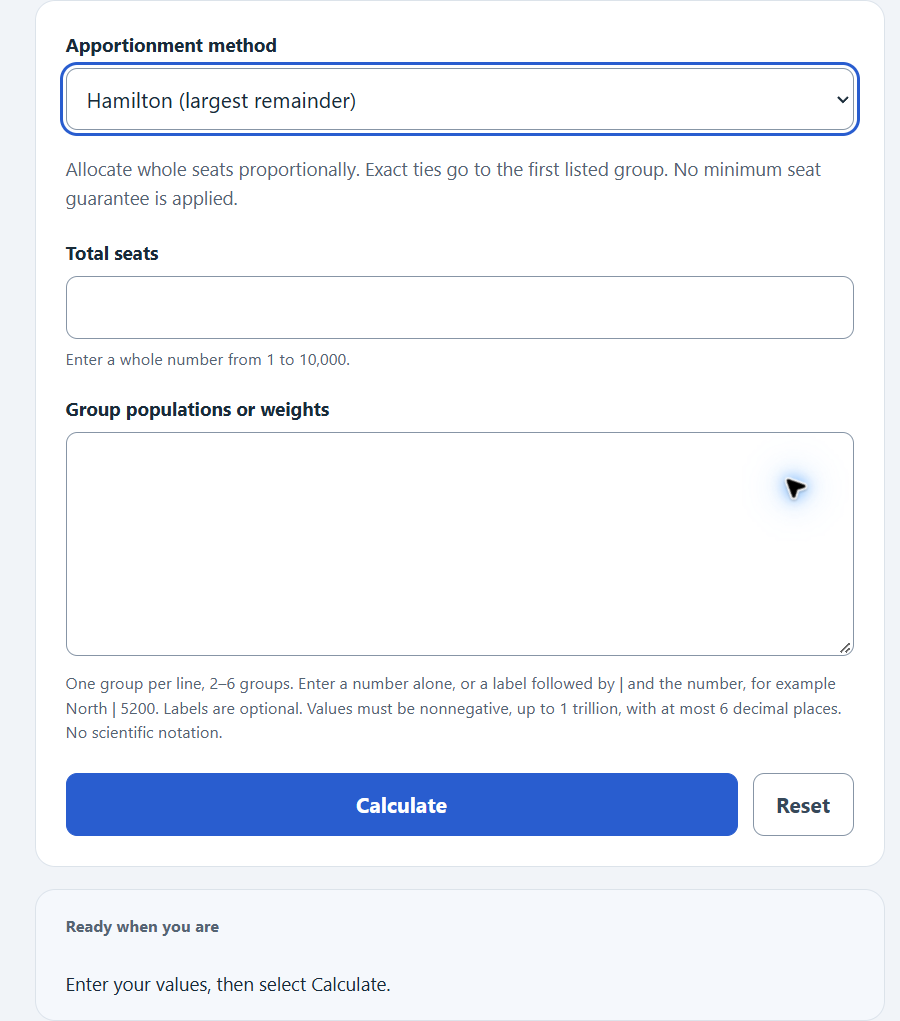
Apportion a fixed number of seats among 2–6 groups using Hamilton, Jefferson or Webster. Enter one population per line, optionally preceded by a group label and |. Exact ties favor the first listed group; no minimum seat guarantee is applied.
Related Calculators
- Compound Ratio Calculator
- Capacity Percentage Calculator
- Usage Percentage Calculator
- Scale Calculator
- All Math and Numbers Calculators
Apportionment Formula
Apportionment distributes a fixed number of indivisible seats among groups in proportion to their populations. Every method starts from the same two values.
SD = P / S
Q = p / SD
Where:
SD is the standard divisor, the average population represented by one seat.
P is the total population of all groups combined.
S is the total number of seats to apportion.
p is the population of an individual group.
Q is the standard quota for a group, the exact (fractional) number of seats it would receive before rounding.
The methods differ only in how they turn each fractional quota into a whole number of seats. Hamilton’s method gives every group its lower quota (the quota rounded down) and then hands the leftover seats, one at a time, to the groups with the largest fractional remainders. Jefferson’s and Webster’s methods are divisor methods: they replace the standard divisor with a modified divisor and round every quota. Jefferson always rounds down, while Webster rounds at the usual 0.5 cutoff. An equivalent highest-averages implementation assigns seats one at a time using exact priority comparisons. This calculator uses that approach for Jefferson and Webster, with first-listed tie resolution, so the seat total is always the requested total.
Apportionment Methods Compared
The table summarizes how each supported method assigns seats.
| Method | Rounding rule | Divisor used | Tendency |
|---|---|---|---|
| Hamilton | Lower quota, then largest remainders | Standard divisor | Neutral, but can show paradoxes |
| Jefferson | Always round down | Modified divisor | Favors larger groups |
| Webster | Standard rounding at 0.5 | Modified divisor | No systematic large-group preference |
A quota of 7.6 is an exact proportional share before allocating whole seats. Hamilton assigns the lower or upper quota; divisor methods can violate these quota bounds.
Example
Suppose you apportion 20 seats among three groups with populations of 5,200, 3,100 and 1,700, for a total of 10,000.
The standard divisor is 10,000 / 20 = 500. The standard quotas are 10.40, 6.20 and 3.40. Using Hamilton’s method, the lower quotas are 10, 6 and 3, which total 19. One seat remains. The fractional remainders are 0.40, 0.20 and 0.40, so the extra seat goes to the group with the largest remainder. Group 1 and Group 3 tie at 0.40; the first listed receives it, giving a final apportionment of 11, 6 and 3.
Using Webster’s method on the same data, you adjust the divisor until standard rounding of every quota sums to 20. For these inputs Webster also gives 11, 6 and 3 seats. Other inputs can produce different allocations.
FAQ
What is the standard quota? The standard quota is a group’s exact share of the seats, found by dividing its population by the standard divisor. It is usually a decimal, which is why a rounding method is needed to produce whole seats.
Why do different methods give different results? Each method rounds the quotas differently. Jefferson rounds down and tends to help larger groups, Webster rounds at 0.5, and Hamilton assigns leftover seats by largest remainder. Different fairness criteria can favor different methods, and allocations can differ.
Which method does the US House of Representatives use? Congress currently uses the Huntington-Hill method, a divisor method that rounds at the geometric mean. This calculator supports the three classic teaching methods (Hamilton, Jefferson and Webster), which are the ones most often assigned in coursework.