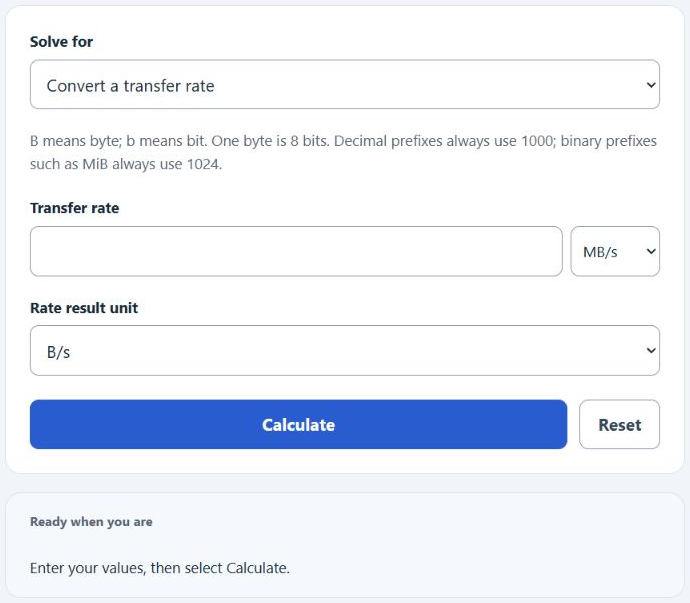
Convert transfer rates, estimate download time, find transferred data, or calculate an average rate from file size and elapsed time. B means bytes and b means bits (8 bits per byte). Decimal prefixes such as MB always use powers of 1000; binary prefixes such as MiB use powers of 1024.
- All Unit Converters
- Bytes To GB Converter Calculator
- Packets Per Second Calculator
- Backup Capacity Calculator
- Sat Per Byte Calculator
- Bytes To MB Converter Calculator
Bytes Per Second Formula
The following formula is used to calculate the bytes per second (B/s) transfer rate.
Variables:
- File Size is the size of the file being transferred (bytes)
- Time is the duration taken to transfer the file (seconds)
- B/s is the transfer rate in bytes per second
To calculate the bytes per second transfer rate, divide the file size by the time taken to transfer the file.
What is Bytes Per Second?
Bytes per second (B/s) is a unit of data transfer rate that represents the amount of data (in bytes) that can be transferred in one second. It is commonly used to measure the speed of data transfer across a network or between devices. Higher values indicate faster transfer rates, which can be crucial for activities such as downloading files, streaming video content, or backing up data.
How to Calculate Bytes Per Second?
The following steps outline how to calculate the Bytes Per Second transfer rate.
- First, determine the file size (in bytes).
- Next, determine the time taken to transfer the file (in seconds).
- Use the formula B/s = File Size / Time.
- Finally, calculate the transfer rate in bytes per second (B/s).
- Select Rate from file size and time, enter the quantities and units, then Calculate. For 500000 bytes in 100 seconds, the result is 5000 B/s. Download-time overhead is an optional percentage of the entered rate unavailable for file data; blank means zero.
Example Problem :
Use the following variables as an example problem to test your knowledge.
File Size = 500000 bytes
Time = 100 seconds