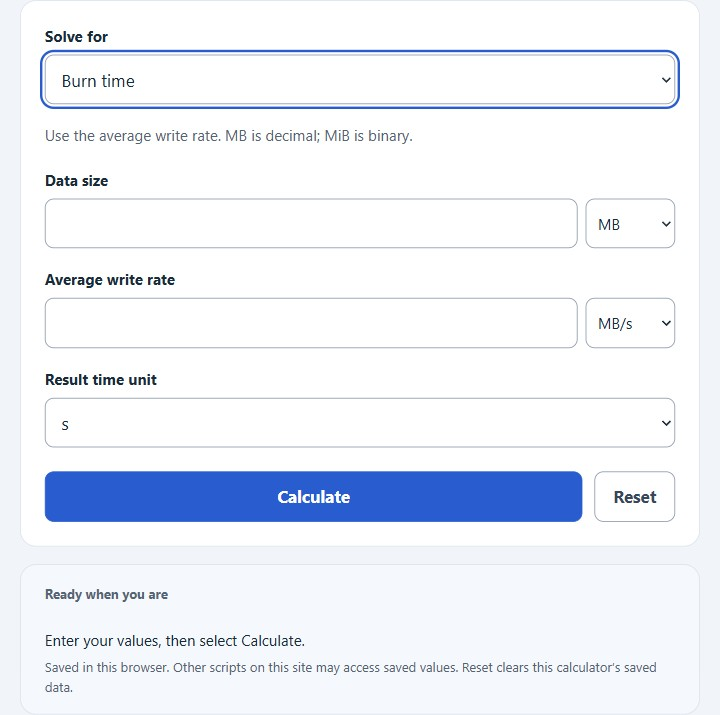
Calculate CD burn time, burn speed, or total data size by selecting the result to solve for and entering the two known values. Choose decimal or binary data units and seconds, minutes or hours.
CD Burn Time Formula
The basic relationship is data size, burn speed, and burn time. The calculator converts the entered units to bytes and seconds, performs the calculation, then converts the answer back to the unit you selected.
- T = burn time
- S = total data size
- R = burn speed, or write rate
If you enter total data size and burn speed, the calculator finds burn time with T = S / R.
If you enter total data size and burn time, it finds the required burn speed with R = S / T.
If you enter burn speed and burn time, it finds the amount of data that can be written with S = R * T.
Common CD Capacities and Write Speeds
Capacity labels are nominal and often use “MB” for binary MiB; use the actual data size and drive/media specifications. The burn time is the ideal data-writing time only and does not include lead-in, lead-out, disc finalization, verification, or drive slowdown.
| CD type | Typical capacity | Use in calculator |
|---|---|---|
| 74-minute CD-R | 650 MB | Enter actual data size; nominal capacity is about 650 MiB |
| 80-minute CD-R | 700 MB | Enter actual data size; nominal capacity is about 700 MiB |
| 90-minute CD-R | 800 MB | Enter actual data size; verify this disc’s usable capacity |
| CD write speed | Approx. data rate | Ideal time for 700 MB |
|---|---|---|
| 4x | 0.60 MB/s | 1166.67 s, or 19.44 min |
| 8x | 1.20 MB/s | 583.33 s, or 9.72 min |
| 16x | 2.40 MB/s | 291.67 s, or 4.86 min |
| 24x | 3.60 MB/s | 194.44 s, or 3.24 min |
| 48x | 7.20 MB/s | 97.22 s, or 1.62 min |
| 52x | 7.80 MB/s | 89.74 s, or 1.50 min |
Example Problems
Example 1: Find burn time
You want to burn 700 MB at 7.80 MB/s.
The ideal burn time is 89.74 seconds, or about 1.50 minutes.
Example 2: Find data size
You burn at 2.40 MB/s for 300 seconds.
The amount of data written is 720 MB.
FAQ
Why is the actual CD burn time longer than the calculated time?
The result is based only on data size divided by burn speed. Real CD burning also includes preparation, lead-in writing, lead-out writing, finalization, possible verification, and speed changes during the burn. These steps can add extra time.
What burn speed should I enter for 48x or 52x CD burning?
A CD drive’s 1x speed is about 150 KB/s, or 0.15 MB/s. For 48x, enter about 7.20 MB/s. For 52x, enter about 7.80 MB/s. Actual speed may be lower if the drive starts slowly and ramps up during the burn.
Does the calculator use decimal or binary storage units?
Choose decimal units (1 KB = 1,000 bytes, 1 MB = 1,000,000 bytes) or explicitly binary units (1 KiB = 1,024 bytes, 1 MiB = 1,048,576 bytes). Do not treat a disc’s nominal “MB” capacity label as an exact decimal data size. Examples using MB and MB/s below use the decimal convention.