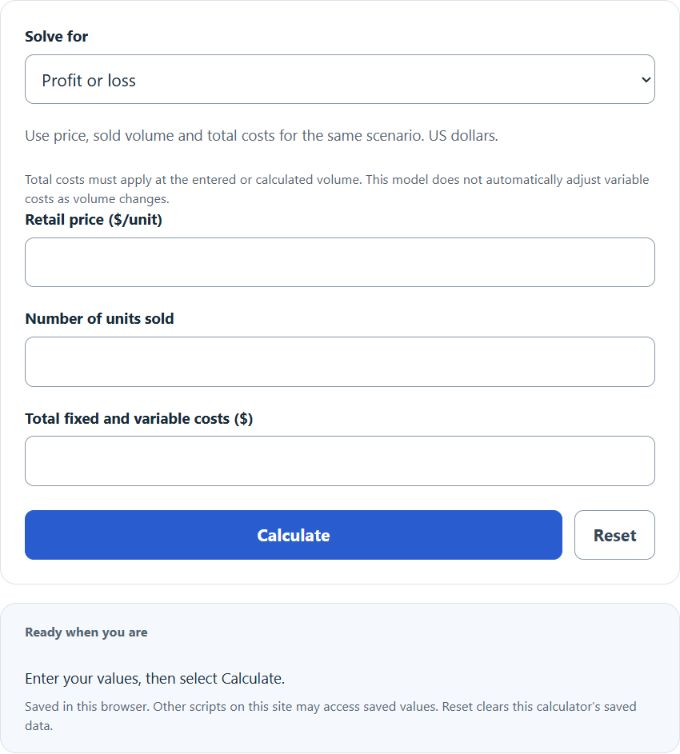
Choose profit, retail price, units, or total costs, then enter the three required values. Use total costs applicable to the same scenario; the calculator does not automatically adjust variable costs when volume changes.
Cost Volume Profit Formula
The cost volume profit calculation in this calculator is based on sales revenue minus total costs. Sales revenue is retail price multiplied by the number of units sold.
- Profit = cost volume profit in dollars
- P = retail price per unit in dollars
- Q = number of units sold
- TC = total costs, including fixed costs plus variable costs
Choose Profit or loss to find profit from retail price, units sold, and total costs.
- P = retail price per unit
- Profit = target or known profit
- TC = total fixed and variable costs
- Q = number of units
Choose Retail price per unit to find the price implied by the entered total costs, profit, and units sold.
- Q = number of units
- Profit = target or known profit
- TC = total costs
- P = retail price per unit
Choose Number of units to find the equivalent quantity for the given price, total costs, and profit. This inverse calculation holds total costs at the entered amount. A whole-unit minimum rounds up under that same assumption; if variable costs change with volume, update total costs or use a contribution-margin CVP model.
- TC = total costs
- P = retail price per unit
- Q = number of units
- Profit = cost volume profit
Choose Total costs to find the nonnegative cost amount implied by retail price, units, and profit. Enter a negative profit for a loss.
Cost Volume Profit Result Guide
| Result | Meaning | Basic interpretation |
|---|---|---|
| Positive profit | Revenue is greater than total costs. | The sales volume and price cover costs and leave a surplus. |
| Zero profit | Revenue equals total costs. | This is the break-even point for the entered values. |
| Negative profit | Revenue is less than total costs. | The entered price or unit volume is not enough to cover costs. |
Common Cost Volume Profit Inputs
| Input | What to enter | Common mistake |
|---|---|---|
| Retail Price | The selling price for one unit. | Entering total revenue instead of price per unit. |
| Number of Units | The quantity sold or planned to be sold. | Using dollar sales instead of unit count. |
| Fixed Costs Plus Variable Costs | Total costs for the period or scenario. | Entering only fixed costs and leaving out variable costs. |
| Cost Volume Profit | The profit after total costs are subtracted from sales revenue. | Confusing profit with revenue. |
Cost Volume Profit Examples
Example 1: Calculate profit
You sell 500 units at a retail price of $20 per unit. Total fixed and variable costs are $7,000.
The cost volume profit is $3,000.
Example 2: Calculate required units
You want a profit of $4,000. Total costs are $11,000, and the retail price is $30 per unit.
You need to sell 500 units.
Cost Volume Profit Calculator FAQ
What is cost volume profit?
Cost volume profit is the profit that remains after total costs are subtracted from sales revenue. In this calculator, sales revenue equals retail price multiplied by number of units. Total costs should include both fixed costs and variable costs.
Is cost volume profit the same as break-even analysis?
Break-even means profit is zero. This calculator solves the sales-revenue-minus-total-costs identity for one scenario. A volume-sensitive CVP model uses fixed costs and variable cost per unit: target units = (fixed costs + target profit) / (price − variable cost per unit), with positive contribution margin. This calculator instead requires a total-cost amount applicable at the calculated volume.
Should variable costs be entered per unit or as a total?
Enter total costs in the calculator. The field labeled fixed costs plus variable costs should be the combined dollar amount for the scenario. If you only know variable cost per unit, multiply it by the number of units first, then add fixed costs.