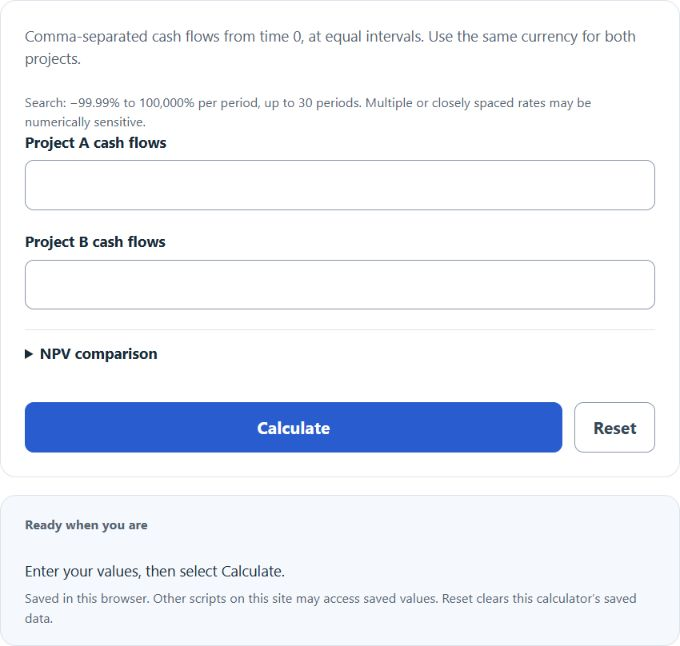
Calculate the crossover rate between two project cash flow series and compare each project’s NPV at an optional discount rate per period.
Related Calculators
- Cost Recovery Ratio Calculator
- Horizon Value Calculator
- Reverse Depreciation Calculator
- Variable Margin Calculator
- All Business Calculators
Crossover Rate Formula
The crossover rate is the discount rate at which two projects have the same net present value. The calculator finds it by subtracting Project B cash flows from Project A cash flows, then solving for the rates at which the incremental cash flows have zero NPV within the displayed search bounds.
For the optional NPV comparison, the calculator uses:
- CR = crossover rate per period
- CFA,t = Project A cash flow at time period t
- CFB,t = Project B cash flow at time period t
- IncrementalCFt = difference between Project A and Project B cash flows at time period t
- r = discount rate used for the optional NPV comparison
- t = time period, starting at 0
- n = final time period in the cash flow series
The main crossover rate function solves for the rate where the incremental NPV equals zero. At that rate, Project A and Project B have the same NPV. The optional discount rate field does not change the crossover rate. It simply calculates each project’s NPV at the rate you enter so you can see which project has the higher value at that specific rate.
How to Interpret the Crossover Rate
| Discount rate compared with crossover rate | What it means |
|---|---|
| Discount rate is below the crossover rate | One project has the higher NPV below the crossover point. Which project depends on the cash flow pattern. |
| Discount rate equals the crossover rate | Both projects have the same NPV. |
| Discount rate is above the crossover rate | The project preference switches, assuming there is one unique crossover rate. |
| Input item | How to enter it | Example |
|---|---|---|
| Time 0 cash flow | Usually the initial investment, entered as a negative number | -5000 |
| Future cash flows | Enter each period in order, separated by commas | 2500, 2500, 2500 |
| Discount rate for comparison | Enter a percentage per period | 10 for 10% |
Example Section
Example 1: Three-period projects
Project A cash flows: -5000, 2500, 2500, 2500
Project B cash flows: -4000, 2000, 2000, 2000
Incremental cash flows are:
The crossover rate is the rate that makes the incremental NPV equal to zero:
The result is approximately 23.3752% per period.
Example 2: Projects with a 0% crossover rate
Project A cash flows: -10000, 6000, 6000
Project B cash flows: -8000, 3000, 7000
Incremental cash flows are:
The equation is:
The crossover rates are −50% and 0% per period. Both satisfy this equation.
FAQ Section
What does the crossover rate tell you?
The crossover rate tells you the discount rate where two projects have equal NPV. If your required return is on one side of the crossover rate, one project may have the higher NPV. If your required return is on the other side, the other project may be better by NPV.
Why might the calculator say the crossover rate was not found?
No rate found means none was identified in the bounded numerical search, from −99.99% to 100,000% per period. A rate may lie outside those bounds, or closely spaced roots may be numerically sensitive. Identical cash-flow series have equal NPV at every rate. Cash-flow sign reversals can create multiple crossovers; compare actual NPVs at your required return.
Is the crossover rate the same as IRR?
It is an IRR calculation applied to the difference between two projects. Instead of finding the IRR of one project’s cash flows, the crossover rate finds the IRR of the incremental cash flows between Project A and Project B.