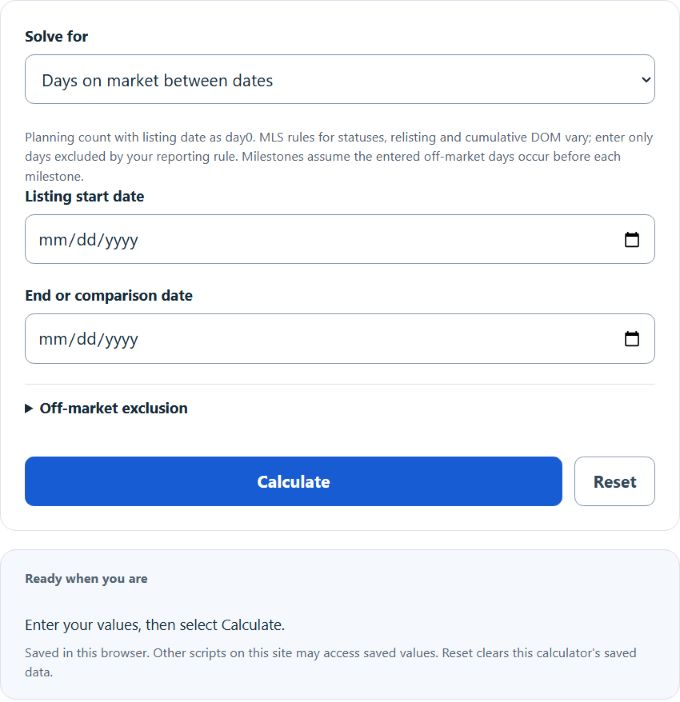
Calculate calendar and active days on market between listing dates, subtract off-market days, or find a target date from a desired active DOM.
Related Calculators
- Comp Sales Calculator
- Price Premium Calculator
- Price Adjustment Calculator
- Target Price Calculator
- All Business Calculators
Days On Market Formula
The following formula is used to calculate the days on market for a given property.
Variables:
- D is the days on market
- E is the end UTC calendar timestamp in milliseconds
- S is the listing-start UTC calendar timestamp in milliseconds; O is the number of excluded off-market days
Subtract the listing-start UTC calendar timestamp from the end timestamp, divide by 86,400,000, and subtract the entered excluded days. The listing date is day zero. Actual MLS status, relisting and cumulative-DOM rules may differ.
What is Days On Market?
Days on market (DOM) is a metric used in the real estate industry to indicate the number of days a property has been listed for sale on the market. It is a key indicator of the property’s marketability and can influence the perceived value of the property. DOM needs local market and listing context; it does not by itself establish a property’s price, desirability or value. Real estate agents and sellers often use DOM to gauge the effectiveness of their pricing strategy and marketing efforts.
How to Calculate Days On Market?
The following steps outline how to calculate the Days On Market.
- First, determine the start date (S) when the property was listed.
- Next, determine the end date (E) when the property was sold or taken off the market.
- Finally, calculate the days on market using the formula D = (E – S) / 86400000 – O.
- After inserting the values and calculating the result, check your answer with the calculator above.
Example Problem :
Use the following variables as an example problem to test your knowledge.
Start Date (S) = 2023-01-01
End Date (E) = 2023-01-31