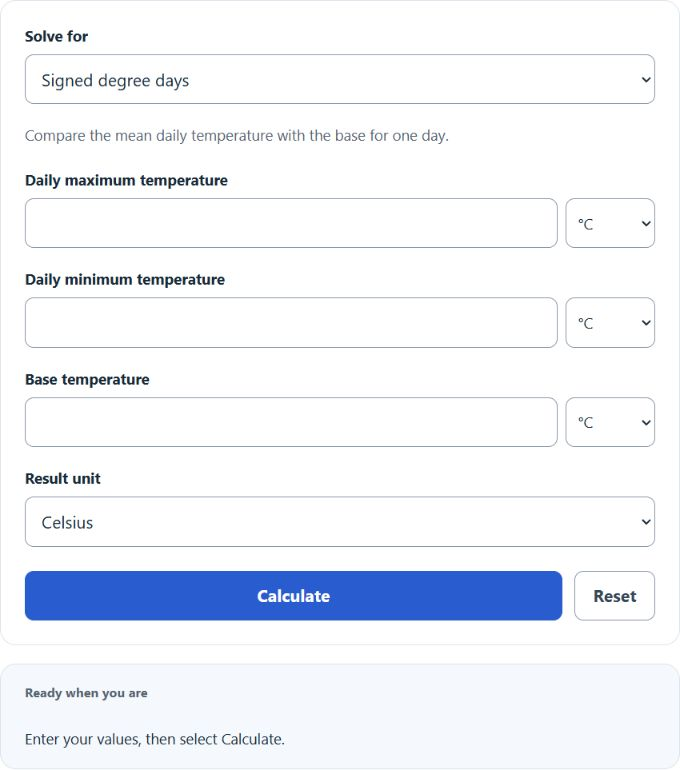
Calculate signed degree days from maximum, minimum, and base temperatures, or solve for the missing temperature value in °C or °F.
- All Construction Calculators
- Initial Temperature Calculator
- Atmospheric Pressure Calculator
- Heating Rate Calculator
Degree Day Formula
The degree day calculation uses the average of the daily maximum and minimum temperature, then compares that average to a base temperature.
- DD = signed degree days for the day
- T_max = maximum temperature for the day
- T_min = minimum temperature for the day
- T_base = base temperature used for comparison
Select the value to solve, then enter the three required values. If degree days are missing, it subtracts the base temperature from the daily average temperature. If the base temperature is missing, it rearranges the same formula to solve for the base. If the maximum or minimum temperature is missing, it solves for the missing daily temperature using the known degree days, base temperature, and the other temperature.
Temperature inputs can be entered in Celsius or Fahrenheit. Degree days are treated as temperature differences, so °C-days and °F-days are converted differently than absolute temperatures.
Common Base Temperatures and Degree Day Interpretation
Base temperature depends on the purpose of the calculation. The table below shows common choices.
| Use | Common Base Temperature | What It Measures |
|---|---|---|
| Building heating load | 18.33°C (65°F) | How far the daily average is below a comfort base |
| Building cooling load | 18.33°C (65°F) | How far the daily average is above a comfort base |
| Crop or insect development | Varies by species | Heat accumulation above a biological threshold |
The result is signed. A positive value means the average temperature is above the base temperature. A negative value means the average temperature is below the base temperature.
| Result | Meaning | Example |
|---|---|---|
| Positive DD | Daily average is above the base | Average 24°C, base 20°C gives 4°C-days |
| Zero DD | Daily average equals the base | Average 18°C, base 18°C gives 0°C-days |
| Negative DD | Daily average is below the base | Average 12°C, base 18°C gives -6°C-days |
Degree Day Examples
Example 1: Calculate degree days
Suppose the maximum temperature is 30°C, the minimum temperature is 18°C, and the base temperature is 20°C.
The result is 4°C-days.
Example 2: Calculate the base temperature
Suppose the maximum temperature is 75°F, the minimum temperature is 55°F, and the degree day value is -5°F-days.
The base temperature is 70°F.
Degree Day Calculator FAQ
What does a negative degree day value mean?
A negative value means the daily average temperature is below the base temperature. For example, if the average temperature is 50°F and the base is 65°F, the signed degree day value is -15°F-days.
Is this the same as heating degree days and cooling degree days?
This calculator returns a signed result. Positive values indicate temperatures above the base, which are commonly associated with cooling degree days. Negative values indicate temperatures below the base, which are commonly associated with heating degree days. The secondary heating and cooling degree-day outputs use the daily mean method: heating = max(−signed DD, 0); cooling = max(signed DD, 0).
Can you mix Celsius and Fahrenheit inputs?
Yes. Each temperature field has its own unit selector. The calculation converts temperatures internally, solves the missing value, and then displays the answer in the Result unit selected.