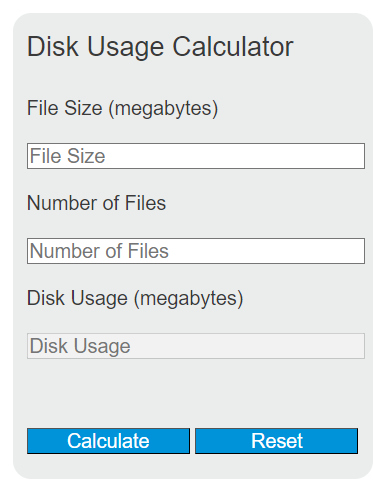
Calculate disk used and free space percentages, convert storage units, and find how much to clean up or add to reach a target capacity.
Disk Usage Formulas
The calculator uses a different formula for each mode.
Storage needed
Files that fit
Drive status
- AvgSize — average size of one file
- Count — number of files
- Available — free space on the target drive
- Capacity — total drive size
- Used — space already occupied
All values are converted to bytes using binary units (1 KB = 1,024 bytes, 1 MB = 1,048,576 bytes, and so on). The 10% buffer in the first formula covers filesystem overhead and small variations in file size. Drive manufacturers list capacity in decimal units, so a “1 TB” drive shows about 931 GB in your operating system.
Typical File Sizes and Drive Health Thresholds
Use these as defaults when you do not have an exact average.
| File type | Typical size |
|---|---|
| Word document or short PDF | 0.1 to 1 MB |
| MP3 song (3 min) | 3 to 5 MB |
| Phone photo (JPEG) | 2 to 5 MB |
| RAW photo (DSLR/mirrorless) | 20 to 50 MB |
| 1 minute, 1080p video | ~130 MB |
| 1 minute, 4K video | ~375 MB |
| PC game install | 30 to 150 GB |
| Disk image / VM | 5 to 100 GB |
| Used | Status | What to do |
|---|---|---|
| Below 80% | Healthy | No action needed. |
| 80 to 90% | Getting full | Clear caches, archive old files, or upgrade. |
| Above 90% | Critical | Free space now. SSDs slow down and updates can fail. |
Worked Example
You want to back up 1,200 phone photos averaging 4 MB each.
Total = 4 MB × 1,200 = 4,800 MB ≈ 4.69 GB.
With buffer = 4,800 × 1.10 = 5,280 MB ≈ 5.16 GB.
An 8 GB drive fits this comfortably. A 4 GB drive does not.
FAQ
Why does my new “1 TB” drive show 931 GB?
Drive makers count 1 TB as 1,000,000,000,000 bytes. Operating systems count 1 TB as 1,099,511,627,776 bytes. The drive is the right size; the unit is different.
Why include a 10% buffer?
File sizes vary, filesystems use space for metadata, and you usually need headroom for temporary files during writes. A flat buffer is simpler than tracking those individually.
Should I keep an SSD below 80% used?
Yes. SSDs need free blocks for wear leveling and garbage collection. Performance drops noticeably as the drive fills past about 85%.