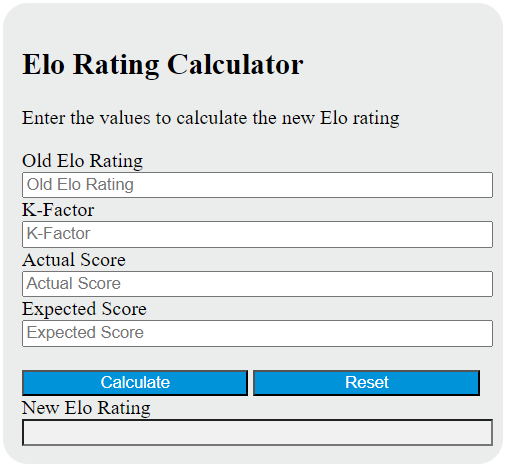
Calculate elo rating from your inputs, with a result breakdown and worked steps.
Elo Rating Formula and Method
New rating = old rating + K × (actual − expected)
Use the expected score supplied by the rating system you are studying. The update multiplies actual minus expected score by K and adds the change to the old rating. Actual score is typically 1, 0.5 or 0 for a win, draw or loss; an entered fractional score can represent another normalized result.
How to Use This Calculator
Select the result and any applicable method before entering the visible values. The selected unknown is calculated from the remaining quantities; change Solve for to rearrange the relationship. Review the primary result and its breakdown, then open the calculation steps to see how the inputs were used.
Worked Example
With the example inputs in the table, the result is 1,516. This evaluates or rearranges the entered Elo update equation.
1,500 + 32 × (1 − 0.5) = 1,516
Input and Example Guide
| Input or category | Example or weight | Entry guidance |
|---|---|---|
| Old rating (rating points) | 1500 | Use the stated unit; retain available precision. |
| K-factor (rating points per score unit) | 32 | Use the stated unit; retain available precision. |
| Actual score (0 loss, 0.5 draw, 1 win) | 1 | Use the stated unit; retain available precision. |
| Expected score supplied by rating system (0–1) | 0.5 | Use the stated unit; retain available precision. |
Interpreting the Result
K measures how strongly one result changes the rating. When actual equals expected, the rating does not move and that one observation cannot identify K. This equation can be rearranged for five quantities, but official systems may add eligibility rules, caps, lookup tables, rounding and batch updates that this algebra does not implement.
Expected score is supplied by your rating system. Official FIDE tables, caps, K eligibility, rounding and batch processing are not reproduced.
Assumptions and Common Input Errors
This evaluates or rearranges the entered Elo update equation. Use credited records rather than mixing estimates with final totals. A blank field is not treated as zero; enter zero explicitly when it is a valid observation.
Saving and Revising a Scenario
A successful calculation is saved in this browser and can be restored on the next visit. Editing an input clears the old result so it is not mistaken for an updated calculation. Reset returns the example inputs and clears the saved result.