Calculate KD, KDA or the additional kills needed for a target KD from video-game scorecard counts.
KD and KDA Formula and Method
kills ÷ deaths
KD divides recorded video-game kills by recorded deaths. KDA adds assists to kills before division. Use one match, session, season or account scope consistently, and keep the game’s assist definition consistent when comparing players. The kills-minus-deaths figure is a separate difference rather than a ratio.
How to Use This Calculator
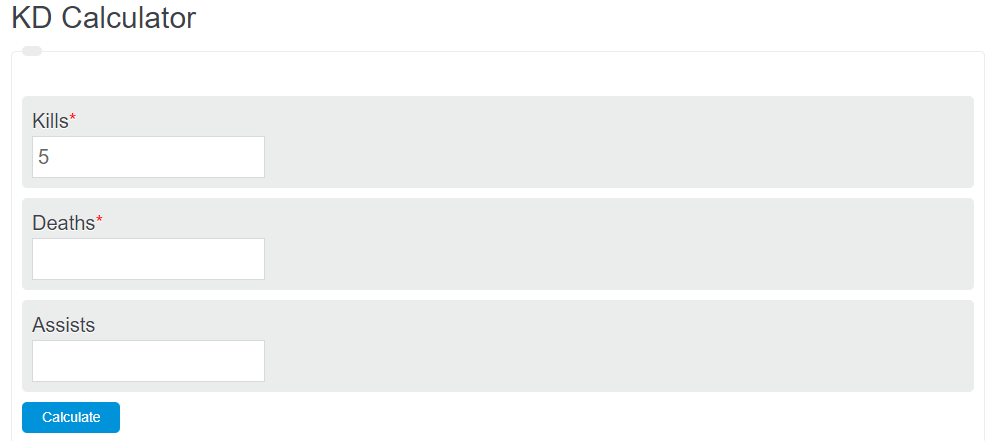
Choose KD, KDA or a target KD, then enter the visible counts. For a target, optionally enter expected additional deaths; 0 means none. Keep the match or account scope and scoring convention consistent. Select Calculate or press Enter, then review the result and calculation details.
Worked Example
With the example inputs in the table, the result is 2. These are video-game scorecard statistics for the same match or session.
Input and Example Guide
| Input or category | Example or weight | Entry guidance |
|---|---|---|
| Method | KD ratio | Choose the convention that applies to your record. |
| Video-game kills (count) | 20 | Use a whole count in the stated unit. |
| Video-game deaths (count) | 10 | Use a whole count in the stated unit. |
Interpreting the Result
With zero deaths, the unmodified ratio is undefined, even if a scoreboard displays a special “perfect” value. Target KD mode adds a user-specified future death count and finds the smallest whole number of additional kills needed. It is scorecard arithmetic and does not predict future game performance.
Zero deaths gives an undefined raw ratio. Some games use max(1, deaths) or a “perfect” label; this tool does not silently apply that convention.
Assumptions and Common Input Errors
These are video-game scorecard statistics for the same match or session. Use credited records rather than mixing estimates with final totals. A blank field is not treated as zero; enter zero explicitly when it is a valid observation.
Saving and Revising a Scenario
A successful calculation is saved in this browser and recomputed when restored. Editing an input marks the answer as a previous result until you calculate again. Switching tasks retains your entries for that visit. Reset clears this calculator’s saved result and returns to empty scorecard inputs.