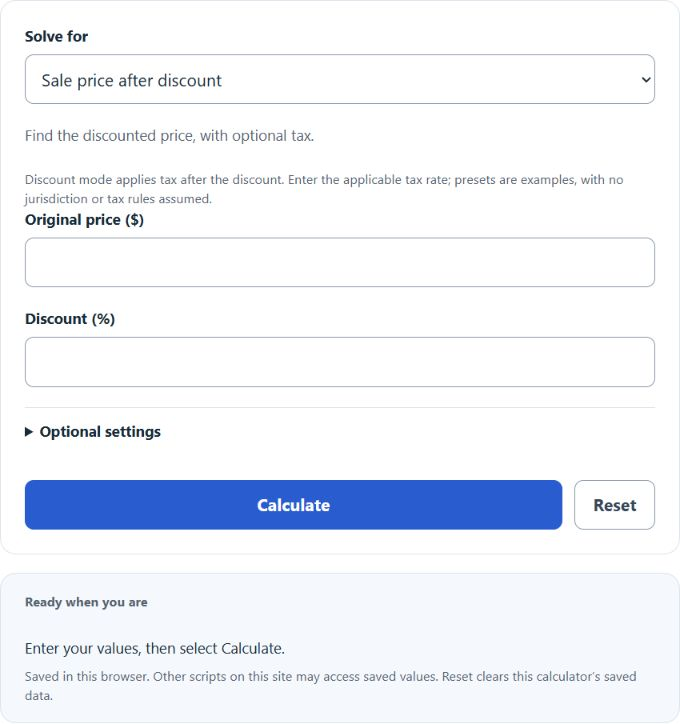
Calculate final price after discount, markup or tax. See discount savings, gross spread or tax added; gross spread excludes other expenses.
Related Calculators
- Reverse Markup Calculator
- Final Cost Calculator
- Unit Product Cost Calculator
- Target Price Calculator
- All Business Calculators
Final Price Formula
The following formula applies one signed percentage change. In Sale price mode, enter the discount as a positive percentage, equivalent to a negative C below. Optional tax is then applied to the discounted price: FP = IP(1 – discount/100)(1 + tax/100). Markup and tax modes use a positive C for an increase.
- Where FP is the Final Price ($)
- IP is the initial price ($)
- C is the percentage change (%). Use a positive value for an increase and a negative value for a decrease.
How to Calculate Final Price?
The following example problems outline how to calculate Final Price.
Example Problem #1:
- First, determine the initial price ($).
- The initial price ($) is given as 40.
- Next, determine the percentage change (%).
- The percentage change (%) is provided as -30 (a 30% decrease).
- Finally, calculate the Final Price using the equation above:
FP = IP(1 + C/100)
The values given above are inserted into the equation below:
FP = 40(1 + (-30)/100) = 28 ($)
Example Problem #2:
For this problem, the variables needed are provided below:
initial price ($) = 50
percentage change (%) = 70 (a 70% increase)
This example problem is a test of your knowledge on the subject. Use the calculator above to check your answer.
FP = IP(1 + C/100) = ?