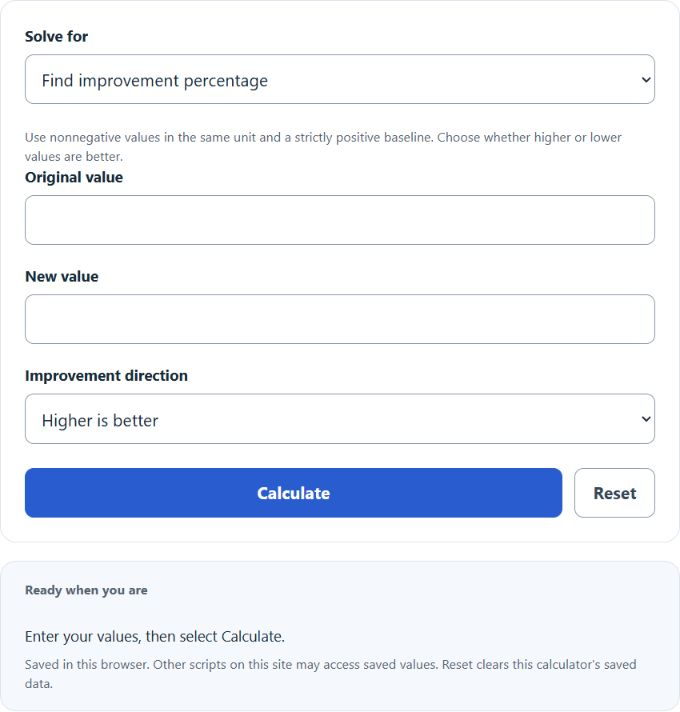
Calculate percentage improvement between original and new values, account for higher- or lower-is-better metrics, or solve for a target or original value.
- Percent Deviation Calculator
- Percent Decrease Calculator
- All Math and Numbers Calculators
- Increase Ratio Calculator
Improvement Percentage Formula
The calculator runs three modes. Each uses one of the formulas below.
1. Percentage change (find the improvement %):
2. Apply a percentage (find the new value):
3. Reverse calculation (find the original value):
- Original — the starting or baseline value.
- New — the value after the change.
- % — the improvement, expressed as a percentage.
The original must be strictly positive and the new value nonnegative. Positive improvement means better in the selected direction; negative improvement means decline. Target and inverse modes accept nonnegative improvement only. Lower-is-better improvement is at most100%; at100%, the new value is zero and the original cannot be uniquely recovered from zero.
Reference Values
The following multiplier ranges and examples use the higher-is-better convention. Descriptive size labels do not establish practical or statistical significance.
| Improvement % | Multiplier | Interpretation |
|---|---|---|
| 0% to 5% | 1.00 – 1.05 | Small relative increase |
| 5% to 20% | 1.05 – 1.20 | Moderate improvement |
| 20% to 50% | 1.20 – 1.50 | Strong improvement |
| 50% to 100% | 1.50 – 2.00 | Large; verify inputs |
| > 100% | > 2.00 | More than doubled |
| Original | New | Improvement |
|---|---|---|
| 100 | 110 | +10% |
| 100 | 125 | +25% |
| 80 | 100 | +25% |
| 200 | 150 | −25% |
| 50 | 75 | +50% |
Example Problems
Test score went from 72 to 90.
((90 − 72) / 72) × 100 = (18 / 72) × 100 = 25% improvement.
Run time dropped from 30 minutes to 24 minutes.
((30 − 24) / 30) × 100 = 20% improvement when lower is better. The ordinary signed relative change is−20%.
Sales were $4,000 and grew 18%. New sales?
4000 × (1 + 0.18) = $4,720.
FAQ — Can the baseline be negative? This calculator defines improvement only for a strictly positive baseline. Negative baselines require a separately chosen interpretation and are rejected.
FAQ — Improvement vs. percentage point? A jump from 40% to 50% is a 10 percentage point change but a 25% improvement. The calculator returns the relative percentage, not percentage points.
Formula summary: improvement = direction ×100 × (new − original)/original, using +1 when higher is better and−1 when lower is better.