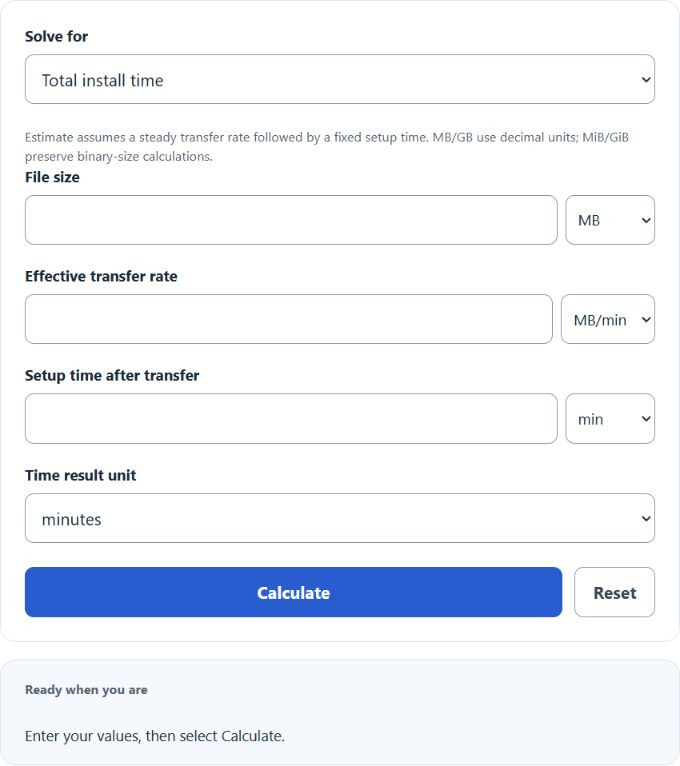
Choose total install time, file size, transfer rate, or setup time, then enter the three required values. The estimate uses size divided by transfer rate plus setup time.
Related Calculators
- Upload Time Calculator
- Upload Speed Calculator
- Video File Size Calculator
- Audio File Size Calculator
- Data Size Calculator
- Bits Per Second Calculator
- All Construction Calculators
Install Time Formula
The install time calculator estimates the total time required to download and finish installing software. It combines the transfer portion with a fixed setup allowance, which makes it useful for applications, updates, games, installers, and large packages that still need to be unpacked and configured after the download completes.
| Symbol | Meaning | Common Units |
|---|---|---|
| T | Total install time | minutes, hours |
| S | Software or download size | kB, MB, GB; KiB, MiB, GiB |
| B | Effective bandwidth or download rate | kB/min, MB/min, GB/min; KiB/min, MiB/min, GiB/min; Mbps |
| C | Extra installation overhead after download | minutes, hours |
The size divided by bandwidth gives the download portion. The complexity term adds the non-download time, such as extraction, verification, disk writes, dependency checks, and final setup steps.
Rearranged Formulas
If you know any three values, you can solve for the fourth:
Solving for a positive bandwidth requires total time greater than setup time and a positive file size. For file size, equal total and setup times give zero size.
How to Use the Calculator
- Select the value to solve for.
- Enter the three displayed quantities and choose their units.
- Select the result unit where offered.
- Select Calculate to see the result and calculation details.
The calculator converts mixed size and transfer-rate units automatically. Use decimal MB/GB for decimal file sizes and binary MiB/GiB for binary sizes.
Unit Conversions That Matter
Most input mistakes come from mixing units or confusing bits with bytes. These conversions are the ones users most often need:
Internet providers often advertise speed in Mbps. You can choose Mbps directly, or use this conversion to decimal MB/min:
Example
Suppose a program is 500 MB, the download rate is 10 MB/min, and the setup portion takes 20 minutes.
In this case, 50 minutes comes from downloading and 20 minutes comes from the installation process itself.
What the Complexity Input Represents
The complexity input is best treated as a fixed time allowance after the file transfer finishes. It can include:
- Launching the installer
- Extracting compressed files
- Verifying packages or checksums
- Writing files to disk
- Installing dependencies
- Creating services, shortcuts, or registry entries
- Final configuration and first-run setup
What Can Make Real Install Time Longer?
- Wi-Fi interference or unstable network conditions
- Server throttling or congested download mirrors
- Background updates competing for bandwidth
- Slow SSD or HDD write speeds
- CPU and memory limits during decompression
- Security scans during or after download
- Extra patches, reboots, or dependency installs
Common Input Mistakes
- Entering Mbps without selecting the Mbps unit
- Confusing decimal GB/MB with binary GiB/MiB
- Ignoring setup time and only estimating download time
- Using advertised bandwidth instead of realistic throughput
- Assuming the transfer rate stays constant for the entire download
Install Time FAQ
- Does faster internet always reduce total install time by the same percentage?
- No. Faster internet only reduces the download portion. If setup time is a large share of the total, the overall improvement will be smaller.
- Can this calculator be used for game downloads or software updates?
- Yes. Treat the game or update size as the file size and include a reasonable setup allowance for unpacking, verification, and patch application.
- Why is the actual install time sometimes different from the estimate?
- The formula assumes a steady transfer rate and a fixed setup overhead. Real installations can vary because of server limits, device performance, disk speed, and background activity.