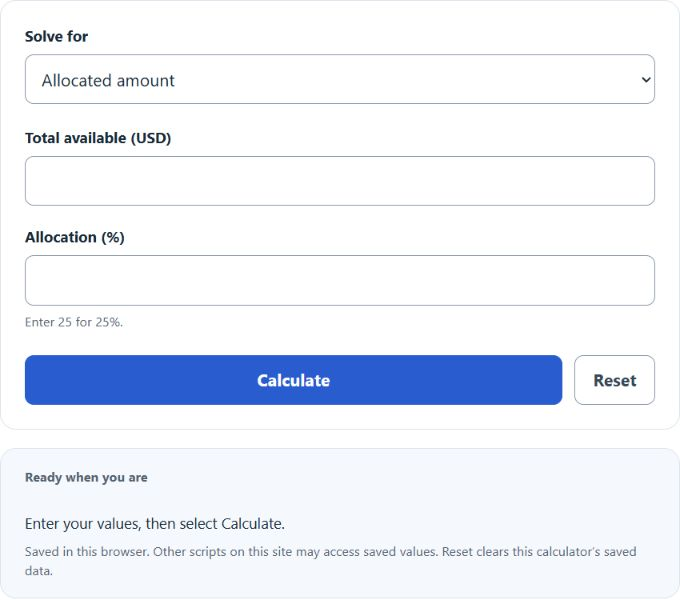
Select allocated amount, allocation percentage, or total amount, then enter the two known values for a budget category.
Money Allocation Formula
The money allocation calculator determines how much money should be assigned to one category when you know the total amount available and the percentage allocated to that category. It is useful for budgeting, savings plans, tax reserves, debt payoff, investment contributions, business spending, and any situation where a percentage of a total must be converted into a dollar amount.
- A = amount allocated to the category
- T = total amount of money available
- p = percentage assigned to the category
If you know the allocated amount and need to solve for a different variable, the same relationship can be rearranged as follows:
How to Calculate Money Allocation
- Determine the total amount of money available.
- Select the percentage to assign to the category.
- Multiply the total amount by the percentage.
- Divide by 100 to convert the percentage into a dollar amount.
Percentages should usually be entered as whole percentages. For example, enter 25 for 25% and 12.5 for 12.5%.
Example Calculations
If a monthly budget is $4,800 and 15% is reserved for savings, the allocated amount is:
If a business wants to set aside 8% of $25,000 for marketing, the allocated amount is:
Quick Allocation Reference
| Total Money | Percentage | Allocated Amount | Possible Use |
|---|---|---|---|
| $1,000 | 5% | $50 | Small savings transfer |
| $3,500 | 20% | $700 | Emergency fund or debt payoff |
| $5,000 | 30% | $1,500 | Housing or operating expenses |
| $12,000 | 12.5% | $1,500 | Tax reserve or sinking fund |
Allocating Across Multiple Categories
When building a full budget, each category can be calculated separately using the same formula. After that, compare the total assigned amount to the total money available.
Here, R is the remaining unallocated amount.
- If all category percentages add up to 100%, every dollar is assigned.
- If they add up to less than 100%, some money remains unallocated.
- If they add up to more than 100%, the budget is over-allocated.
Where This Calculator Is Useful
- Personal budgeting: housing, food, transportation, savings, entertainment, and debt payments.
- Business finance: payroll reserves, marketing budgets, taxes, bonuses, and department spending.
- Investing: dividing contributions among stocks, bonds, cash, or other asset classes.
- Sinking funds: vacations, insurance, gifts, repairs, and annual subscriptions.
- Income planning: splitting paychecks into spending, saving, and long-term goals.
Tips for More Accurate Money Allocation
- Use the same time frame for each input, such as monthly income with monthly expenses.
- Round at the end if you are calculating several categories and want totals to reconcile cleanly.
- Revisit your percentages after a raise, expense increase, debt payoff, or major life change.
- Track irregular costs separately so your allocation reflects real spending patterns.
- For multi-category budgets, verify that the total assigned amount does not exceed the available money.
Frequently Asked Questions
What does a 0% allocation mean?
It means none of the total amount is assigned to that category.
Can I use decimal percentages?
Yes. A value such as 12.5 means 12.5% of the total.
What if the percentage is greater than 100%?
The formula still produces a result, but in most budgeting situations it means the planned allocation is larger than the money available.
Can this be used outside personal finance?
Yes. The same calculation works for revenue sharing, commission planning, tax withholding, project budgets, grants, and portfolio allocations.