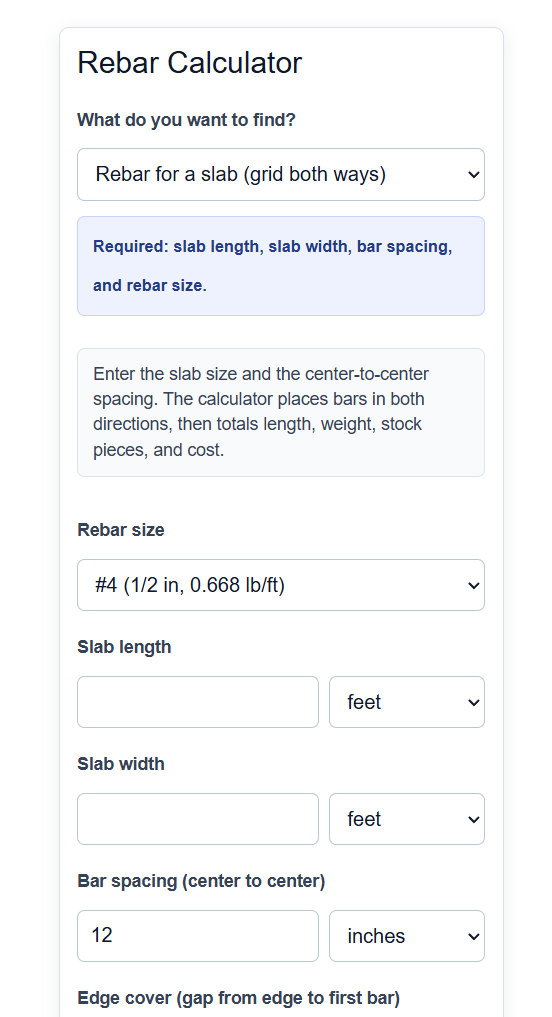
Calculate how much rebar you need for a slab, footing, or beam, including the number of bars, spacing, total length, weight, and cost.
Rebar Formula
The calculator uses a different formula depending on what you are reinforcing. For a slab with a grid of bars running both directions:
Bars = floor((Side - 2*Cover) / Spacing) + 1
Total Length = Bars_L * Length_clear + Bars_W * Width_clear
For a footing or beam with parallel bars:
Total Length = Bars * Run Length * Runs
Once the total length is known, weight and cost come from the bar size and price:
Weight = Total Length (ft) * Unit Weight (lb/ft)
Cost = Total Length or Weight * Unit Price
The variables are:
- Bars: number of bars needed in one direction
- Side: the slab dimension the bars are spaced across (length or width)
- Cover: the edge clearance from the concrete edge to the first bar
- Spacing: center to center distance between bars
- Length_clear / Width_clear: the slab dimension minus twice the cover, which is how long each bar is cut
- Run Length: the length of one footing or beam
- Runs: how many identical footings or beams you are building
- Unit Weight: the weight per foot for the chosen bar size
- Unit Price: the cost per foot, per piece, or per unit weight
In slab mode the calculator divides each slab side by the spacing and rounds up, then adds one bar so a bar sits at each edge of the grid. It does this in both directions and cuts each bar to the clear span, so the bars stop short of the concrete edge by the cover distance. In footing or beam mode it simply multiplies the bars in one run by the run length and the number of runs. The conversion mode skips the layout entirely and turns a length you already know into weight and cost. Weight always comes from the published unit weight of the selected bar size, and cost is applied on whatever basis you price your steel, whether that is per foot, per stock piece, or per pound.
Rebar Sizes and Spacing
Bar weight is fixed by size, so the size you pick drives both the total weight and the cost. These are the US (imperial) bar designations the calculator uses.
| Bar size | Diameter | Weight (lb/ft) |
|---|---|---|
| #3 | 3/8 in | 0.376 |
| #4 | 1/2 in | 0.668 |
| #5 | 5/8 in | 1.043 |
| #6 | 3/4 in | 1.502 |
| #7 | 7/8 in | 2.044 |
| #8 | 1 in | 2.670 |
| #9 | 1-1/8 in | 3.400 |
| #10 | 1-1/4 in | 4.303 |
| #11 | 1-3/8 in | 5.313 |
Spacing depends on the job. These are common starting points for residential flatwork; always defer to your plans or engineer when one is involved.
| Application | Typical bar | Spacing (on center) |
|---|---|---|
| Patio, walkway | #3 or #4 | 12 to 18 in |
| Driveway, garage slab | #4 | 10 to 12 in |
| Footings | #4 or #5 | per design |
| Edge cover | any | about 3 in clear |
Example Problems
Example 1: Slab grid. You have a 20 ft by 10 ft slab with #4 bars at 12 in spacing and 3 in edge cover. Bars running the long way are spaced across the 10 ft (120 in) width: floor((120 - 6) / 12) + 1 = floor(9.5) + 1 = 10 bars, each cut to 20 ft minus 6 in cover = 19.5 ft. Bars running the short way are spaced across the 20 ft (240 in) length: floor((240 - 6) / 12) + 1 = 20 bars, each 10 ft minus 6 in = 9.5 ft. Total length = (10 * 19.5) + (20 * 9.5) = 195 + 190 = 385 ft. Weight = 385 * 0.668 = about 257 lb.
Example 2: Footings. You are pouring 4 identical footings, each 24 ft long, with 3 #5 bars in each. Total length = 3 * 24 * 4 = 288 ft. Weight = 288 * 1.043 = about 300 lb.
Frequently Asked Questions
Why does the calculator add one bar to the spacing count? Dividing a side by the spacing gives the number of gaps between bars, not the number of bars. A run of bars always has one more bar than it has gaps, so the calculator adds one to place a bar at each end of the grid.
What edge cover should I use? Rebar is kept back from the concrete edge so it does not corrode and so the concrete can fully surround it. About 3 inches of clear cover is common for slabs and footings exposed to soil, though your plans may call for a different value. The calculator subtracts the cover from both ends of each bar before cutting it to length.
Does the calculator account for lap splices and waste? Yes, if you turn on the advanced options. When a bar is longer than your stock length, the calculator can add a lap (overlap) at each splice, and you can add a waste percentage on top of the total. This gives a buy quantity that is closer to what you will actually order.