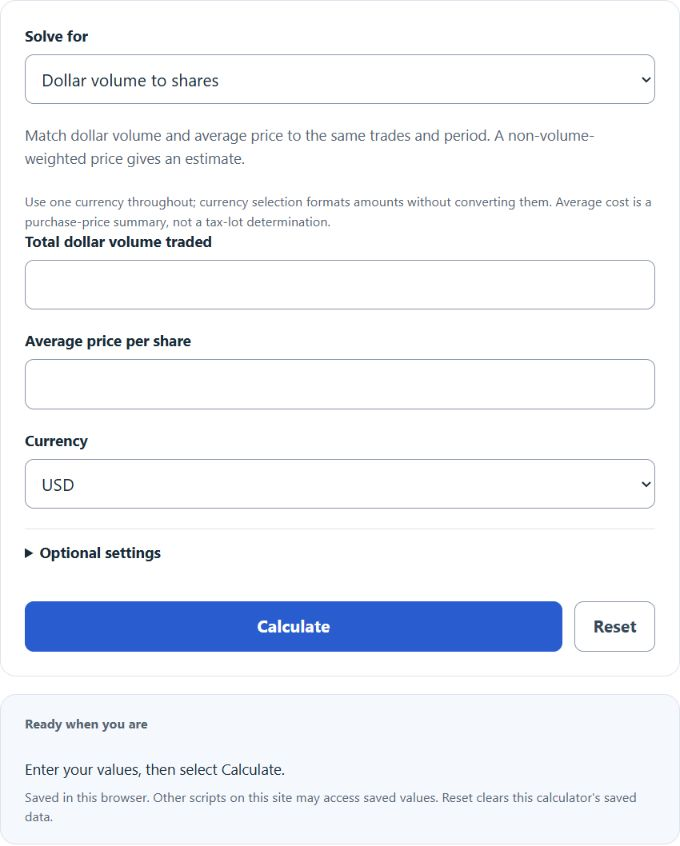
Calculate stock volume from dollar volume and average share price, or find weighted average cost basis and unrealized P/L from stock buys.
Stock Volume Formula
The calculator runs in two modes. Each mode uses its own formula.
Dollar volume mode converts a money amount traded into an estimated share count.
- Shares = estimated number of shares traded
- Dollar Volume = total money value traded over the period
- Average Price = average price per share for that period
The calculator also reports lot equivalents as Shares ÷ Lot Size (blank uses an illustrative 100), and if you enter Average Daily Volume, it computes Volume vs. ADV as Shares ÷ ADV × 100. The dollar volume formula assumes the average price you enter is representative of the period the dollar volume covers. If price moved sharply, the share count is an approximation.
Average cost mode finds the weighted average price across up to four buys.
- Shares_i = shares purchased in buy i
- Price_i = price paid per share in buy i
- Average Cost = weighted average cost basis per share
If you enter a current price, the calculator adds Market Value = Current Price × Total Shares, Unrealized P/L = Market Value − Total Invested, and Return = P/L ÷ Total Invested × 100. Commissions and fees are not included. Add them to the buy price if you want them reflected in cost basis.
Reference Tables
The ADV bands below are illustrative comparisons, not established thresholds for normal trading or liquidity. Compare equivalent periods. The lot examples use an illustrative 100-share lot; US NMS stocks can instead have assigned 100, 40, 10 or 1-share round lots under rules implemented November 3, 2025.
| Volume vs. ADV | Reading |
|---|---|
| Under 50% | Quiet session for the stock |
| 50% to 150% | 50% to 150% of the entered daily average |
| 150% to 200% | 150% to 200% of the entered daily average |
| Over 200% | Unusual, check for a catalyst |
| Lot Type | Shares | Notes |
|---|---|---|
| Round lot | 100 | Illustrative lot size; confirm the assigned lot |
| Mixed lot | 101 to 199 | Round lot plus odd lot |
| Odd lot | 1 to 99 | Below the standard lot |
| Block trade | 10,000+ | Or $200,000+ in market value |
Worked Examples and FAQ
Example 1: Dollar volume to shares. A stock trades $2,500,000 in dollar volume at an average price of $42.50. Shares = 2,500,000 ÷ 42.50 = 58,824 shares. With a 100-share lot, that is about 588 round lots. If ADV is 1,200,000, then 58,824 ÷ 1,200,000 = 4.9% of ADV. This comparison alone does not establish liquidity or a trading signal.
Example 2: Weighted average cost. Buy 1 is 100 shares at $48.25. Buy 2 is 75 shares at $44.10. Total invested = 100 × 48.25 + 75 × 44.10 = $4,825.00 + $3,307.50 = $8,132.50. Total shares = 175. Average cost = 8,132.50 ÷ 175 = $46.47 per share. At a current price of $55, market value is $9,625, P/L is $1,492.50, and return is 18.35%.
Why does the share count seem off versus reported volume? Reported exchange volume is total shares matched. The calculator estimates shares from a dollar figure and a single average price. Dollar volume divided by VWAP equals the corresponding share volume before rounding when both inputs cover exactly the same security, period, venues, sessions and included trades. Other average prices give an estimate.
Should I include commissions in buy price? If you want a true cost basis, add per-share commissions to each buy price. Include applicable acquisition costs consistently. Tax basis can require additional adjustments, and a weighted average is not automatically the permissible basis for shares sold.
Can I use this for selling too? The average cost mode is for purchases. Realized gain calculations require the basis of the shares actually sold under the applicable tax-lot method, selling costs and relevant adjustments; this purchase average does not determine those amounts.
What lot size should I use? For US NMS stocks, use the security’s assigned round-lot size, which may be 100, 40, 10 or 1 share. Assignments use exchange evaluation-period prices, not a live-price threshold. Other markets can use different lot sizes. Blank uses 100 only as an illustrative default.