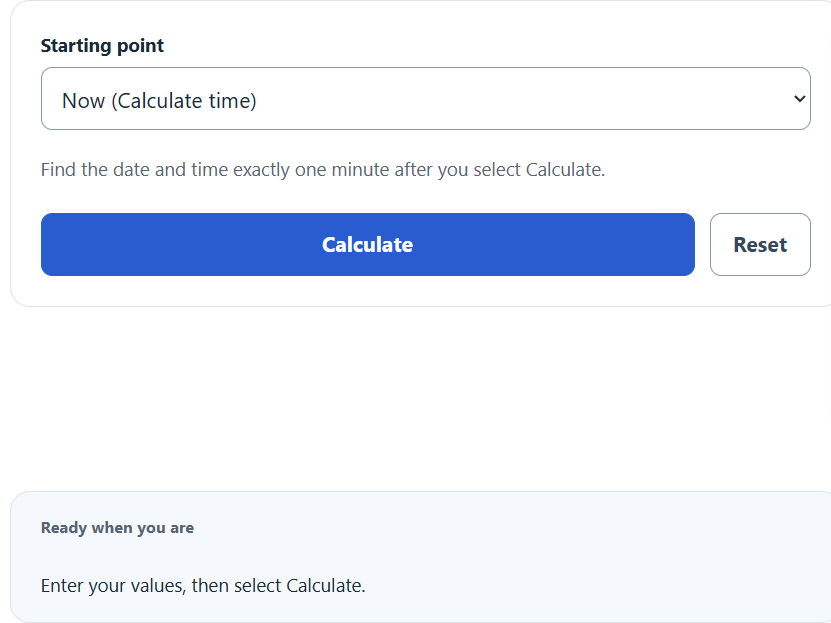
Calculate the exact local time 60 seconds from now or from a selected start time, with the resulting date, time, and the countdown.
Related Calculators
- 12 Hours From Now Calculator
- Episode Time Calculator
- Movie End Time Calculator
- Calendar Back Date Calculator
- All Everyday Life and Education Calculators
60 Seconds From Now Formula
The calculator adds 60 seconds to a starting moment and returns the resulting clock time and date.
- Target = the future time displayed as the result
- Start = the moment used as the reference point
- 60 seconds = 1 minute, or 60,000 milliseconds
The calculator adds exactly 60 elapsed seconds. Even a one-minute interval can cross a daylight-saving transition, causing the displayed local clock time to skip or repeat. Custom input uses your device’s time zone; nonexistent times are rejected and repeated times use their earlier occurrence.
The calculator has two modes:
- From now: Start equals the device clock at the instant you press Calculate. The countdown shows the time remaining to that fixed target, then “Target reached.”
- From a start time: Start equals the date and time you enter. The formula is the same, but the target is fixed to the value you supplied.
Useful Reference Tables
Use these to convert 60 seconds into other units or to see what a 60-second offset looks like at different starting clock times.
| Unit | Value of 60 seconds |
|---|---|
| Milliseconds | 60,000 |
| Seconds | 60 |
| Minutes | 1 |
| Hours | 0.01667 |
| Days | 0.000694 |
| Start time | 60 seconds later | Crosses hour? |
|---|---|---|
| 08:15:00 | 08:16:00 | No |
| 08:59:30 | 09:00:30 | Yes |
| 11:59:45 | 12:00:45 | Yes |
| 23:59:30 | 00:00:30 (next day) | Yes, day rolls |
Examples and FAQ
Example 1. Start time 3:42:10 PM. Add 60 seconds. Target is 3:43:10 PM on the same date.
Example 2. Start time 11:59:45 PM on December 31. Add 60 seconds. Target is 12:00:45 AM on January 1 of the next year. The date rolls over because the offset crosses midnight.
Example 3. Start time 7:00:00 AM. Add 60 seconds. Target is 7:01:00 AM. The minute increments by one and the hour stays the same.
Is 60 seconds the same as one minute? Yes. One minute is defined as 60 seconds, so the two values are interchangeable for this calculation.
Why does the result sometimes land on the next day? If the start time is within 60 seconds of midnight, adding the offset pushes the target past 00:00:00, so the calendar date advances by one day.
Does the time zone matter? The result uses your device’s time zone when calculated. Across a daylight-saving transition, exactly 60 elapsed seconds may look different on the local clock. Restored results retain the saved starting instant and time zone.
How does the countdown work? The countdown displays days and hours:minutes:seconds remaining to the saved target and updates once per second. It does not move the target forward on reload. Once the target is past, it shows “Target reached.”
Can I use a past start time? Yes. Choose “A chosen date and time.” The target is 60 seconds after that moment, even if it is in the past. The countdown then shows “Target reached.”