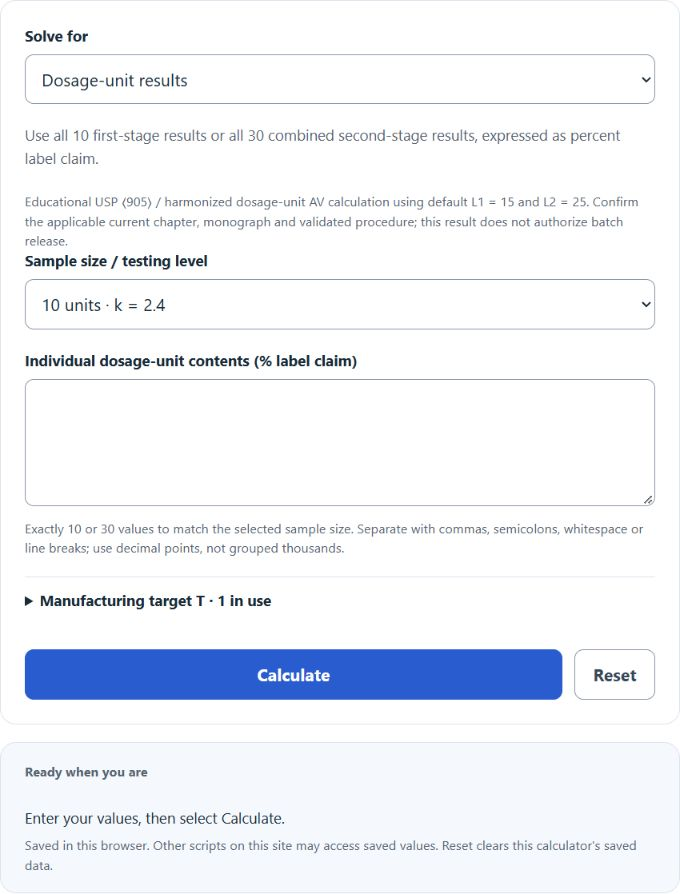
Calculate USP 905 acceptance value from 10 or 30 dosage-unit results, or from mean and sample standard deviation, with reference value M and staged criteria.
Related Calculators
- Percent Nonconforming Calculator
- Bias Percentage Calculator
- Ppk (Process Performance Index) Calculator
- Sigma To Percentage Calculator
- All Statistics Calculators
Acceptance Value Formula
This calculator evaluates dosage-unit acceptance value (AV) using the harmonized content-uniformity relationship associated with USP ⟨905⟩.
Here x̄ is mean content as percent label claim, s is sample standard deviation with denominator n − 1, and M is the reference value. There is no standard-error division by √n. Use k = 2.4 for 10 units and k = 2.0 for 30 units.
Reference Value and Staged Criteria
When manufacturing target T ≤ 101.5%, M equals the mean within 98.5–101.5%; below or above that interval, M is the nearest boundary. When T > 101.5%, replace the upper boundary with T. T defaults to 100% or the approved manufacturing target.
The displayed defaults are L1 = 15 and L2 = 25. The first-stage AV must be ≤ L1. If it exceeds L1, the staged procedure uses 20 additional units and recomputes AV over all 30, including the first 10. At the second stage, AV must still be ≤ L1, and every individual result must lie within 0.75M–1.25M, inclusive. L2 sets the individual range; it is not a higher AV threshold.
Using the Calculator
Choose individual dosage-unit percentages or mean and sample SD. Match the selected 10- or 30-unit sample size. Individual results allow the second-stage range check; a summary alone cannot establish it. Calculate each active substance separately using appropriately derived content percentages. Custom requirements and procedure applicability must be checked against the current chapter and product monograph.
Example Problems
For 10 units with mean 100% and sample SD 2.5 percentage points, M = 100 and AV = 2.4 × 2.5 = 6. For mean 97% and SD 2, M = 98.5 and AV = 1.5 + 4.8 = 6.3.
A 30-unit sample with one result of 74% and the other 29 at 100% has mean 99.1333%, sample SD 4.74693 and AV 9.49386. Its AV meets the default limit, but 74% is below 0.75M = 74.35%, so the individual-range criterion fails.
Scope and Sources
The calculator compares unrounded values; displayed rounding can conceal a small limit exceedance. It supports educational checking, not product release approval. Consult the USP chapter and the public harmonized Japanese Pharmacopoeia chapter 6.02 for procedure details and applicable exceptions.