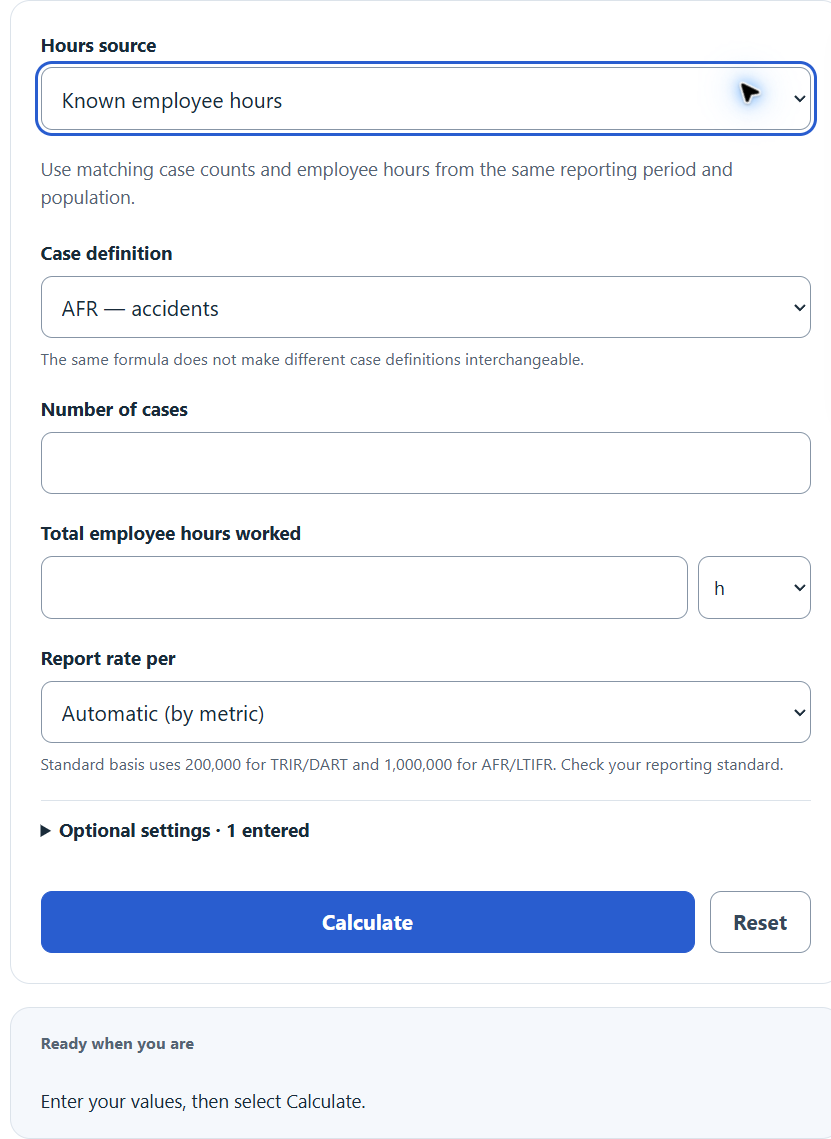
Calculate accident frequency rates from cases and employee hours, or estimate hours from staffing to report AFR, TRIR, LTIFR, or DART per work hours.
Related Calculators
- Lost Time Incident Rate Calculator
- Severity Rate Calculator
- Accident Free Days Calculator
- Accident Free Man Hours Calculator
- Cumulative Safe Man Hours Calculator
- All Statistics Calculators
Accident Frequency Rate Formula
The calculator uses a standard frequency rate formula. The base value changes the scale of the result but not the underlying ratio.
- AFR = Accident Frequency Rate; the same rate structure is used with the case definitions for TRIR, LTIFR, or DART
- Number of Accidents = count of cases meeting the selected metric’s definition in the period
- Total Hours Worked = sum of hours worked by all employees in the period
- Base = 1,000,000 hours (common AFR / LTIFR), 200,000 hours (OSHA TRIR / DART), or 100,000 hours
If you do not know the exact hours worked, the calculator estimates them from staffing:
- Employees = average headcount or full-time equivalents (FTE)
- Hours per Person = average hours per week (x52) or per year
- Period Length = years, months (/12), or weeks (/52)
Assumptions: hours include only time actually worked, not vacation or sick leave. The illustrative 40-hour weekly default equals 2,080 hours per 52-week year; adjust it to actual exposure. Choosing FTE does not overwrite the entered schedule. Use the same case definition (all accidents, recordables only, lost-time only, or DART) consistently across periods you compare.
Calculator modes:
- Known hours applies the first formula directly. Enter cases and total hours, pick a base, and get the rate.
- Estimate hours runs the second formula first to build total hours, then feeds that into the first formula. Use this when payroll hours are not available.
- Metric selector (AFR, TRIR, LTIFR, DART) identifies the case definition and chooses its usual base when the automatic base option is selected. Manual base choices rescale the same cases; they do not convert one case definition into another.
Reference Tables
The industry table reports 2023 private-sector total recordable case rates from BLS Table 1. Match the industry, year and case definition when comparing rates.
| Metric | Cases Counted | Typical Base |
|---|---|---|
| AFR | All workplace accidents | 1,000,000 hours |
| TRIR | OSHA recordable injuries and illnesses | 200,000 hours |
| LTIFR | Injuries causing lost work time | 1,000,000 hours |
| DART | Days Away, Restricted, or Transfer | 200,000 hours |
| Industry (US private sector, 2023) | TRIR per 200,000 hrs |
|---|---|
| Construction | 2.3 |
| Manufacturing | 2.8 |
| Warehousing and storage | 4.7 |
| Healthcare and social assistance | 3.6 |
| Retail trade | 3.1 |
| Professional and business services | 1.1 |
Worked Examples and FAQ
Example 1 — Known hours. A site logged 6 accidents over 1,500,000 hours worked.
AFR = (6 / 1,500,000) * 1,000,000 = 4.00 per million hours.
Example 2 — Estimating hours. 750 employees, 40 hours per week, over 1 year.
Total hours = 750 * 40 * 52 = 1,560,000. With 6 accidents: AFR = (6 / 1,560,000) * 1,000,000 = 3.85 per million hours.
Example 3 — OSHA TRIR. 4 recordables, 410,000 hours.
TRIR = (4 / 410,000) * 200,000 = 1.95.
Why does the base matter? The base only rescales the rate. For the same recordable case count and hours, 2.0 per 200,000 hours equals 10.0 per 1,000,000 hours. This rescaling does not turn recordable cases into all accidents or lost-time cases.
Should I include contractors? Include contractor cases and contractor hours together, or exclude both. Mixing the two will distort the rate.
What hours count? Only hours actually worked. Do not include vacation, sick days, or holidays. If records are unavailable, estimate actual hours worked, excluding leave and including overtime, under the applicable reporting guidance.
Is a lower number always better? Yes, mathematically. But very low rates can also signal under-reporting. Pair frequency rates with leading indicators like near-miss reports and inspection findings.