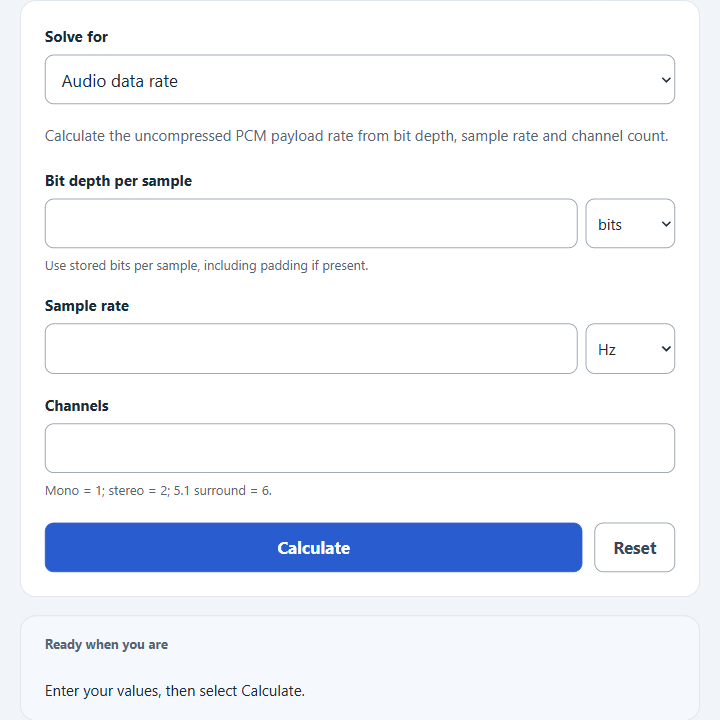
Calculate audio data rate from bit depth, sampling frequency, and channels, or solve any missing value in bps, Kbps, or Mbps for uncompressed PCM audio.
Audio Data Rate Formula
The calculator uses the standard uncompressed digital audio data rate formula. It multiplies bit depth, sampling frequency, and channel count to find the audio data rate.
Rearranged formulas are used when you choose a value to solve for:
- ADR = audio data rate, usually in bits per second, kilobits per second, or megabits per second
- BD = bit depth, in bits per sample
- SF = sampling frequency, in hertz
- C = number of audio channels
Choose the desired result, then enter the three requested values. Fractional results for channels or bit depth are theoretical and indicate that the inputs do not describe an ordinary whole-channel, whole-bit format. Unit selections are converted to base units first: bits, hertz, channel count, and bits per second.
Common Audio Settings and Data Rates
These examples show typical uncompressed PCM audio data rates before compression, file headers, metadata, or container overhead.
| Use case | Bit depth | Sample rate | Channels | Data rate |
|---|---|---|---|---|
| CD audio | 16 bits | 44.1 kHz | 2 | 1.4112 Mbps |
| DVD/video production stereo | 24 bits | 48 kHz | 2 | 2.304 Mbps |
| High-resolution stereo | 24 bits | 96 kHz | 2 | 4.608 Mbps |
| 5.1 surround at 48 kHz | 24 bits | 48 kHz | 6 | 6.912 Mbps |
Unit Conversions Used
| Unit | Equivalent base unit |
|---|---|
| 1 kbit | 1,000 bits |
| 1 kHz | 1,000 Hz |
| 1 kbps | 1,000 bps |
| 1 Mbps | 1,000,000 bps |
Example Calculations
Example 1: Calculate audio data rate
You have 16-bit stereo audio sampled at 44.1 kHz.
The audio data rate is 1.4112 Mbps.
Example 2: Calculate the missing sample rate
You know the audio data rate is 2.304 Mbps, the bit depth is 24 bits, and the audio has 2 channels.
The sampling frequency is 48 kHz.
FAQ
Does this calculate compressed audio bitrate?
No. This calculation is for uncompressed audio data rate, such as PCM audio. Compressed formats like MP3, AAC, Opus, or FLAC can have much lower data rates because they reduce or encode the original audio data differently.
Why does stereo double the data rate?
Stereo has 2 channels. Each channel stores its own stream of samples, so the data rate is multiplied by 2. A 6-channel surround file uses six streams of samples, so its uncompressed data rate is six times the rate of one channel at the same bit depth and sample rate.
Is Kbps the same as kbps?
In common audio usage, Kbps and kbps are both often used to mean kilobits per second. This calculator treats 1 Kbps as 1,000 bits per second. It does not use 1,024-based binary units.