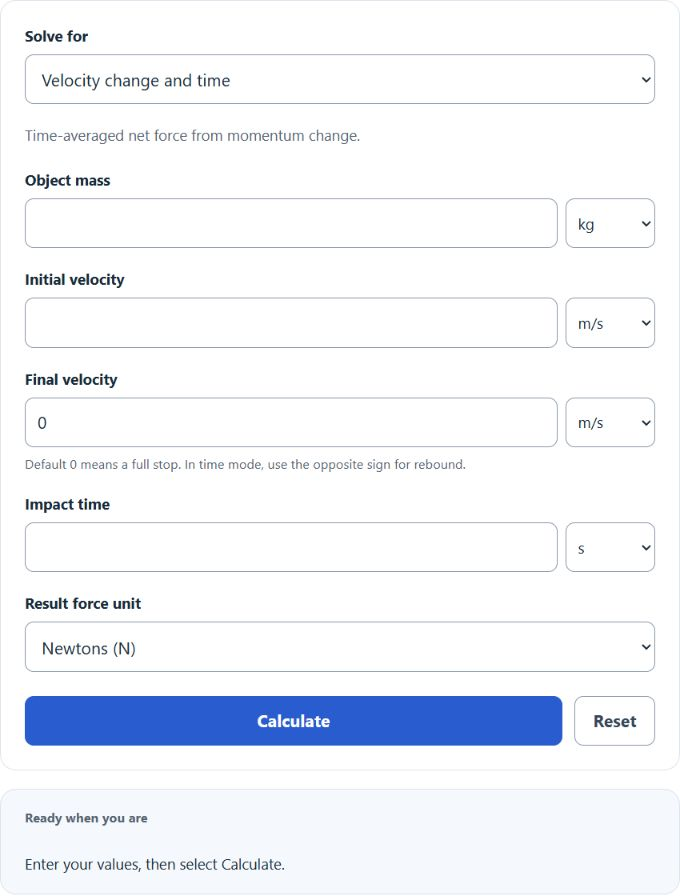
Calculate average impact force from mass, velocity change, impact time, stopping distance, or drop height, with results in newtons, kilonewtons, and pounds-force.
- All Physics Calculators
- All Force Calculators
- Impact G Force Calculator
- Angle of Impact Calculator
- Force From Height Calculator
- Impact Energy Calculator
Average Impact Force Formula
Average impact force estimates the mean collision load over the stopping interval. It is most useful when an object slows rapidly during a crash, drop, strike, or compression event. For a complete stop, the change in velocity is the impact speed immediately before contact.
With a full stop over a known distance, work and energy give the distance-averaged net force magnitude below. Time and distance averages can differ when force varies. Distance mode assumes motion without reversal; use time mode for rebound.
The calculator also relates impact force to kinetic energy and free-fall speed.
Average deceleration is often expressed in g’s.
Vertical drop mode reports upward contact force averaged over the stopping distance, including the object’s weight during stopping. Net stopping force and net acceleration are shown separately; contact load divided by weight is one greater than net acceleration divided by g.
What Each Input Means
- Mass: the object’s mass, not its weight.
- Change in velocity: the amount the speed changes during impact. If an object goes from 18 m/s to rest, use 18 m/s.
- Collision time: how long the deceleration lasts.
- Collision distance: the distance over which the object is brought to rest, such as foam compression, crush depth, or stopping travel.
- Drop height: used to estimate impact speed for free-fall cases when air resistance is ignored.
When to Use Each Mode
- Time-based mode: best when you know impact duration from testing, sensor data, or high-speed video.
- Distance-based mode: best when you know how far the object deforms, compresses, or slides while stopping.
- Free-fall helper: best for drops where height is known and the calculator can first determine impact speed.
How Force Changes
- More mass increases force linearly. Double the mass and the average force doubles if the stopping conditions stay the same.
- More speed increases force sharply. In the distance-based method, force grows with the square of speed, so doubling speed causes roughly four times the average force.
- Longer stopping time reduces force. Spreading the stop over a longer interval lowers deceleration.
- Greater stopping distance reduces force. Padding, crumple zones, suspension travel, and foam all help by increasing stopping distance.
- Harder impacts create higher loads. Small crush distance and very short contact time usually produce the largest forces.
Example 1: Using Collision Time
A 10 kg object slows from 12 m/s to rest in 0.03 s.
The average impact force is 4.0 kN. That corresponds to about 40.8 g of average deceleration, which shows how quickly impact loads can become much larger than normal static loads.
Example 2: Using Drop Height and Stopping Distance
A 5 kg object falls 1.2 m and is brought to rest over 0.015 m.
The net stopping force is about 3.92 kN. Including weight during stopping, the distance-averaged upward contact force is 3971.69325 N, about 3.97 kN. Even with a modest drop height, a very short stopping distance creates a large impact load.
Average Force vs. Peak Force
Average force spreads the event across the full stopping time or distance. Peak force is the highest instantaneous load reached during the impact. Peak force is usually higher than average force, and the exact peak depends on stiffness, deformation, pulse shape, and contact geometry. For quick estimates and comparisons, average force is often the most practical starting point.
Common Input Mistakes
- Entering weight instead of mass.
- Using final velocity instead of the total change in velocity.
- Using an unrealistically long collision time or unrealistically large stopping distance.
- Ignoring only the component of motion that actually stops during the impact. For angled contact, use the velocity component in the stopping direction.
Practical Interpretation
This calculator is useful for estimating drop loads, packaging impacts, crash deceleration, sports collisions, equipment handling, and protective material performance. If your goal is to reduce impact force, the most effective changes are usually lowering impact speed and increasing the stopping time or stopping distance.