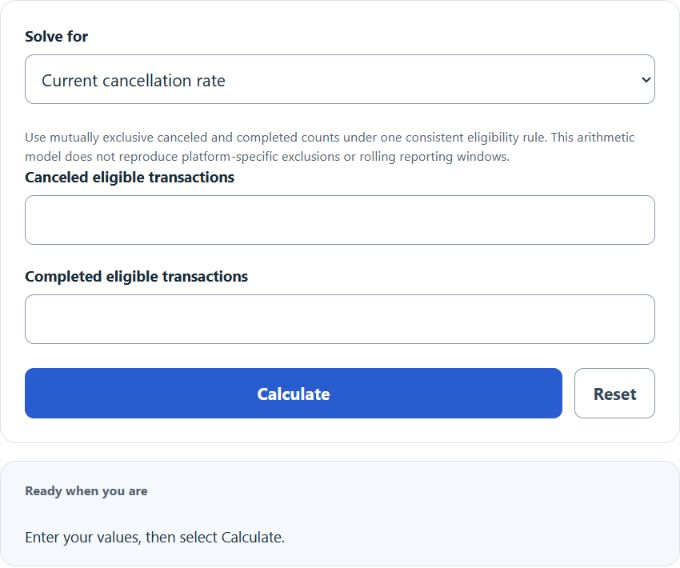
Calculate a cancellation percentage, find clean transactions needed to reach a target, or plan how many future cancellations keep you under a limit.
Cancellation Rate Formula
- Canceled = number of canceled transactions in the period
- Total = canceled + completed transactions in the same period
If you only have canceled and completed counts, add them to get Total. For target planning, the maximum allowed number of cancellations is:
Use the same time window and eligibility definition throughout. This calculator treats canceled and completed records as mutually exclusive final outcomes. Platform rules can differ: Amazon’s cancellation-rate definition, for example, uses its own reporting window and exclusions. Recovery here retains existing records in an expanding denominator and assumes no further cancellations; it does not forecast a rolling-window metric.
Reference Tables
The bands below are illustrative reporting categories, not universal industry benchmarks or platform compliance thresholds. Choose thresholds using your own context and consistent historical data.
| Rate | Illustrative label | Action |
|---|---|---|
| 0% up to 2% | Low | Track for trend changes |
| More than 2% up to 5% | Moderate | Segment by channel and product |
| Over 5% | High | Investigate root cause |
| Total | 2% cap | 5% cap | 10% cap |
|---|---|---|---|
| 100 | 2 | 5 | 10 |
| 500 | 10 | 25 | 50 |
| 1,000 | 20 | 50 | 100 |
| 5,000 | 100 | 250 | 500 |
Worked Example and FAQ
Example. You had 18 cancellations out of 450 total transactions last month.
Rate = (18 / 450) * 100 = 4.00%. Completion rate is 96.00%, or about 4 cancellations per 100 transactions.
Should refunds count as cancellations? Only if your business treats them the same way. A clean cancellation rate counts orders voided before fulfillment. Track refunds and chargebacks as separate metrics.
What about pending orders? Exclude them. Include each transaction once it reaches a final state (canceled or completed) within your reporting window.
Why does future cancellation allowance round down? To stay at or below your target rate, the allowed count must be a whole number that does not exceed Total times the target. The calculator floors the exact decimal limit before display rounding. If existing cancellations exceed that maximum, it reports the amount over allowance. Its target is inclusive (at or below); strict less-than platform policies require different limits.