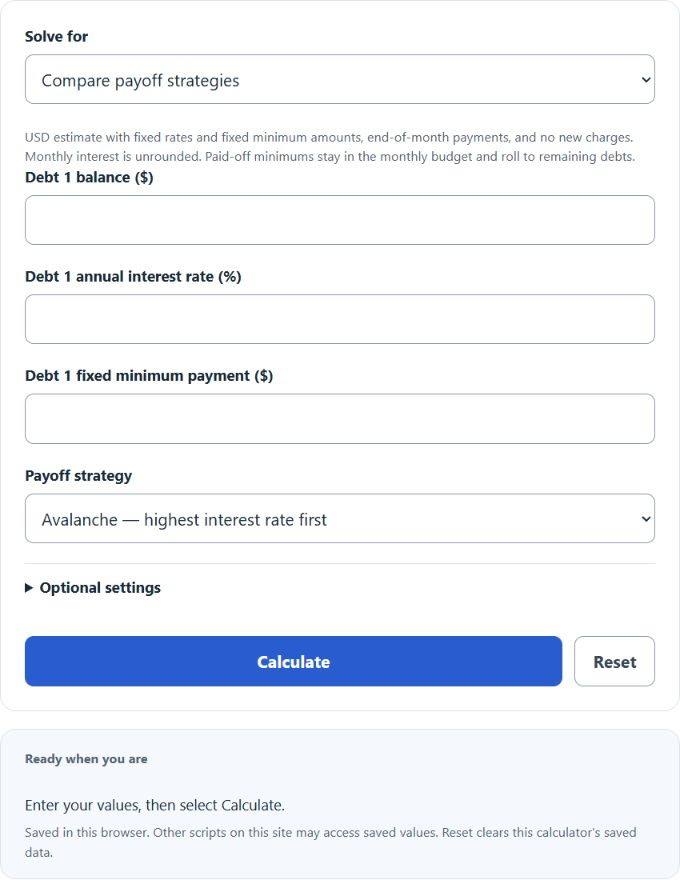
Use this debt payoff calculator to compare snowball and avalanche plans, estimate interest and payment months, and find the extra payment needed for a target payoff time.
Debt Payoff Formula
Each debt is updated one month at a time. Interest is added first; then the scheduled payment and any extra payment are subtracted:
I_m = B_m * (APR / 12)
 B_(m+1) = B_m + I_m - P_m
Variables:
- I_m is the interest charged during month m
- B_m is the balance at the start of the month
- APR is the annual percentage rate written as a decimal
- P_m is the payment applied during the month
The calculator keeps the total monthly debt budget constant. When one debt is paid off, its former minimum payment rolls to the next target. The avalanche method sends the available extra amount to the highest-rate balance. The snowball method sends it to the smallest balance. In target-time mode, the calculator searches whole-cent extra payments and verifies the smallest amount that reaches the requested payment month. Monthly interest is not rounded; actual creditor methods may differ.
Debt Payoff Strategy Reference
Both main strategies can work when payments are made consistently. The difference is how the extra portion of the monthly budget is prioritized.
| Method | Priority rule | Typical advantage | Tradeoff |
|---|---|---|---|
| Debt avalanche | Highest APR first | Usually minimizes total interest | The first payoff may take longer |
| Debt snowball | Smallest balance first | Creates earlier account payoffs | May cost more interest |
| Zero extra with rollover | No added payment | Lowest immediate cash requirement | No extra beyond the entered minimum budget; freed payments still roll forward |
| Target-time plan | Payment set to a chosen deadline | Turns a goal into a required budget | May require extra payment; zero extra is possible if the goal is already met |
Example Problems
Example 1: Compare avalanche and snowball repayment.
Assume three debts: $8,000 at 22% with a $240 minimum, $4,000 at 14% with a $130 minimum, and $1,500 at 8% with a $60 minimum. Add $200 per month. The calculator applies $630 in total each month. Under the avalanche, the 22% balance receives the first extra payment; under the snowball, the $1,500 balance receives it. The result table shows the payoff time and total interest for both methods.
Example 2: Find the payment for a three-year goal.
Enter the same debts, select a target of 36 months, and choose a strategy. The calculator tests increasing extra payments until the simulated final balance reaches zero by month 36. The displayed extra amount is added to the combined minimum payments.
Frequently Asked Questions
Is the debt avalanche always cheaper?
It usually produces the lowest interest cost because it attacks the most expensive balance first. Unusual payment structures or promotional rates can change the comparison, so use the actual balances, rates, and payments.
What happens when a debt is paid off?
The calculator rolls that debt’s former minimum payment into the remaining debt budget. This keeps the total monthly payment constant instead of allowing it to fall after each payoff.
Why can my real payoff date differ?
Credit-card minimums can change, interest may accrue daily, fees can be added, and new purchases can raise balances. Use the result as a planning estimate and update the inputs when statements change.