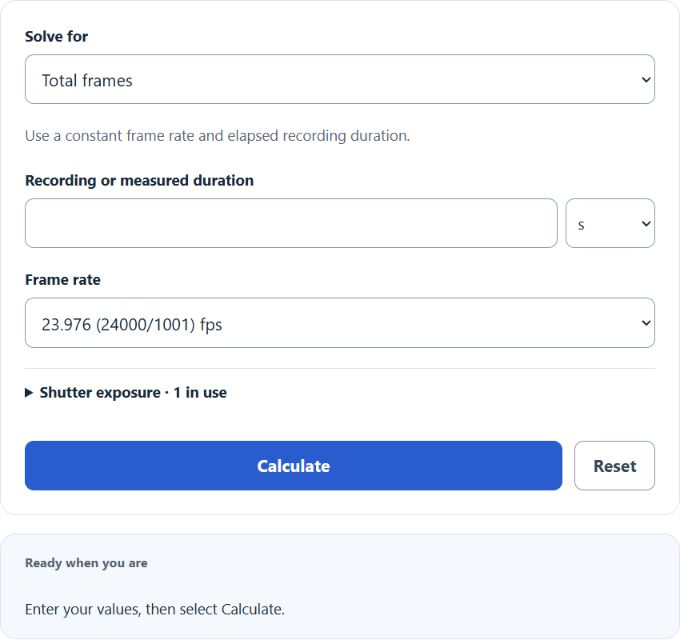
Calculate FPS, total frames, or clip duration, then plan slow motion with playback length, speed percentage, frame time, shutter exposure, and timecode.
- All Unit Converters
- All Rate Calculators
- Bit Error Rate (BER) Calculator
- Deduplication Ratio Calculator
- Price Per Frame Calculator
Frame Rate Formula
The calculator uses one core relationship rearranged for each mode.
- Frames — total number of still images in the sequence
- FPS — frame rate, in frames per second
- Duration — playback time, converted to seconds before calculation
The main frame-count result is a theoretical count at a constant rate. Details include nearest, floor and ceiling whole-frame counts. Physical sequences contain whole frames; choose rounding for the production task rather than treating a fractional estimate as a measured count.
Common Frame Rates and Reference Values
Use these as sanity checks against the calculator output.
| Frame Rate | Typical Use | Look |
|---|---|---|
| 24 fps | Cinema, narrative film | Cinematic motion blur |
| 25 fps | PAL broadcast (Europe) | Standard TV |
| 29.97 / 30 fps | NTSC, web video, streaming | Standard TV / web |
| 48 / 50 fps | HFR film, PAL sports | Hyper-real, sharp |
| 60 fps | Gaming, sports, smooth web | Very smooth |
| 120+ fps | Slow-motion capture | Played back slowed down |
Quick frame counts at common rates:
| Duration | 24 fps | 30 fps | 60 fps |
|---|---|---|---|
| 1 second | 24 | 30 | 60 |
| 10 seconds | 240 | 300 | 600 |
| 1 minute | 1,440 | 1,800 | 3,600 |
| 1 hour | 86,400 | 108,000 | 216,000 |
Worked Examples
How long does 1,440 frames take at 24 fps?
1,440 / 24 = 60 seconds.
How many frames in a 30-second clip at 60 fps?
60 × 30 = 1,800 frames.
Captured 900 frames in 30 seconds — what FPS?
900 / 30 = 30 fps.
Slow-motion playback: Footage shot at 120 fps and played at 30 fps runs 4× slower. A 5-second capture (600 frames) becomes 20 seconds on screen.
Timecode note: Fractional presets use 24000/1001, 30000/1001 and 60000/1001 fps; their short decimal names are rounded. Custom FPS is literal. The calculator gives nominal non-drop-frame (NDF) count labels in details, not drop-frame timecode. NDF labels at 30000/1001 fps drift by about 3.6 seconds per nominal hour relative to elapsed time. Drop-frame changes numbering, not playback rate.