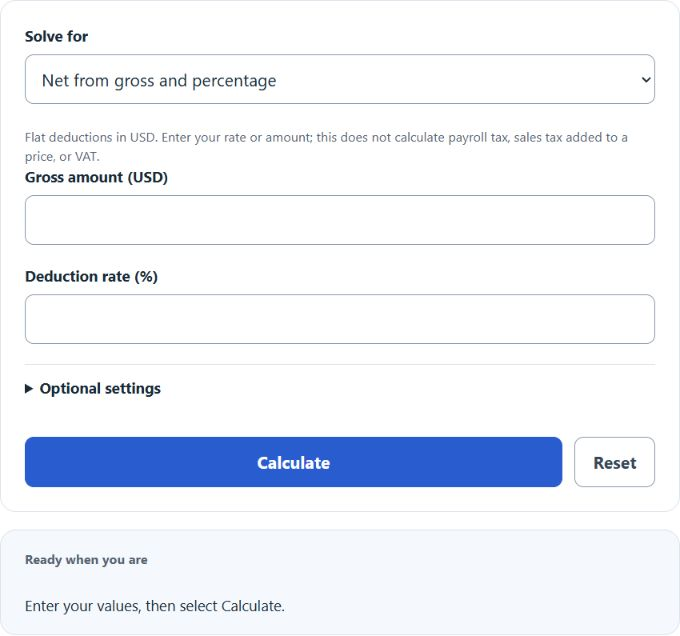
Convert gross to net or gross up a net amount using a supplied flat percentage or fixed deduction. You can also find the effective deduction rate from gross and net; no tax-rate presets are used.
| Calculator Operations | Required Inputs |
|---|---|
| Convert Net to Gross | Net Amount, Tax % |
| Convert Gross to Net | Gross Amount, Tax % |
| Convert Gross to Tax Percentage | Gross Amount, Net Amount |
Gross To Net Formula
The following formula can be used to convert the gross amount to the net amount.
- Where N is the net
- G is the gross
- and T is the entered deduction percentage (20 means 20%)
For percentage deductions, multiply gross by the entered percentage divided by 100, then subtract that deduction. For a fixed deduction, subtract the entered amount directly. Percentage gross-up divides net by (1 − rate/100); fixed gross-up adds the deduction.
| Gross Amount ($) | Net Amount ($) |
|---|---|
| 10 | 8.00 |
| 25 | 20.00 |
| 50 | 40.00 |
| 75 | 60.00 |
| 100 | 80.00 |
| 150 | 120.00 |
| 200 | 160.00 |
| 250 | 200.00 |
| 300 | 240.00 |
| 400 | 320.00 |
| 500 | 400.00 |
| 750 | 600.00 |
| 1,000 | 800.00 |
| 1,250 | 1,000.00 |
| 1,500 | 1,200.00 |
| 2,000 | 1,600.00 |
| 2,500 | 2,000.00 |
| 3,000 | 2,400.00 |
| 5,000 | 4,000.00 |
| 10,000 | 8,000.00 |
| * Rounded to 2 decimals. Net = Gross × (1 − T/100), with T = 20. This is an assumed flat deduction, not a universal tax rate. | |
Gross to Net Definition
Gross to net subtracts a specified tax or other deduction from an amount. This calculator uses a user-supplied flat rate or fixed amount in USD; it does not determine actual payroll taxes or remove VAT from a tax-inclusive price.
How to calculate gross to net?
How to calculate Gross to Net
- Determine the gross
Calculate or determine the total gross.
- Determine the tax %
This will be the total tax percentage
- Calculate the Net
Take the gross and tax % and calculate the net.
FAQ
A gross to net conversion is the change in amount after tax has been applied.