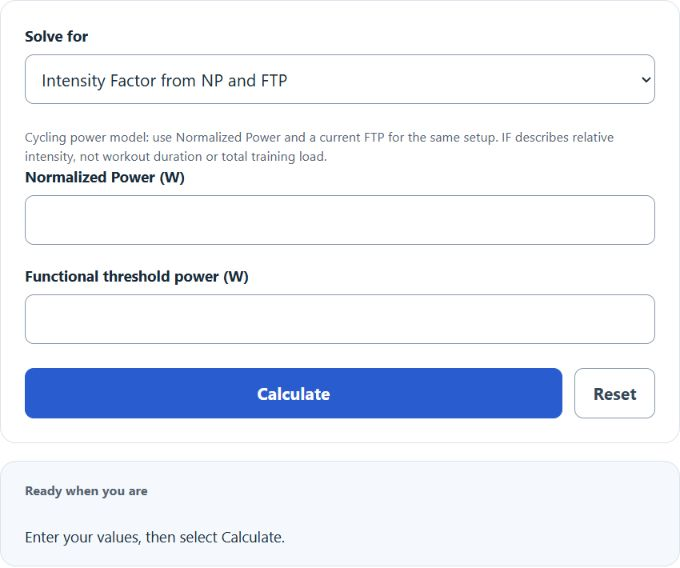
Calculate cycling Intensity Factor from Normalized Power and FTP, or work back to the target Normalized Power or implied FTP for a planned effort.
How the Intensity Factor Calculator Works
Intensity Factor expresses a ride's Normalized Power relative to the rider's functional threshold power. The ratio compares relative intensity across athletes and fitness changes when FTP and measurement setup are appropriate; it does not compare total training load.
Choose which member of the relationship is unknown. The calculator solves IF, target NP, or implied FTP without rounding the intermediate ratio.
Formula and Method
Formula: IF = Normalized Power / FTP
The rearranged forms are NP = IF x FTP and FTP = NP / IF. IF is dimensionless because both power values use watts.
Choosing the Right Inputs
Use Normalized Power from the same ride segment and a current FTP based on the same power-meter setup. For planning, enter the desired IF as a decimal such as 0.80 rather than 80.
| IF | Relative to FTP | General context |
|---|---|---|
| Below 0.75 | Below 75% | Low relative intensity |
| 0.75 to <0.85 | 75% to <85% | Moderate |
| 0.85 to <0.95 | 85% to <95% | High |
| 0.95 to 1.05 | 95% to 105% | Near threshold |
| Above 1.05 | Above 105% | Above threshold; normally brief |
Understanding Your Results
The requested value leads, followed by all three members of the relationship, percent of FTP, and a broad context band.
IF summarizes relative intensity but not total load. A short hard session and a long steady ride can have similar IF values while producing very different stress.
Worked Example
A ride with 200 W Normalized Power and 250 W FTP has IF 0.800. At FTP 280 W, an IF target of 0.90 corresponds to 252 W NP.
Common Mistakes
Do not substitute average power for NP when variability matters, enter 80 instead of 0.80, or use stale FTP merely to preserve a familiar result.
Assumptions and Limitations
The context bands are descriptive, not race prescriptions. Heat, fatigue, altitude, indoor versus outdoor differences, and measurement error can alter sustainable intensity.
Sources
TrainingPeaks: Intensity Factor; An Introduction to TrainingPeaks Metrics.